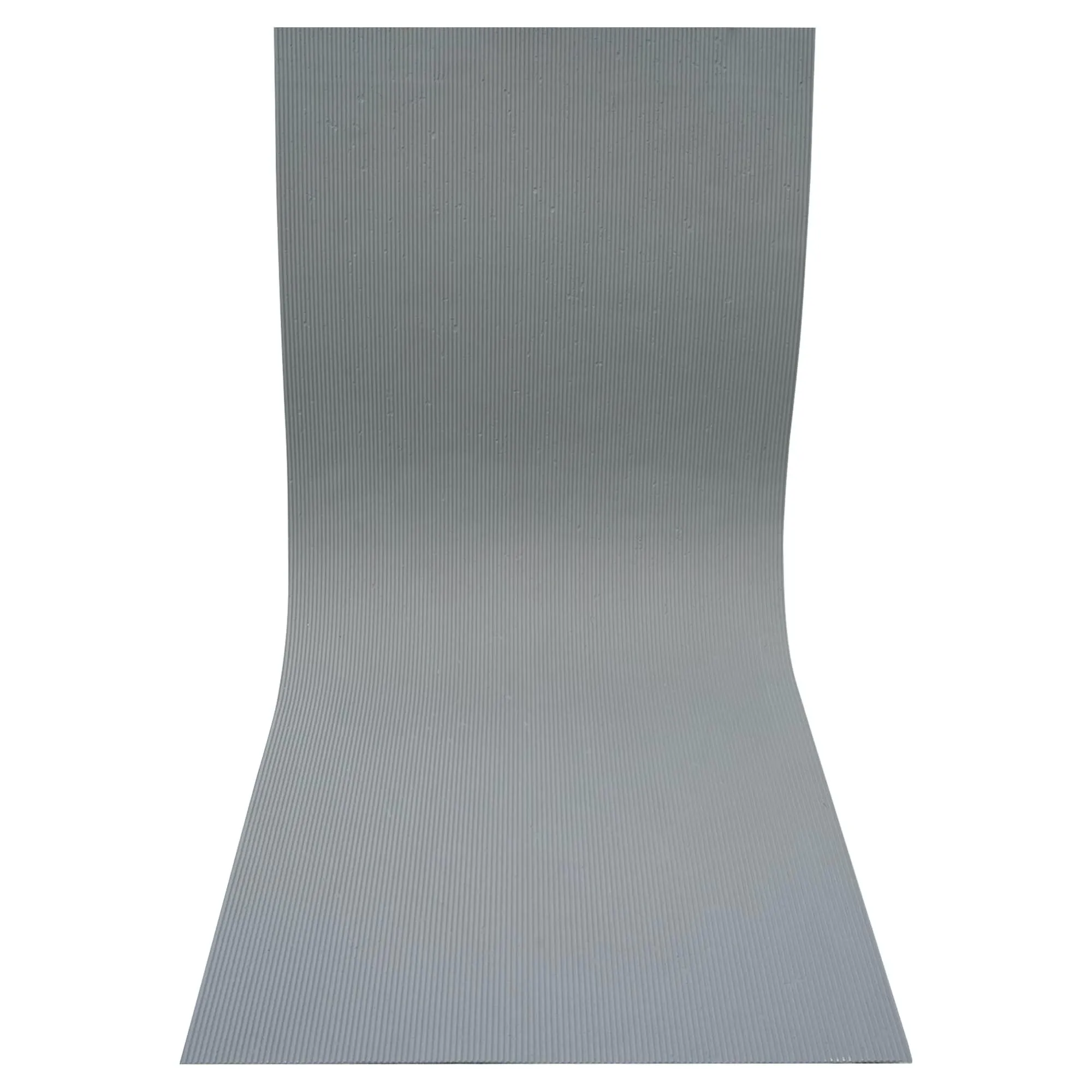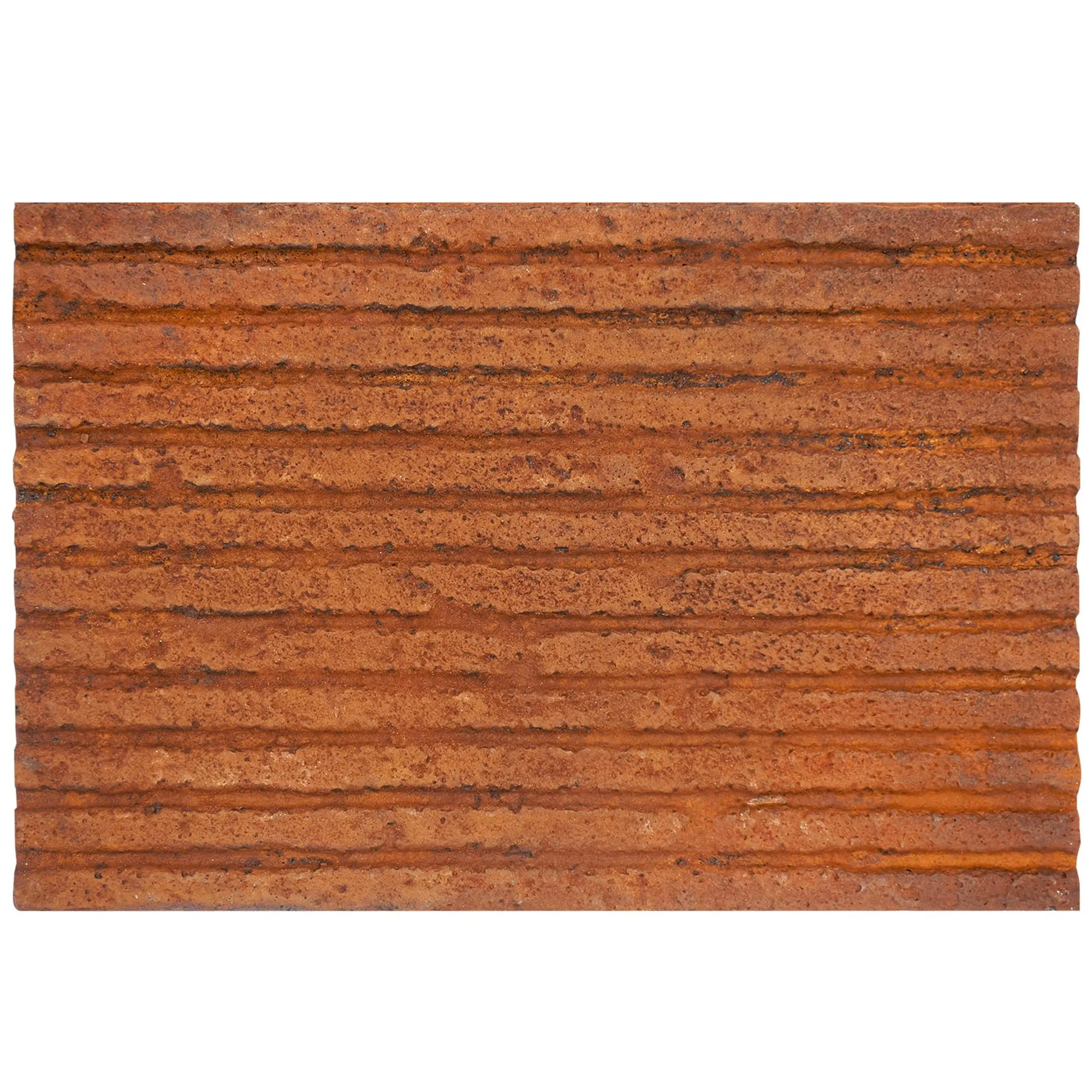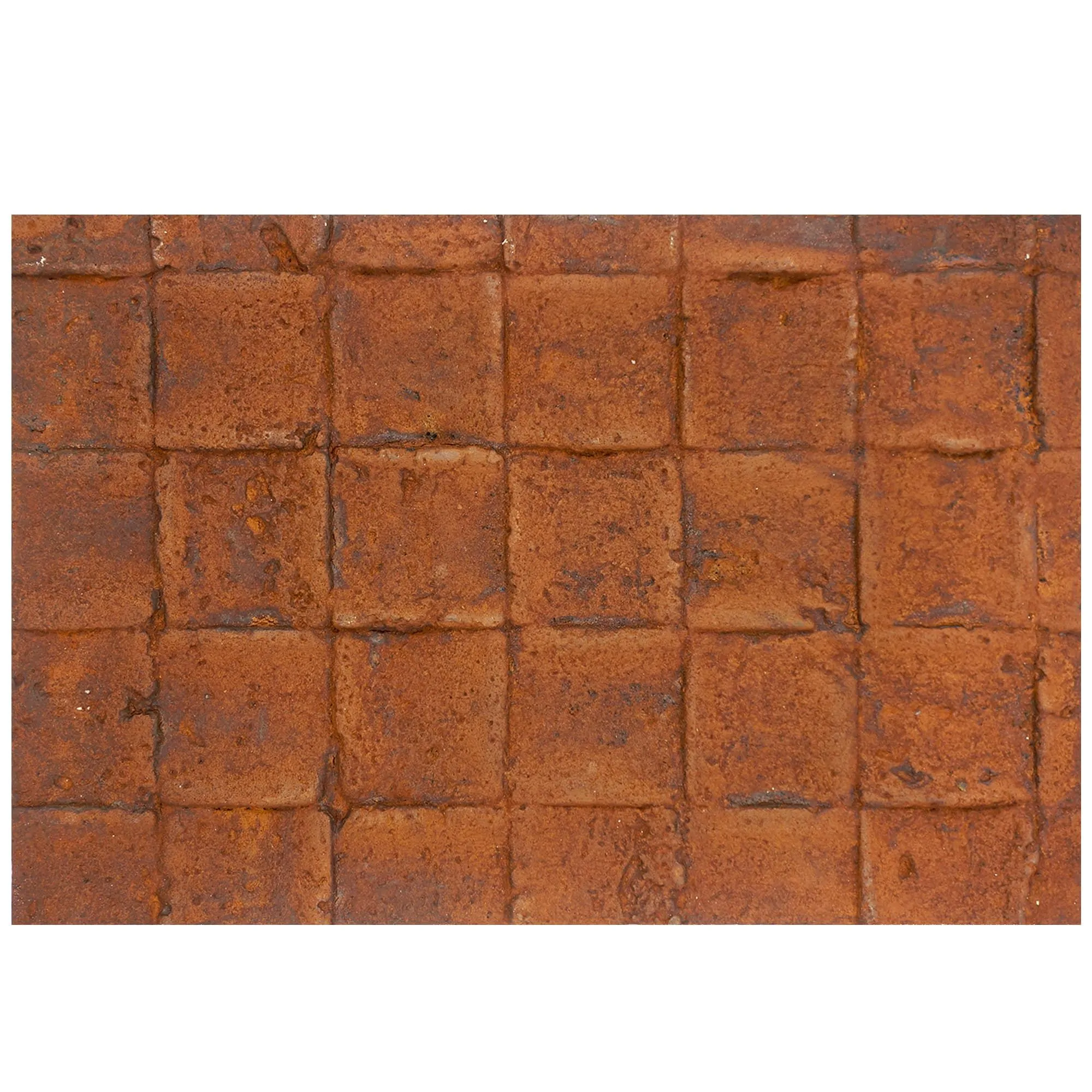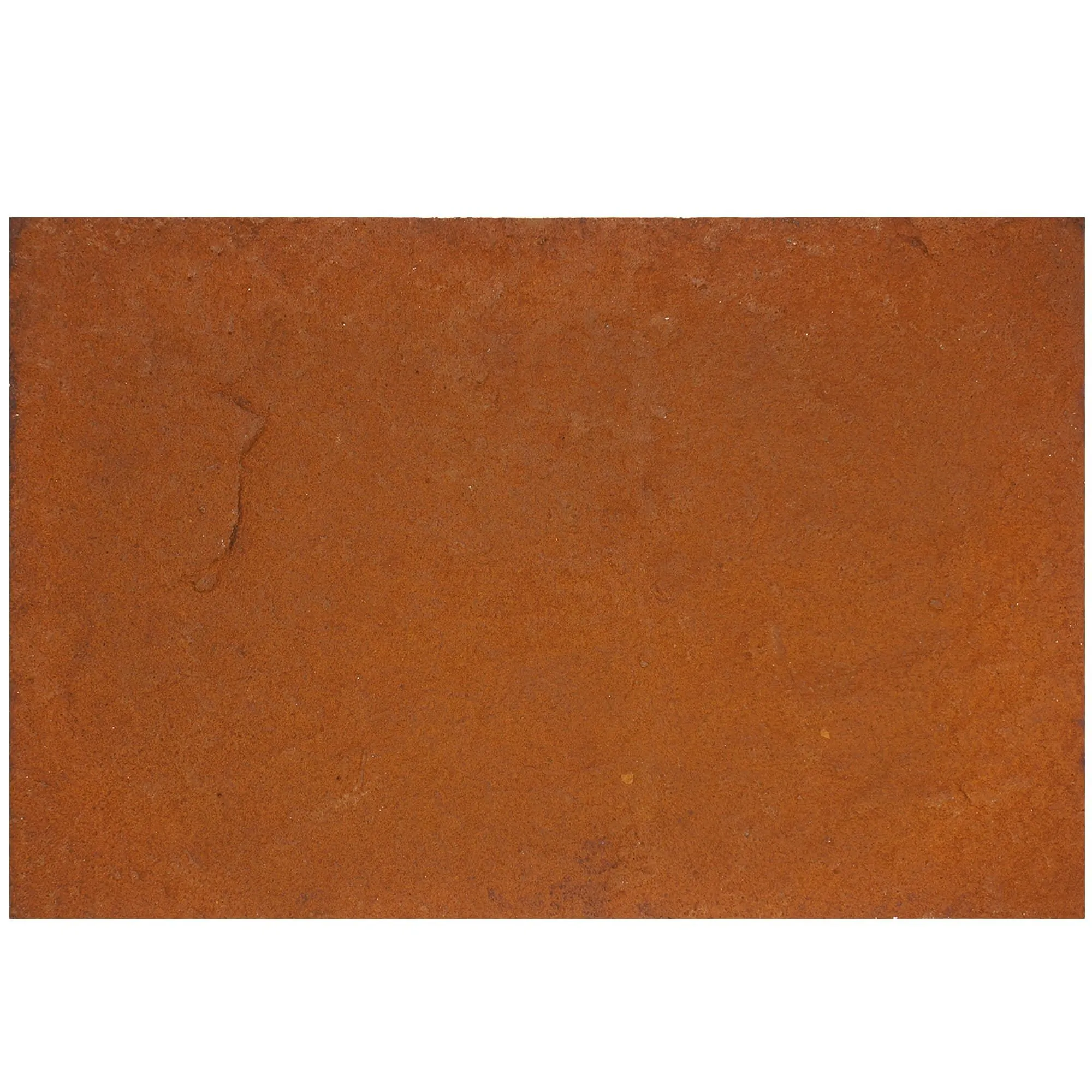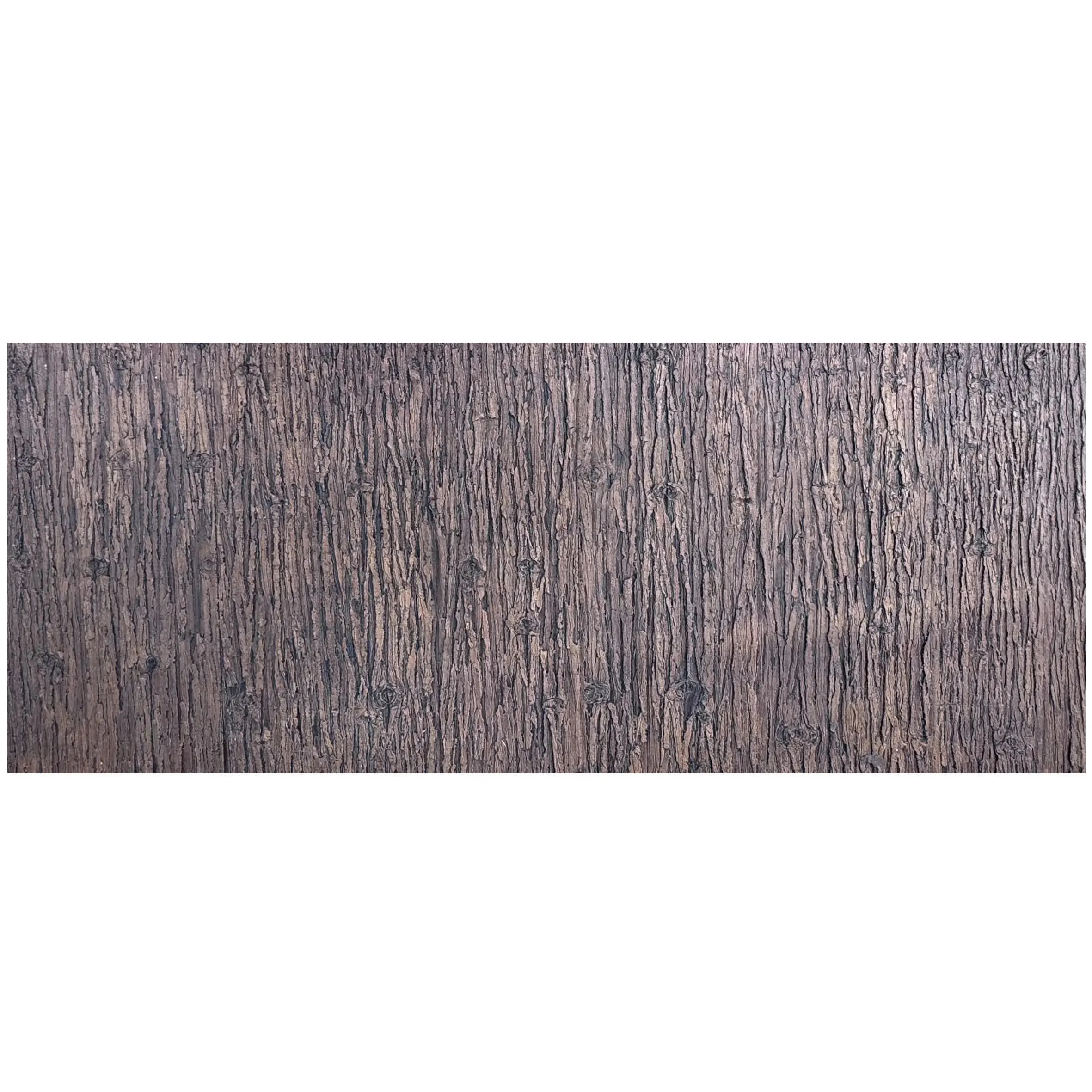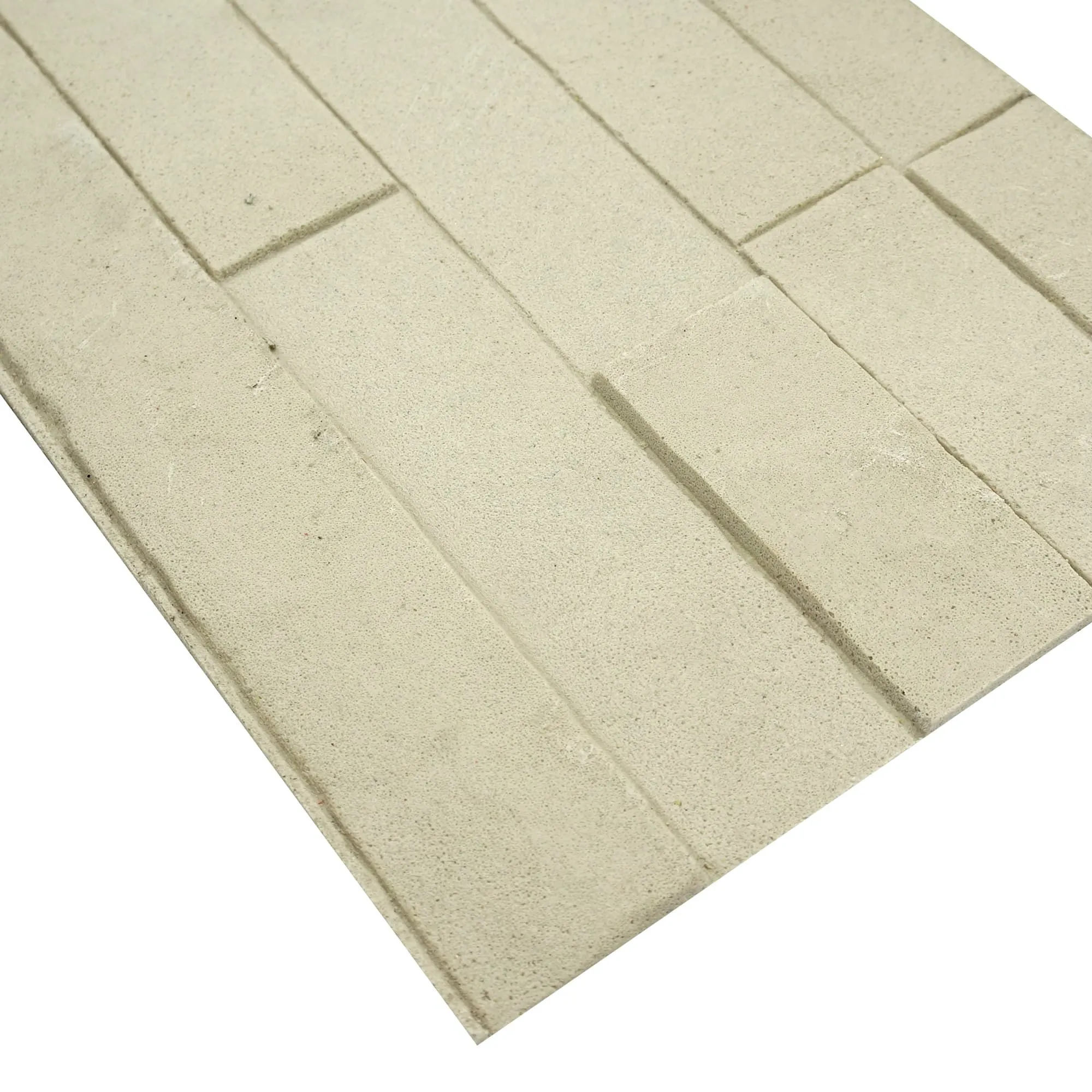
Picture this: You're staring at a blueprint, trying to envision how medium grey rough granite will wrap around the lobby walls. The texture, the play of light—none of it feels real on paper. That's where digital design tools step in, turning abstract ideas into tangible previews. For architects, interior designers, and contractors, these tools aren't just software; they're bridges between imagination and reality, especially when working with materials as distinct as rough granite stone (medium grey). Let's dive into how these tools are reshaping the way we design, collaborate, and bring projects to life—with a little help from innovations like 3D printing series, flexible stone, and complementary materials like wood grain board and fair-faced concrete.
Medium grey rough granite isn't just a material—it's a statement. Its coarse, uneven surface, flecked with mineral deposits, adds depth and character to any space, from industrial lofts to high-end hotels. But that very uniqueness is what makes it hard to visualize. On a 2D drawing, it's just a swatch of grey; in reality, it shifts with light, interacts with adjacent materials, and even changes mood throughout the day. Designers have long relied on physical samples, but those only show a small snippet. A 4x4 inch tile can't capture how the stone will look across a 20-foot wall or paired with wood grain board ceilings. This gap between concept and reality often leads to miscommunications with clients or last-minute material swaps. Enter digital design tools: the solution to making medium grey rough granite feel less like a guess and more like a guarantee.
At the heart of modern design is 3D modeling software, and when it comes to rough granite, these tools shine. Take SketchUp, for example. Its user-friendly interface lets you drape medium grey rough granite over surfaces with just a few clicks, adjusting the scale of the stone's texture to match real-world dimensions. Blender, a favorite for more detailed projects, goes a step further: you can tweak the mineral flecks, simulate weathering, or even add cracks to mimic natural stone. What makes these tools game-changers? They don't just show the color—they capture the feel of the stone. Run a virtual light source across the model, and you'll see shadows pool in the crevices, just like they would in real life.
But 3D modeling isn't just for solo work. When paired with 3D printing series tools, it becomes a bridge to physical prototyping. Imagine designing a custom accent wall with medium grey rough granite panels, then using a 3D printer to create a scaled-down model. Clients can hold the prototype, run their hands over the printed texture, and get a sense of the final result before a single slab is quarried. It's a level of tangibility that 2D renderings can't match, and it's made even more versatile when working with flexible stone—a material that's lightweight, moldable, and surprisingly easy to replicate digitally thanks to its consistent yet organic properties.
Ever wished you could walk through a room before construction starts? Augmented reality (AR) and virtual reality (VR) tools make that possible. Enscape, for instance, plugs into SketchUp or Revit and lets you generate real-time walkthroughs. Strap on a VR headset, and suddenly you're standing in the lobby, looking up at medium grey rough granite walls. Reach out (virtually, of course), and you can "touch" the texture, adjust lighting, or swap in complementary materials like wood grain board for the ceiling—all in seconds. AR apps like Houzz Pro take it a step further, overlaying your design onto a real space using your phone's camera. Point your screen at an empty wall, and watch as medium grey rough granite appears, scaled perfectly to fit. Clients love it because it turns "trust me" into "see for yourself."
These tools also solve a common headache: coordinating with teams. A contractor in Dubai can use VR to inspect a London project's granite layout, pointing out potential installation issues—like how the rough texture might catch dust in high-traffic areas—without hopping on a plane. It's collaboration reimagined, and it's especially useful when mixing materials. For example, if you're pairing medium grey rough granite with fair-faced concrete floors, AR lets you check if the contrast feels balanced or if the concrete's smoothness clashes with the granite's roughness. No more expensive mistakes down the line.
Digital tools are only as good as their material libraries. That's why software like Adobe Substance 3D Designer is a must for granite projects. It lets you build custom material profiles, capturing every nuance of rough granite stone (medium grey)—from the size of its crystals to how it reflects light. Need to show a client what the stone would look like with a subtle sheen? Adjust the "roughness" slider. Want to mimic rainwater beading on the surface? Add a wetness layer. These libraries aren't just for granite, either. They include flexible stone, wood grain board, and even fair-faced concrete, so you can mix and match materials in a single model. The best part? Many libraries are crowdsourced, meaning designers share scans of real-world materials. That medium grey rough granite texture you're using? It might be a scan of a quarry slab from Italy, ensuring accuracy down to the last fleck.
Design is a team sport, and tools like Asana or Monday.com are the playbooks. But for material-focused projects, specialized platforms like PlanGrid or Procore shine. These tools let you attach 3D models, AR walkthroughs, and material specs (including details on your medium grey rough granite batch) to every phase of the project. A supplier can upload photos of the actual granite slabs being shipped, so the designer can compare them to the digital model. A contractor can flag that a flexible stone accent piece won't arrive on time, prompting the team to adjust the schedule—all without a single email chain. It's transparency that keeps projects on track, even when working with complex materials.
| Tool Name | Key Features | Best For | Integration with Material Libraries |
|---|---|---|---|
| SketchUp + Enscape | 3D modeling, real-time rendering, VR walkthroughs | Small to mid-sized interior projects | Access to 10,000+ materials, including rough granite and wood grain board |
| Blender + Adobe Substance 3D | High-detail texturing, custom material creation | Large-scale architectural visualizations | Create custom profiles for flexible stone and fair-faced concrete |
| Houzz Pro AR | Phone-based AR overlay, client presentations | Quick on-site design tweaks | Basic material library with user-uploadable textures |
| Procore | Project management, team collaboration, material tracking | Construction and contractor teams | Links to supplier specs for 3D printing series and granite slabs |
Let's put this all together with a real-world example. Meet Mia, an interior designer tasked with creating an industrial-chic café in downtown Portland. Her vision? Medium grey rough granite walls, wood grain board ceilings, and flexible stone accents for the bar front. Here's how digital tools turned her sketch into a reality:
First, Mia used Blender to model the space, importing a high-res scan of rough granite stone (medium grey) from Adobe Substance 3D. She adjusted the texture to mimic the specific quarry batch her supplier had sourced, ensuring the digital model matched the real stone. Next, she added wood grain board to the ceiling, using Enscape to simulate how natural light would filter through the windows, highlighting the contrast between the warm wood and cool granite.
For client approval, Mia used Houzz Pro AR. She visited the empty café space, pointed her phone at the walls, and "painted" them with the digital granite. The client loved the look but worried the rough texture might be too harsh. Mia quickly swapped in a slightly smoother granite variant in Blender, then used VR to let the client "sit" at a table and experience the revised design. Problem solved.
Once approved, Mia turned to 3D printing series tools to create physical prototypes. She printed a small section of the flexible stone bar front, letting the contractor test how it would adhere to the underlying structure. Using Procore, she shared the 3D model with the construction team, who flagged that the granite slabs would need extra support due to their weight. A quick adjustment in the digital model avoided a costly on-site fix.
Today, the café is open, and Mia still gets texts from the client: "Guests can't stop talking about the walls!" None of it would have been possible without digital tools bridging the gap between idea and execution.
Medium grey rough granite rarely stands alone. It plays well with others, and digital tools excel at showing those relationships. Take fair-faced concrete, for example—a material prized for its raw, minimalist look. Using SketchUp, you can overlay concrete floors with granite walls, adjusting the color temperature to see if the grey tones clash or complement. Wood grain board adds warmth, while flexible stone (with its lighter weight and moldable edges) is perfect for curved accents or backsplashes. Digital libraries even let you experiment with less obvious pairings, like pairing granite with 3D-printed elements from the 3D printing series—think custom light fixtures that echo the stone's texture.
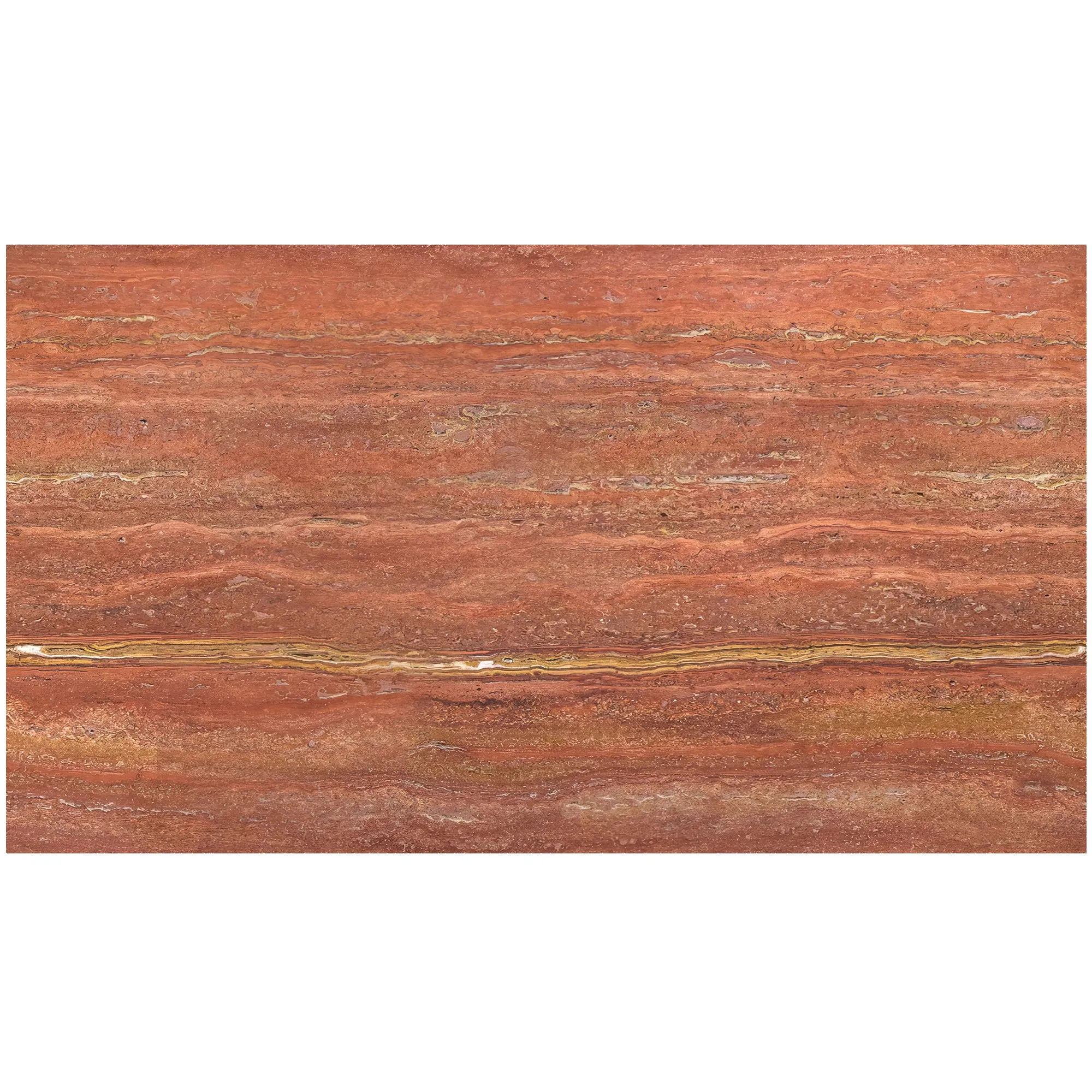
One designer we spoke to used these tools to mix medium grey rough granite with travertine (starry blue) in a hotel lobby. By tweaking the lighting in Enscape, they realized the blue flecks in the travertine would pop against the granite, creating a dynamic, nature-inspired palette. Without digital visualization, they might have stuck to safer, less striking combinations.
As technology evolves, so do the possibilities. 3D printing series tools are already moving beyond prototypes, with companies printing full-scale flexible stone panels that match digital designs exactly. Imagine designing a custom granite pattern in Blender, then sending the file to a 3D printer that extrudes flexible stone into that exact shape—no cutting, no waste. It's sustainable, efficient, and a game-changer for custom projects.
AI is also joining the mix. Tools like MidJourney can generate design concepts based on text prompts ("industrial lobby with medium grey rough granite and wood grain board"), giving designers a starting point to refine in 3D software. Machine learning algorithms are even getting better at predicting how materials will age—showing clients how their granite walls might look in 10 years, with subtle weathering that adds character.
At the end of the day, digital design tools are about confidence. They let you stand in front of a client and say, "This is exactly how it will look," not "This is how I think it might look." For medium grey rough granite projects—where texture and visual impact are everything—they turn uncertainty into clarity. Whether you're using AR to walk through a space, 3D printing series to prototype, or material libraries to mix and match, these tools ensure that the beauty of the stone isn't lost in translation from design to reality.
So the next time you're staring at a blueprint, remember: the tools to bring that medium grey rough granite to life are already at your fingertips. All you need to do is click, render, and imagine—though with these tools, you won't have to imagine for long.
Recommend Products