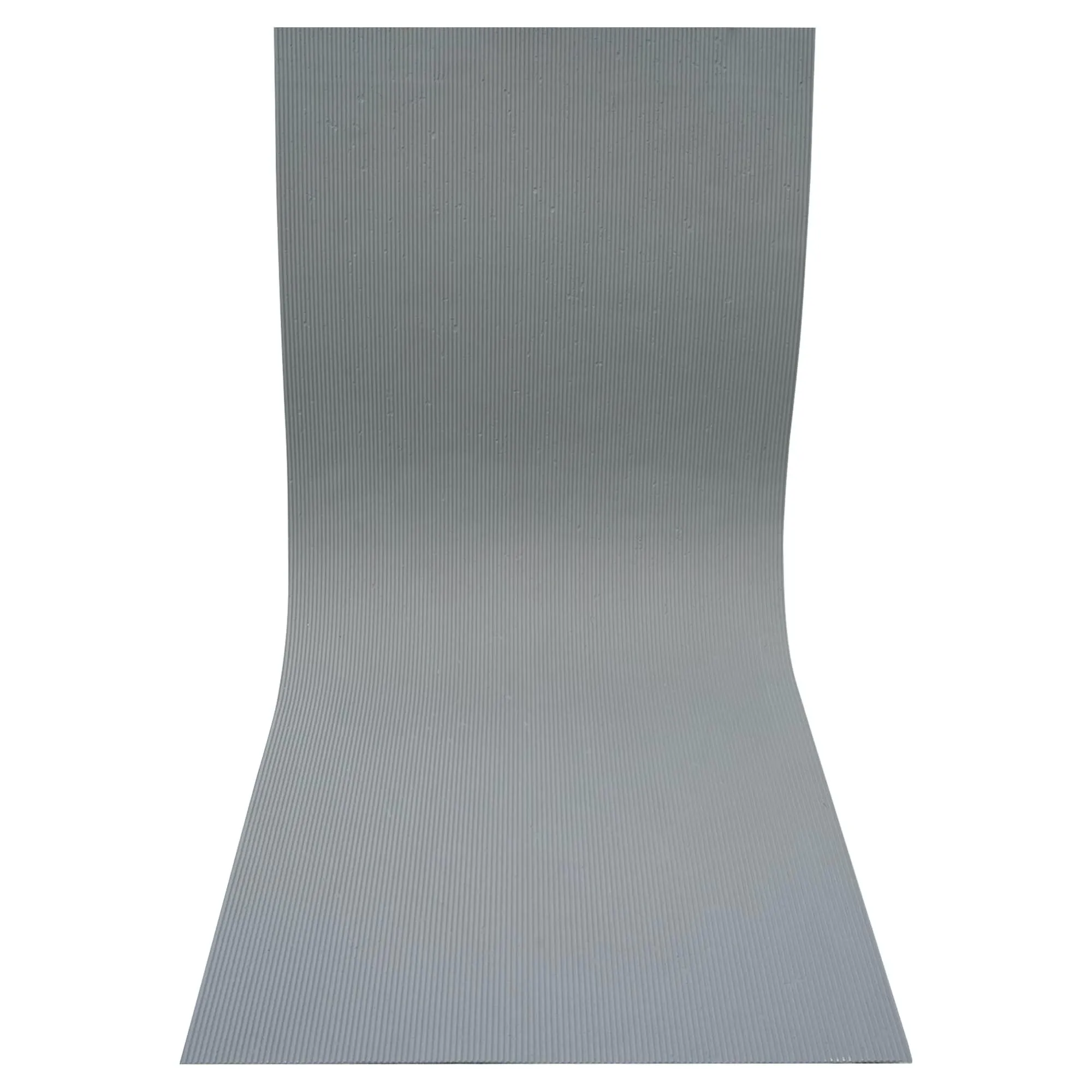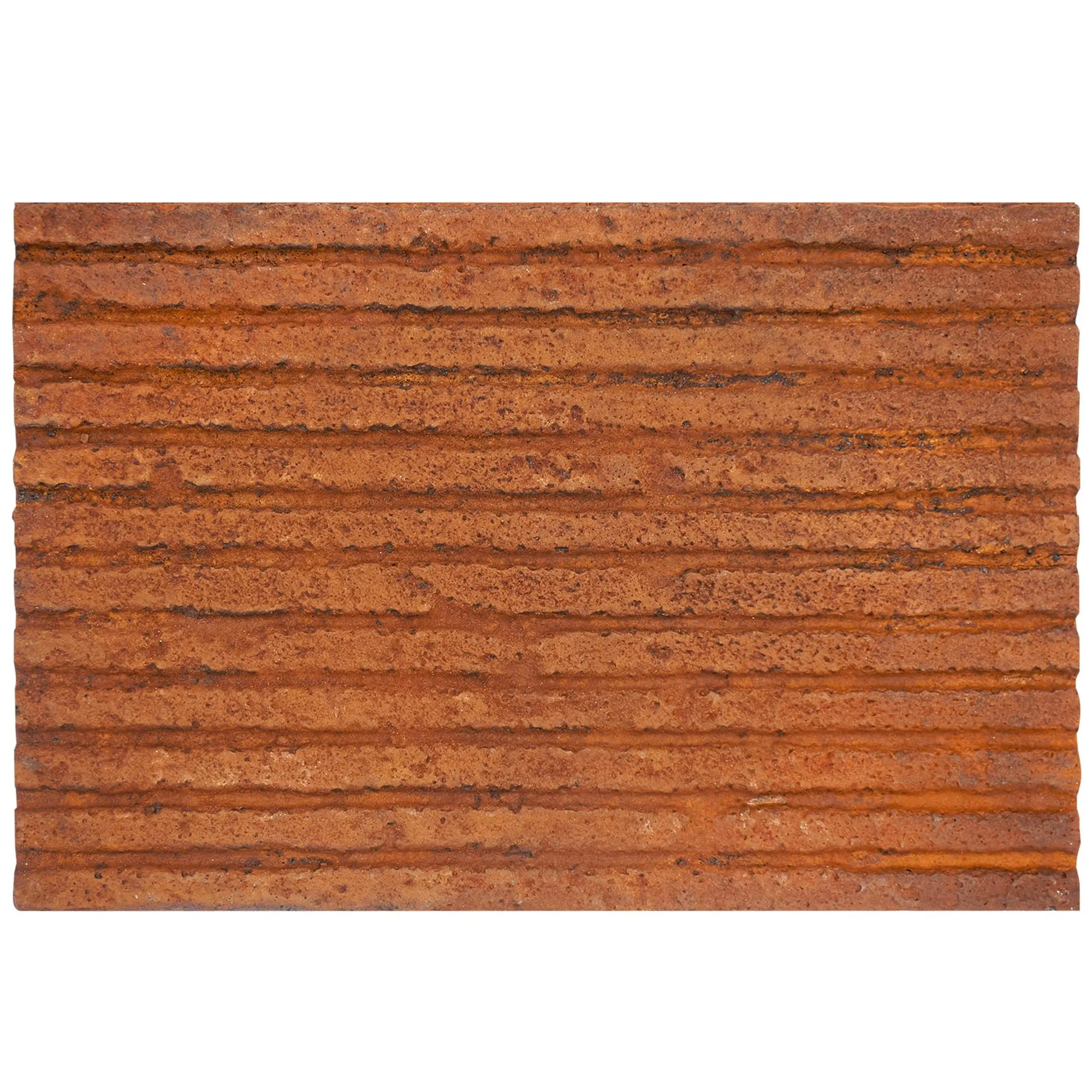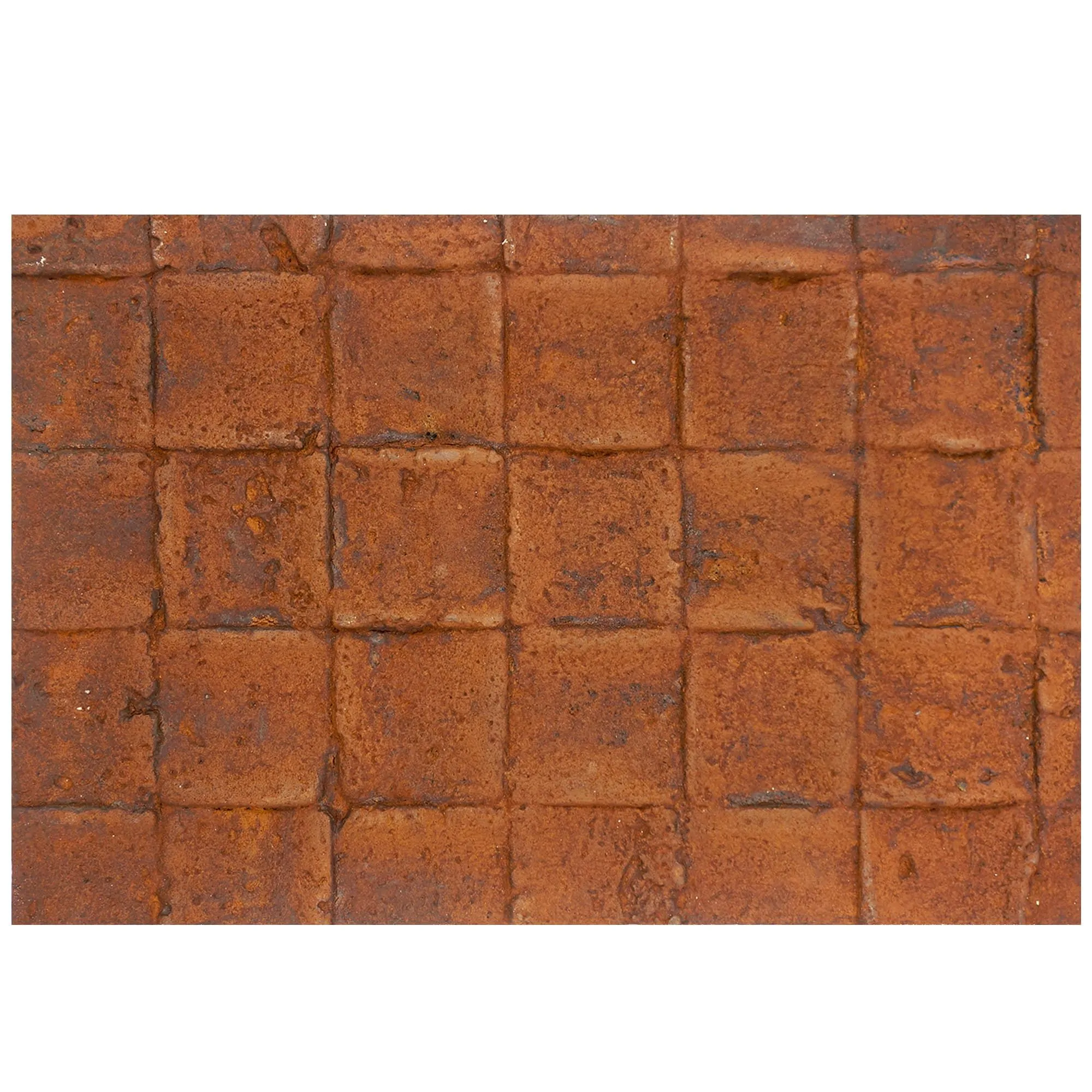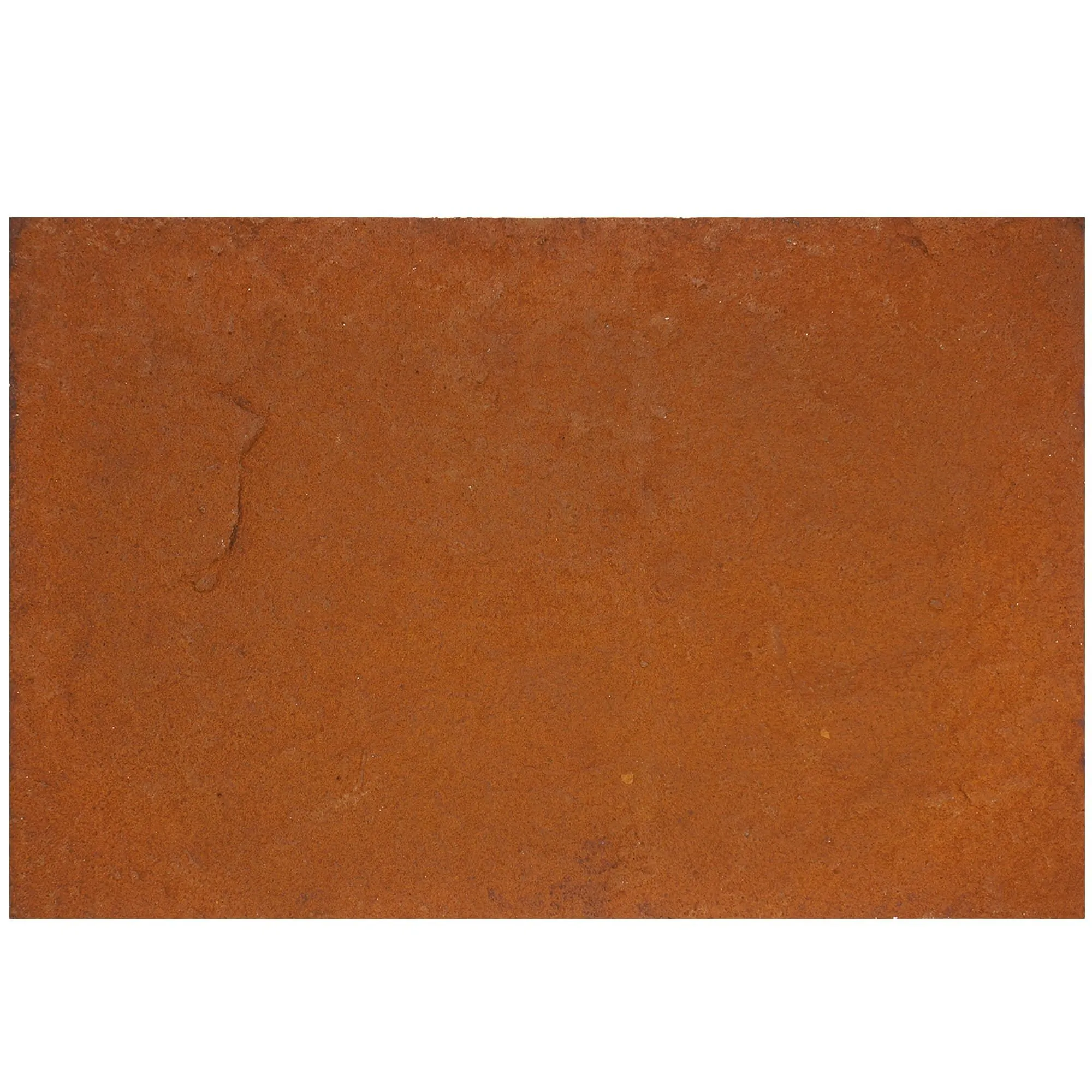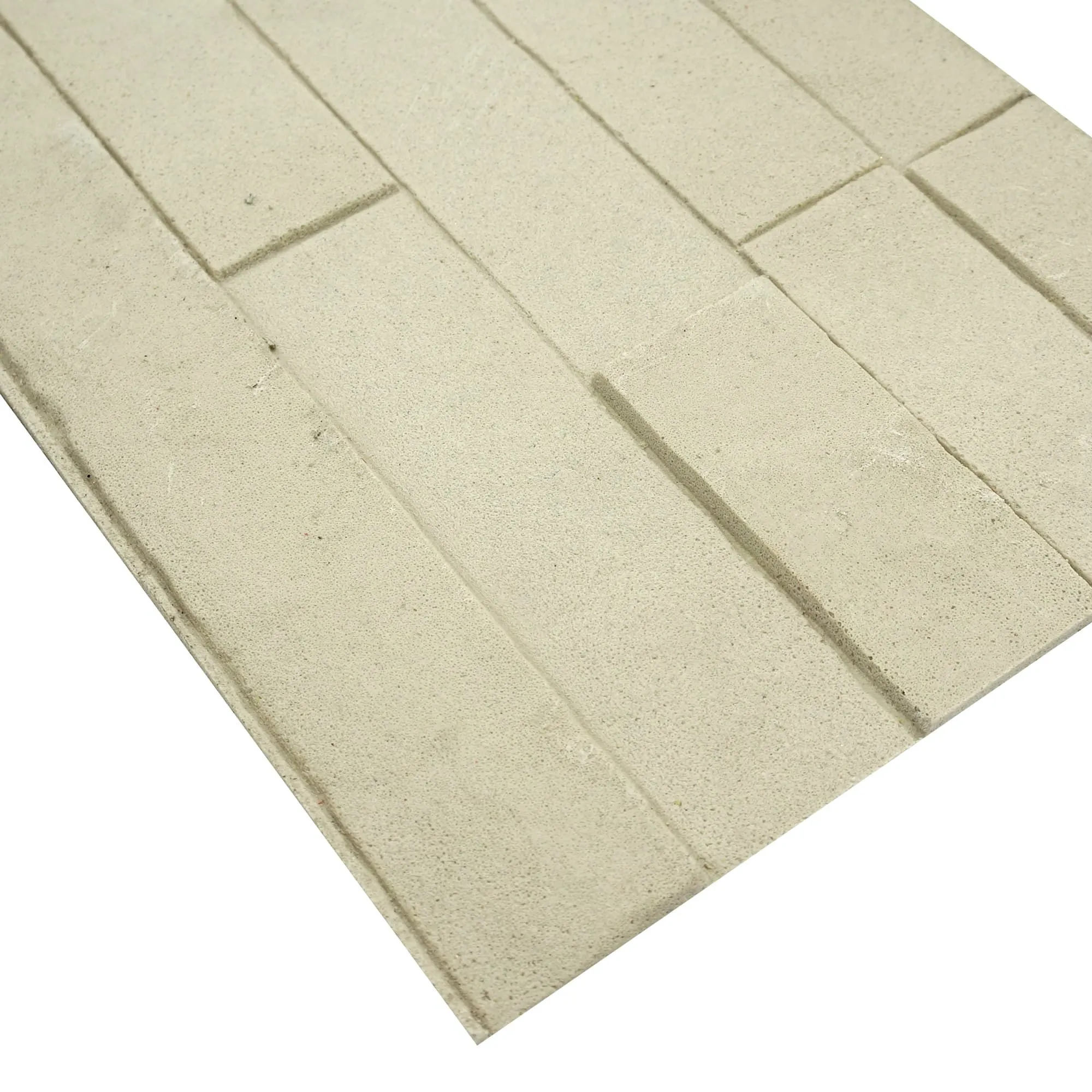
When it comes to commercial construction projects, the choice of wall materials can make or break both the timeline and the final result. That's where COLORIA GROUP steps in—a global one-stop solution provider with decades of experience in building materials, especially known for their innovative MCM (Modified Cementitious Material) product line. Today, we're diving deep into the MCM Project Board Series —the workhorse of commercial installations—and walking you through how to install it like a pro. Along the way, we'll also touch on why this series, paired with other MCM stars like MCM Flexible Stone and MCM 3D Printing Series , is revolutionizing how contractors and architects approach large-scale projects.
First, let's get why the MCM Project Board Series has become a go-to for project managers and architects worldwide. Traditional building materials often come with trade-offs: natural stone is heavy and tough to install, standard cement boards lack design flexibility, and many synthetics skimp on durability. MCM Project Board? It's engineered to fix all three.
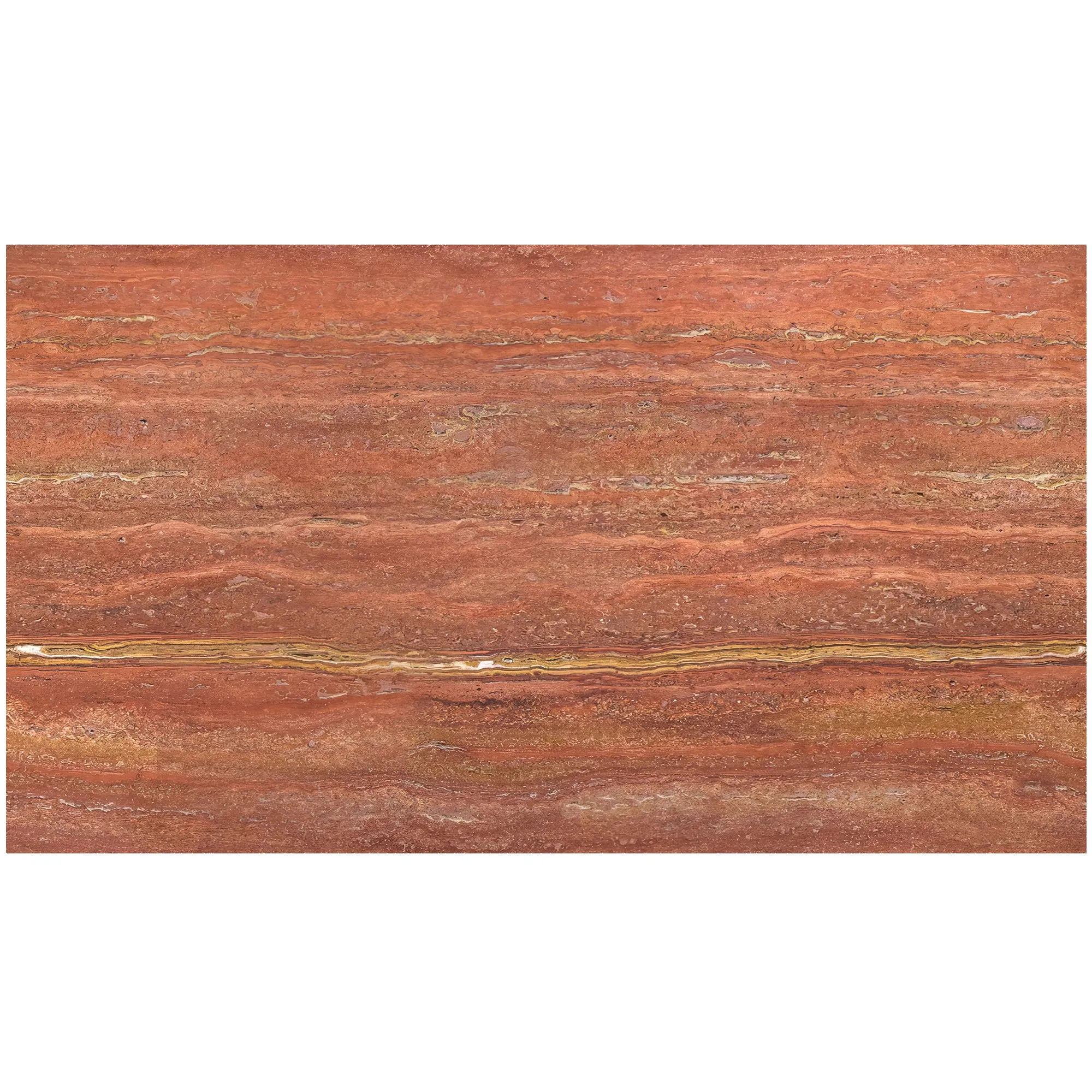
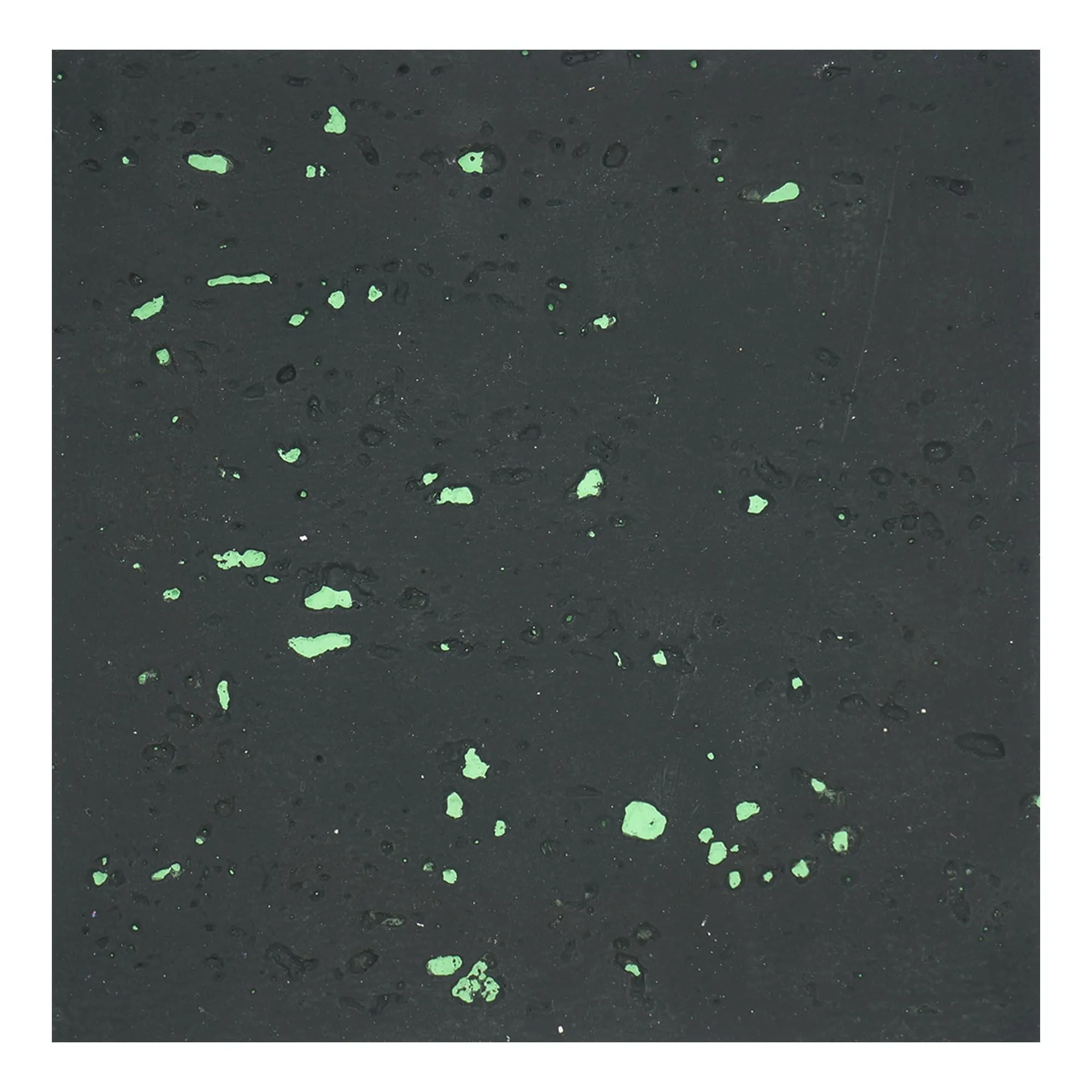
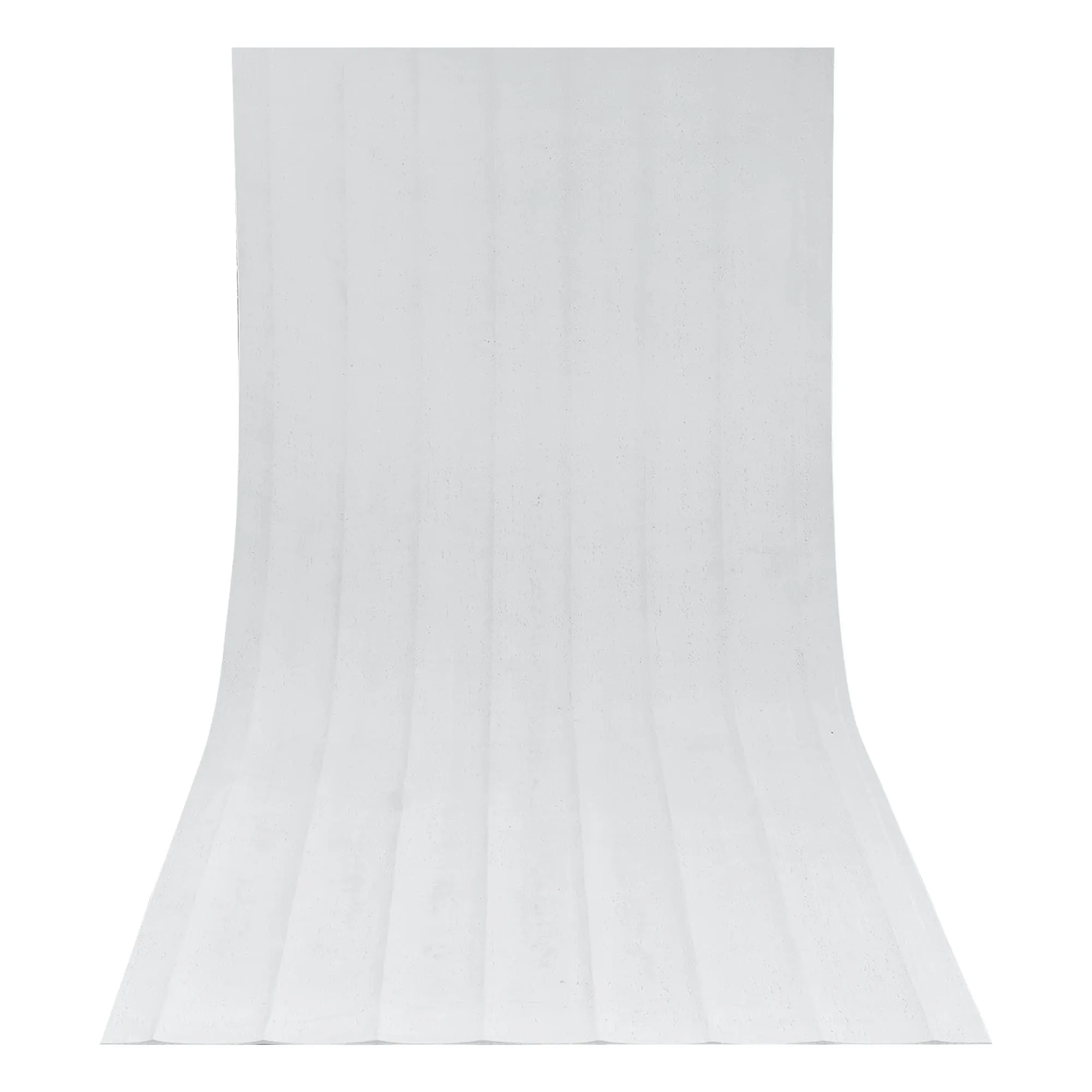
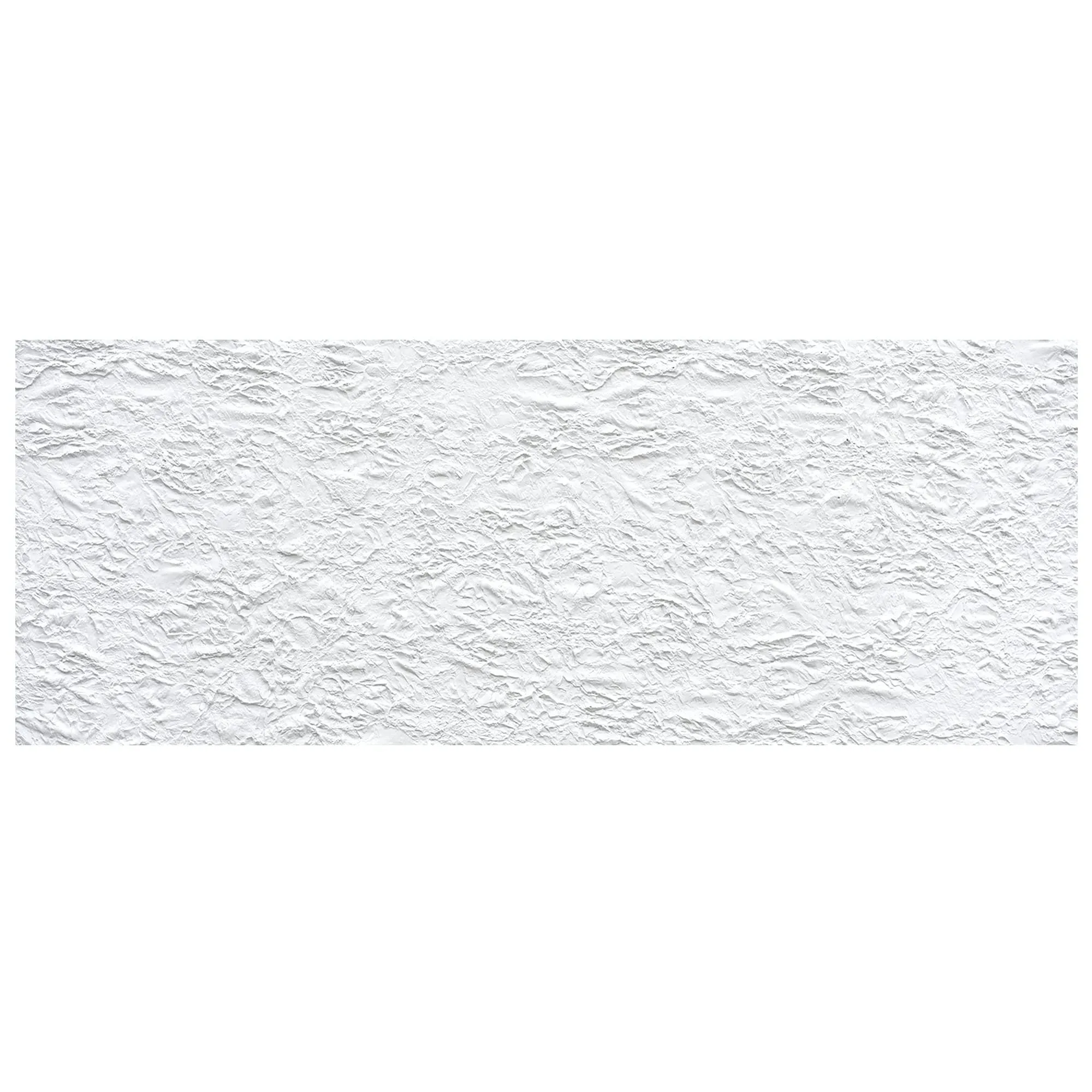
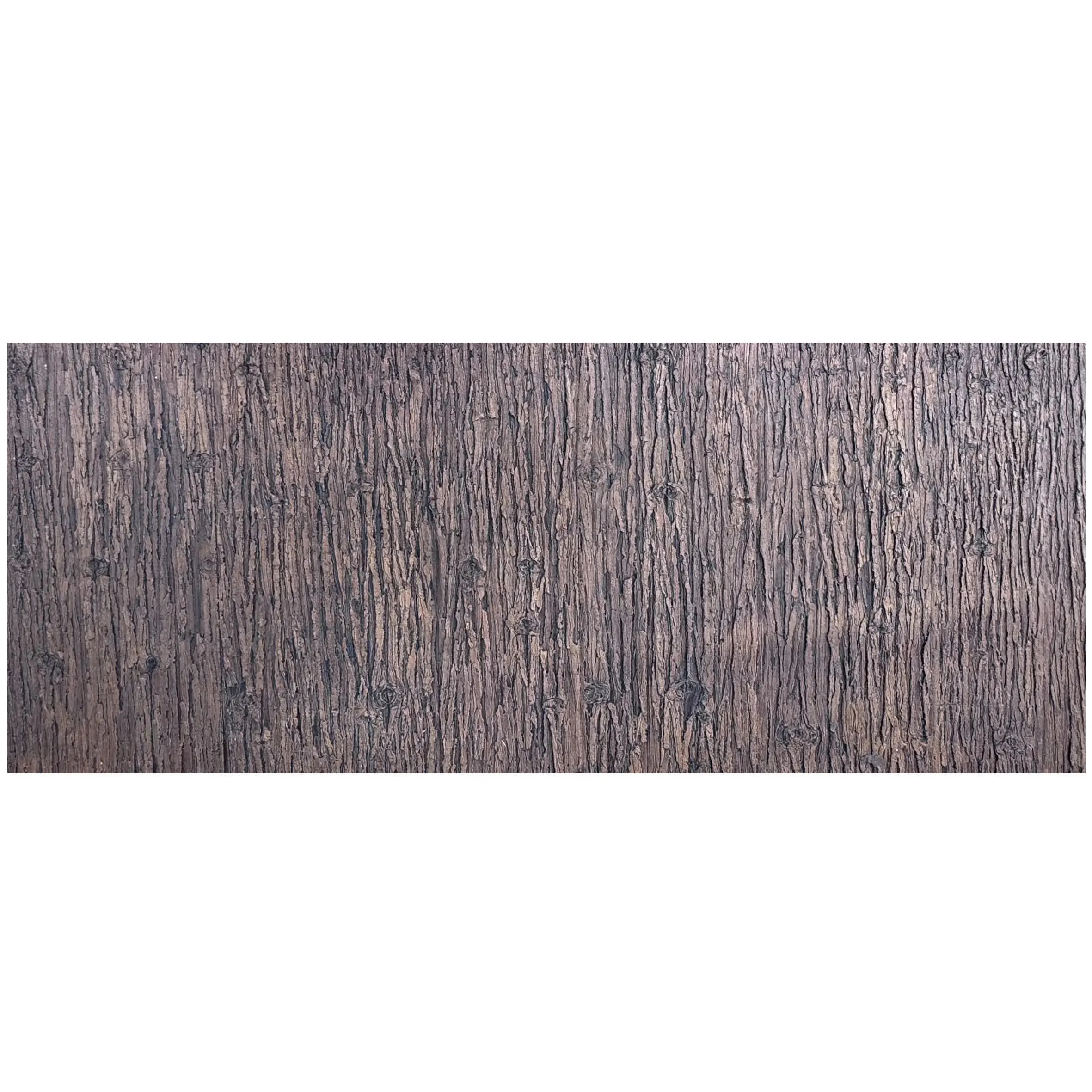
Made from modified cementitious materials, these boards are lightweight yet high-strength —a game-changer for high-rise exteriors or projects where structural load is a concern. They're also eco-friendly , with low VOC emissions and recyclable components, aligning with today's green building standards. But what really sets them apart is their customizability —available in a range of textures and finishes, from the rustic charm of "rust square line stone" to the sleek look of "fair-faced concrete," they fit any architectural vision.
Pro Tip: For curved surfaces or intricate designs, pair Project Board with MCM Flexible Stone . Its bendable (flexible nature) lets it wrap around columns or archways without cracking—something rigid materials can't match!
Before you even pick up a trowel, preparation is key. Here's what you need to do to ensure a smooth installation:
MCM Project Boards bond best to clean, flat, and stable surfaces. Check the wall for:
For projects with unique substrate shapes, consider using the MCM 3D Printing Series to create custom base layers. Its ability to print complex forms means you can get a perfect fit even on non-standard walls—saving hours of on-site cutting!
| Tools/Materials | Purpose | Pro Tips |
|---|---|---|
| MCM Project Boards (cut to size) | Main cladding material | Order 5-10% extra to account for cuts/waste |
| Notched trowel (6mm or 8mm) | Applying adhesive evenly | Use 8mm for rough substrates; 6mm for smooth walls |
| Circular saw with diamond blade | Cutting boards to length/shape | Wear a dust mask—MCM cuts clean, but always protect lungs! |
| Rubber mallet | Tapping boards into place | Go gentle—MCM is strong, but excessive force can chip edges |
| MCM (MCM Adhesive) | Bonding boards to substrate | Use only COLORIA-recommended adhesive for best results |
| Spirit level & laser level | Ensuring straight, even alignment | Check level every 2-3 boards to avoid "drifting" |
Now, let's get to the hands-on part. Follow these steps, and you'll have your MCM Project Board walls looking flawless in no time.
We mentioned this earlier, but it's worth repeating: a clean substrate is non-negotiable. After checking for cracks and moisture, apply a primer if needed (COLORIA recommends their own MCM Primer for porous surfaces like concrete or brick). Let it dry completely—usually 24 hours—before moving on.
Grab your laser level and chalk line. Start by marking the vertical and horizontal reference lines on the wall—this will keep your boards aligned. For exterior walls, remember to leave a 3-5mm gap between boards for expansion (MCM handles temperature changes well, but it still needs a little breathing room!).
If your project includes unique design elements—say, a wave-like texture or geometric patterns—this is where the MCM 3D Printing Series shines. Print custom edge trims or decorative inserts ahead of time, so they're ready to install alongside the Project Boards. It's like having a custom puzzle piece that fits perfectly!
Load your notched trowel with MCM adhesive and spread it evenly on the substrate, holding the trowel at a 45-degree angle to create ridges. Aim for full coverage—no dry spots! Then, lift your first MCM Project Board (they're lightweight, so one person can handle most sizes) and press it firmly into place, starting at the bottom corner of your reference lines.
Insider Trick: For large walls, start from the center and work outward. This reduces the risk of misalignment as you go—especially helpful when using larger slabs from the MCM Big Slab Board Series alongside Project Boards.
Once the board is in position, tap it lightly with the rubber mallet to ensure the adhesive bonds fully. Use the spirit level to double-check it's plumb (vertical) and level (horizontal)—adjust if needed before the adhesive sets (you'll have about 20-30 minutes, depending on temperature).
Work your way across the wall, applying adhesive and setting boards one by one. When you reach corners or openings (like windows), measure twice, cut once! Use the circular saw with a diamond blade to trim boards to size—MCM cuts cleanly, but support the board fully to avoid chipping the edges.
For areas where flexibility is key—like around curved columns or archways—swap in MCM Flexible Stone . This stuff bends up to 90 degrees without breaking, making those tricky spots a breeze. Just follow the same adhesive and alignment steps, and you'll get a seamless look that rigid materials can't (duplicate).
Once all boards are installed and the adhesive has cured (typically 48 hours), it's time to seal the joints. Use COLORIA's MCM joint sealant—matching the board color for a clean look—and apply it with a caulking gun, smoothing with a damp finger for a neat finish. This step keeps out moisture and ensures your installation lasts for decades, even in harsh weather.
Finally, do a walk-around inspection. Check for any loose boards, uneven joints, or adhesive squeeze-out (wipe away excess with a damp cloth before it dries). Stand back, and admire—you've just installed a wall that's durable, eco-friendly, and designed to impress.
Even pros run into snags. Here's how to fix the most common issues with MCM Project Board installations:
| Issue | What's Causing It | Fix |
|---|---|---|
| Boards feel loose after installation | Insufficient adhesive coverage or substrate not clean | Remove loose boards, clean substrate, reapply adhesive with full coverage |
| Uneven joints between boards | Misaligned reference lines or uneven pressure during setting | Use laser level to re-mark lines; tap boards gently with mallet to adjust before adhesive sets |
| Chipped edges during cutting | Dull blade or unsupported board | replace with sharp diamond blade; clamp board to a workbench for cutting |
| Adhesive oozing from joints | Too much adhesive applied | Wipe excess with damp cloth within 10 minutes; use less adhesive on next boards |
While the MCM Project Board Series is the backbone of many installations, mixing and matching with other MCM lines takes projects to the next level. For example:
Together, these products create a cohesive, high-performance system that's as functional as it is beautiful. It's why COLORIA GROUP is trusted by architects from Riyadh to Beijing—they don't just sell materials; they deliver solutions that make your project stand out.
Installing the MCM Project Board Series doesn't have to be intimidating. With the right prep, tools, and a little know-how, you can achieve professional results that stand the test of time. And remember—COLORIA GROUP's decades of experience mean you're never alone. From product selection to technical support, they're there to help every step of the way.
So whether you're tackling a hotel exterior, a retail complex, or a commercial office building, choose MCM Project Board for a material that's tough enough for the job, flexible enough for your vision, and green enough for the planet. Pair it with MCM Flexible Stone for those tricky curves, or MCM 3D Printing Series for custom flair—and get ready to transform your project from ordinary to extraordinary.
Recommend Products