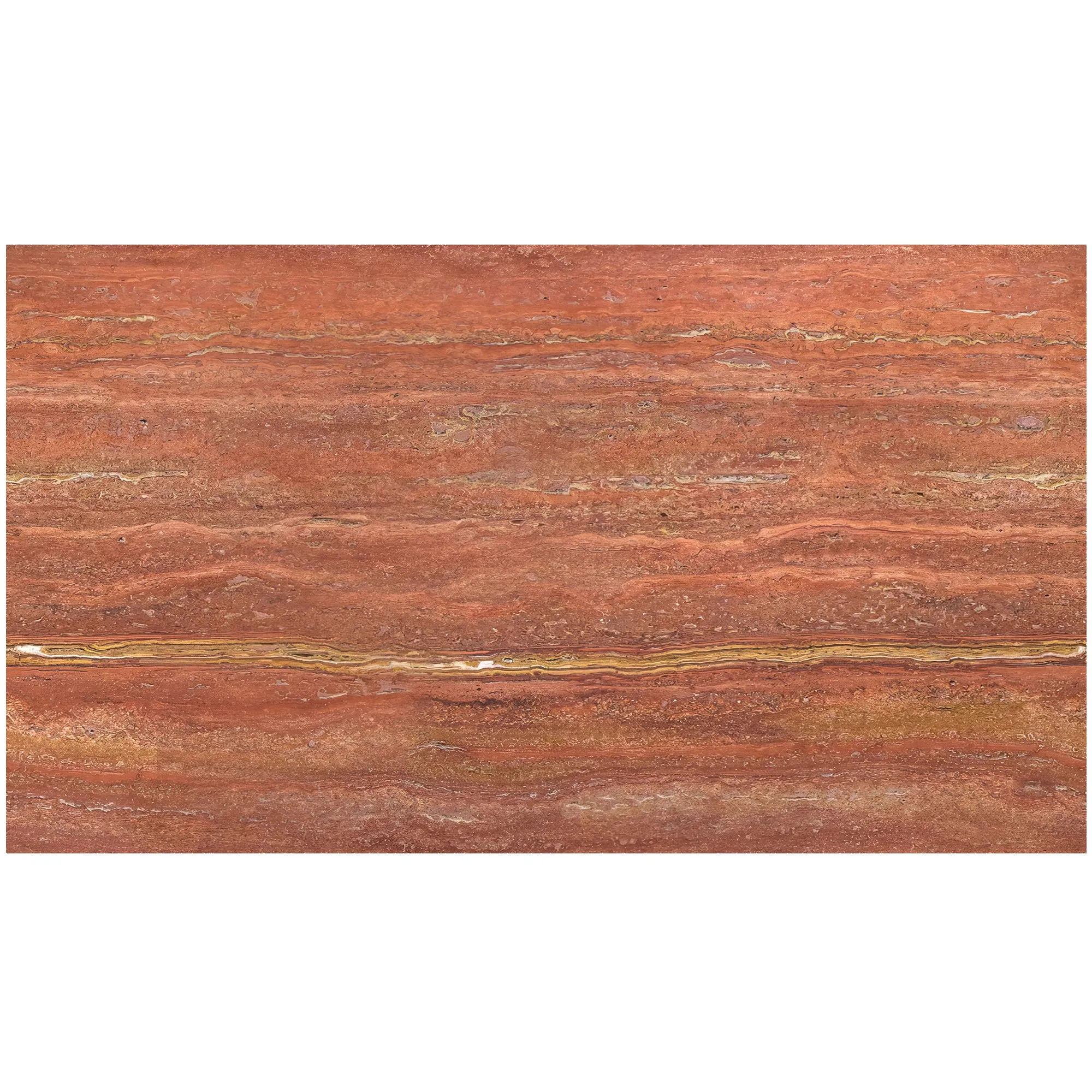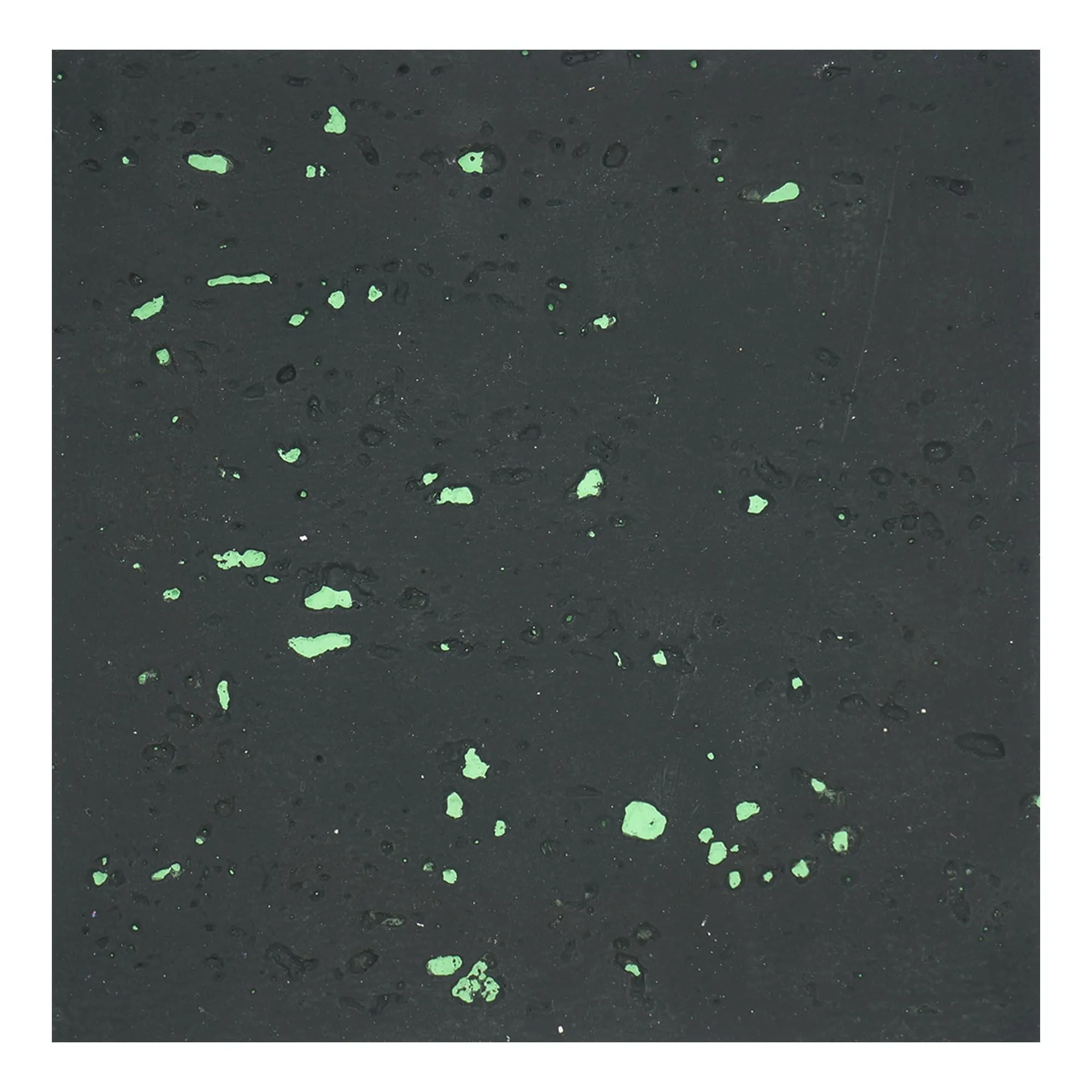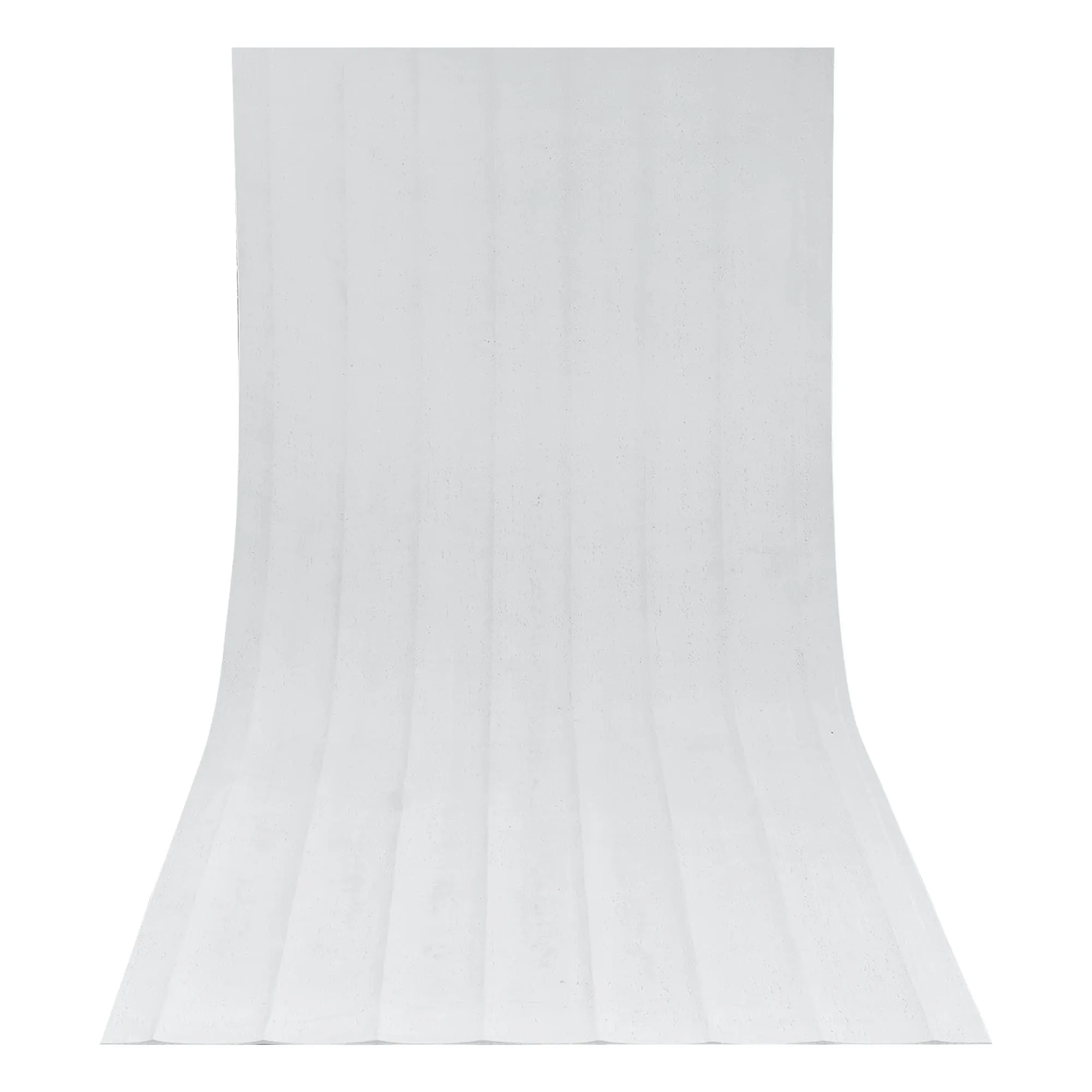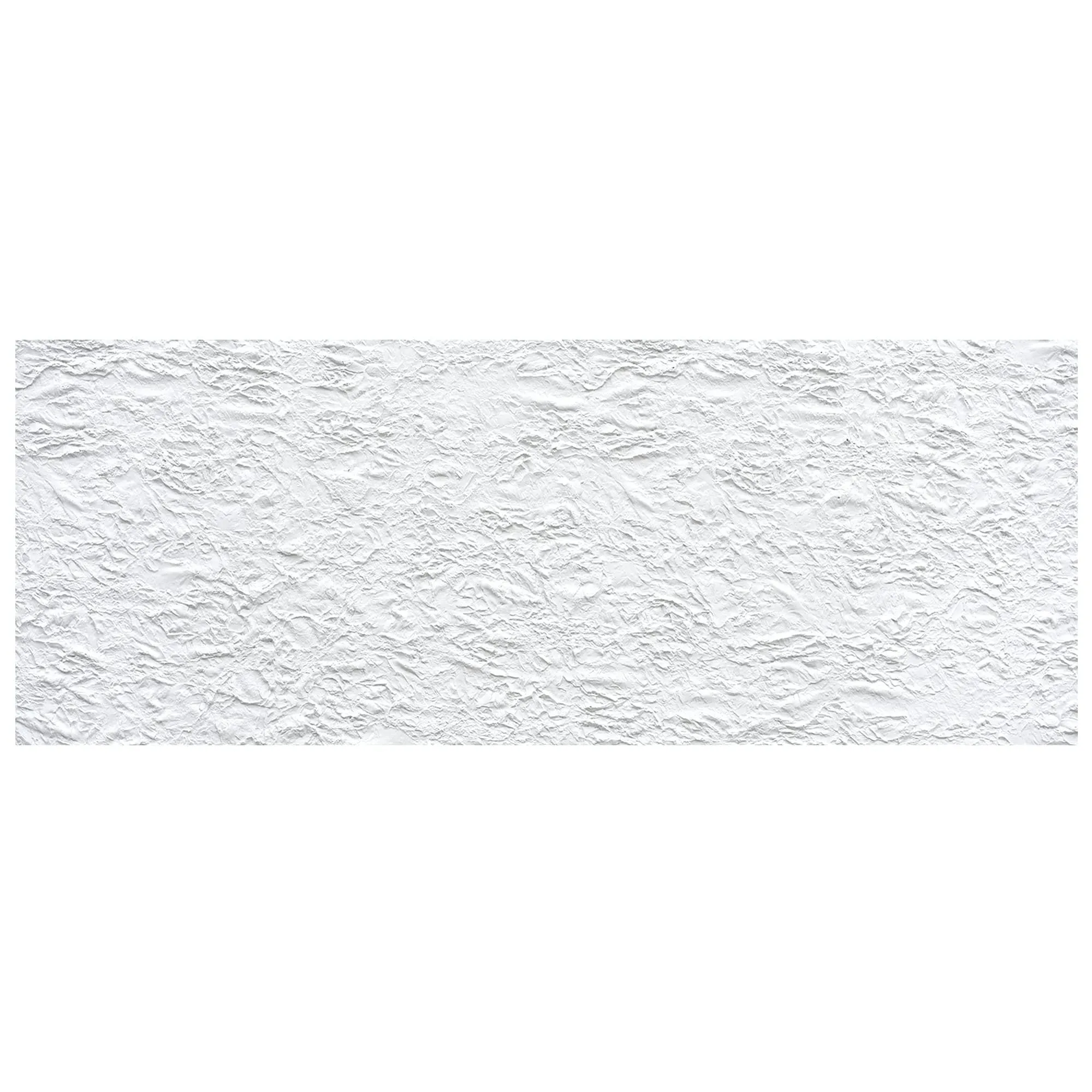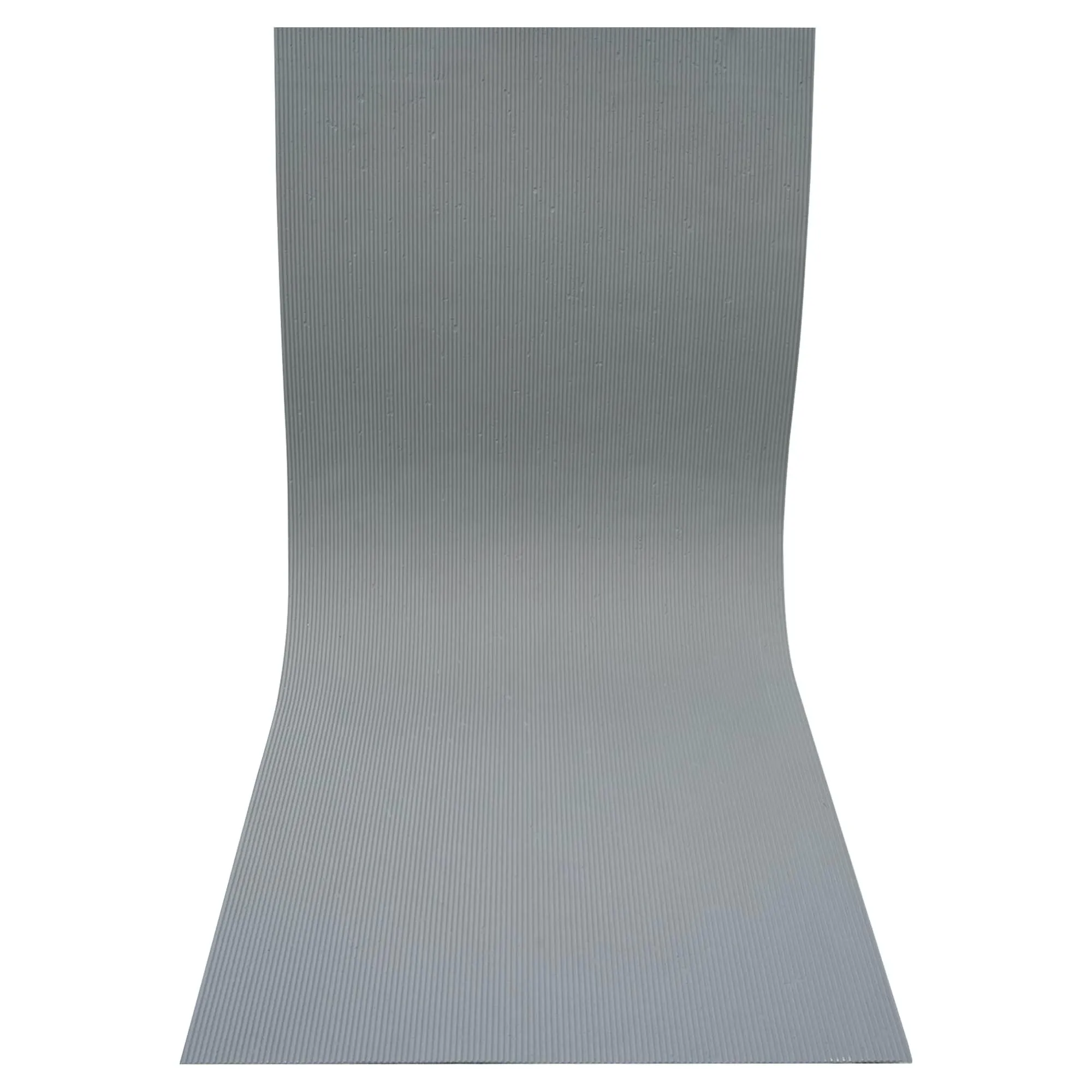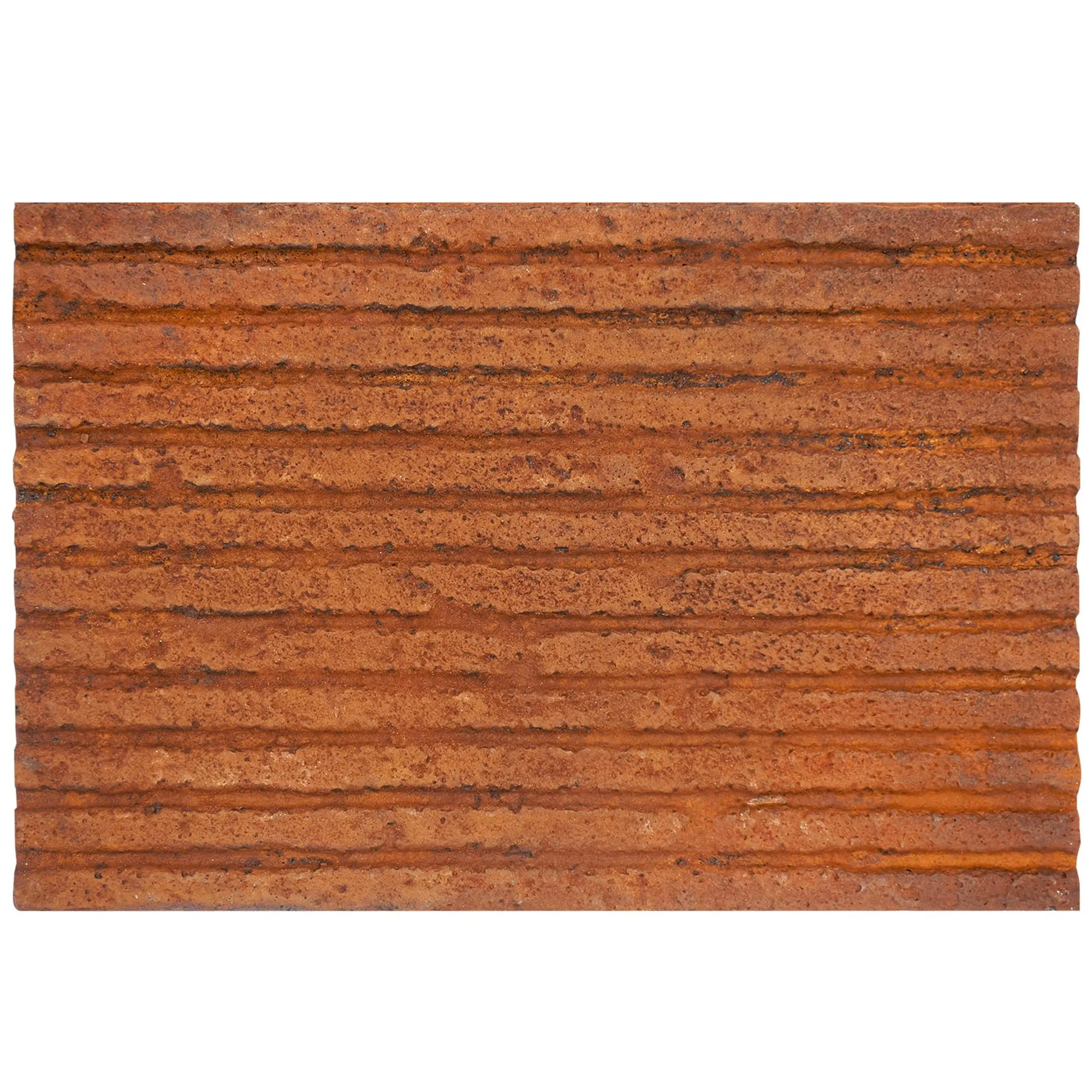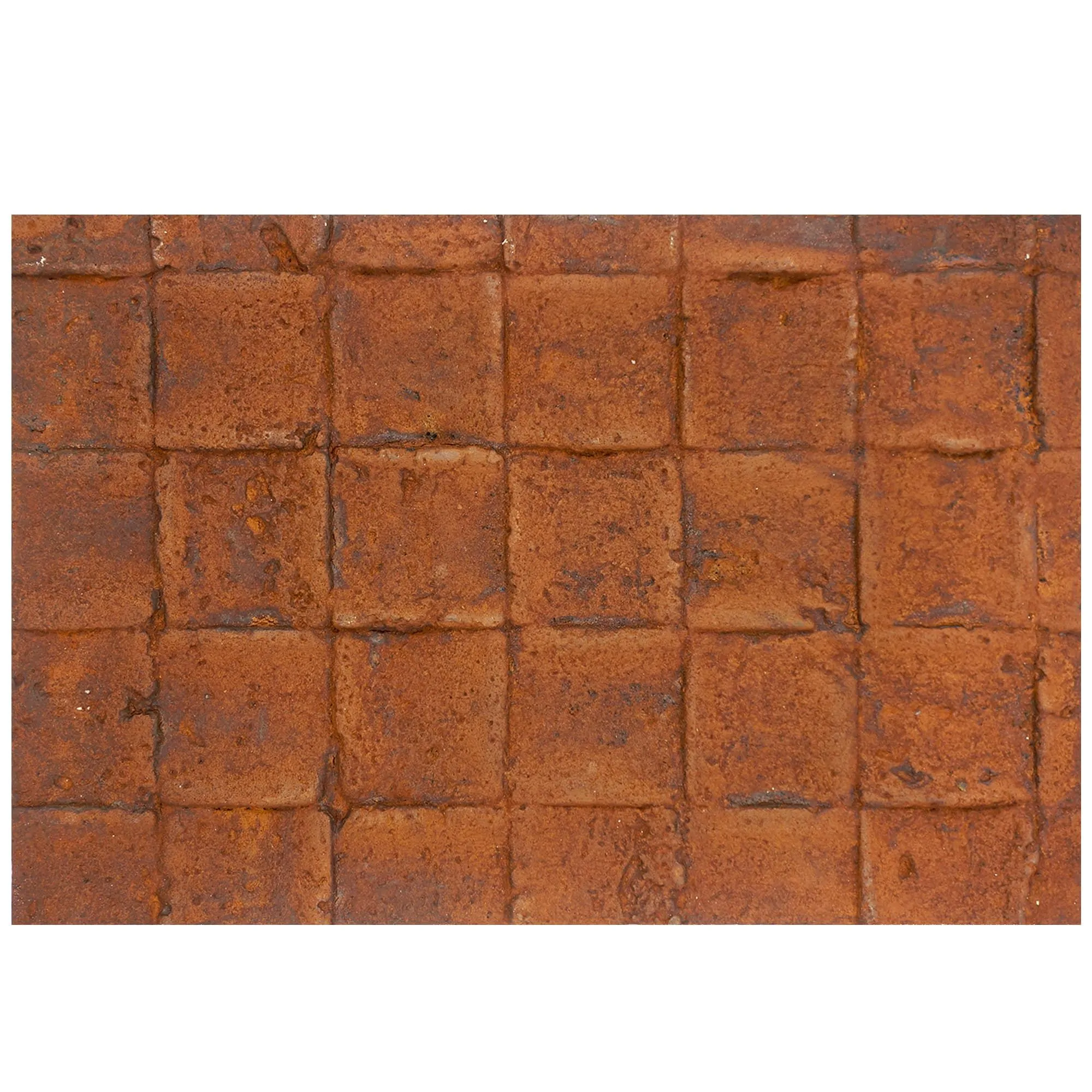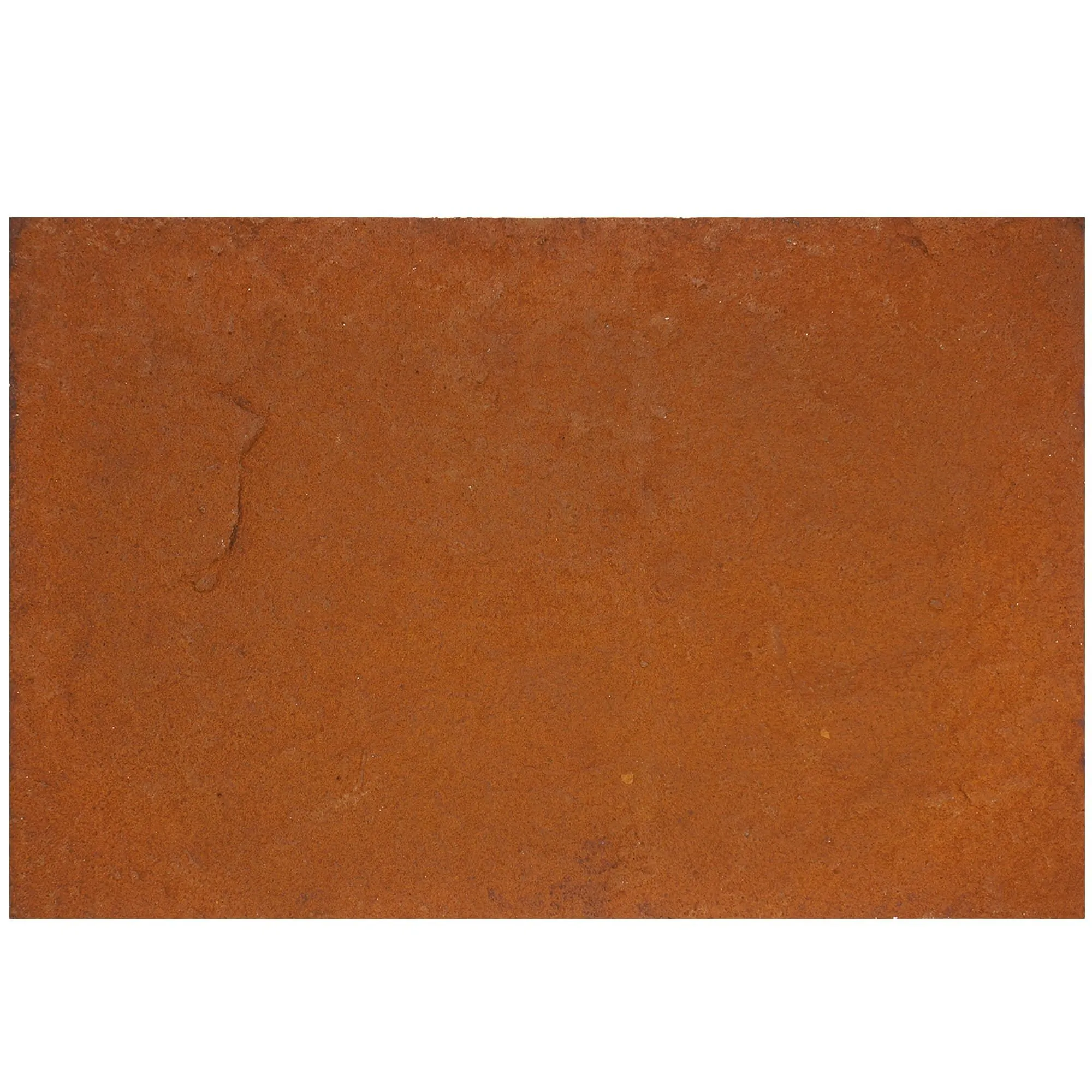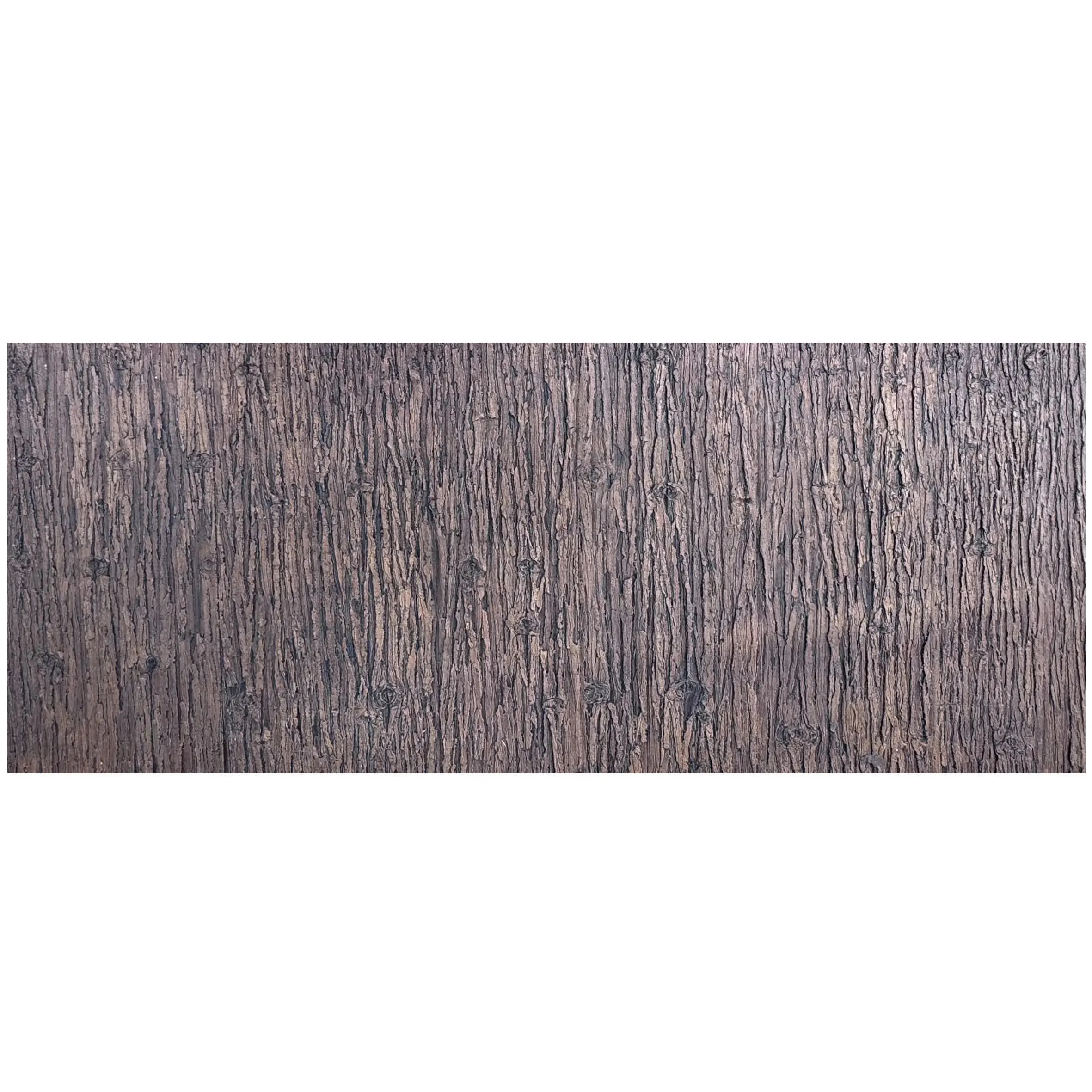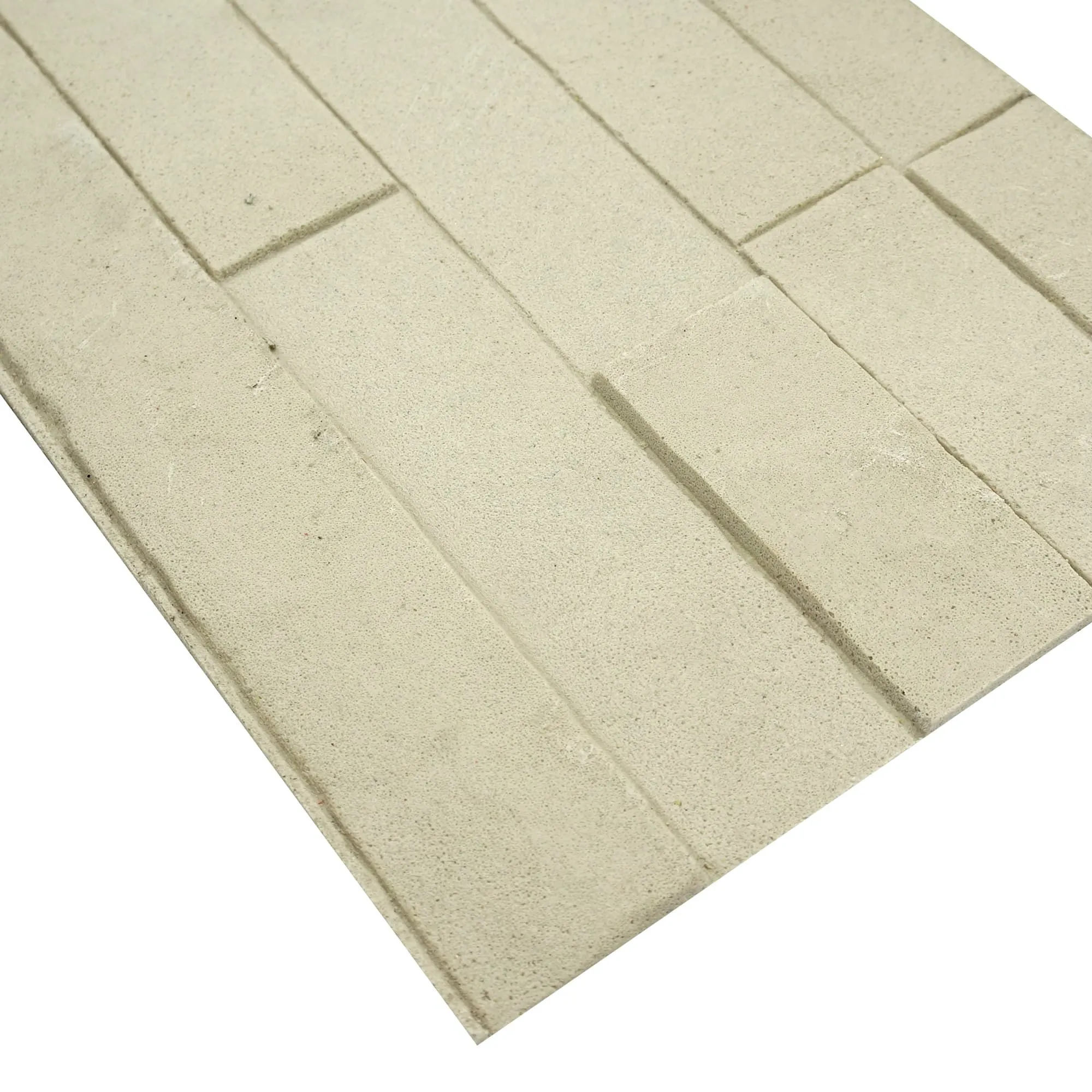

In the world of architecture and design, MCM (Modified Composite Material) products are more than just building materials—they're storytellers. Each texture, color fleck, and weathered line carries a narrative of durability, craftsmanship, and aesthetic intent. Nowhere is this truer than with Age Stone , a flagship MCM material celebrated for its ability to mimic the charm of centuries-old stone while offering modern resilience. But to make clients, designers, and collaborators fall in love with these materials, you need more than just a camera—you need to capture their soul. This guide will walk you through the art of photographing MCM materials like Age Stone, MCM flexible stone , travertine (starry green) , and beyond, turning raw samples into compelling visual stories.
Before you even pick up a camera, spend time getting to know the material. MCM products are diverse—from the rugged allure of rammed earth board to the sleek minimalism of fair-faced concrete , each has unique traits that demand specific attention. Let's start with Age Stone. Run your hand across its surface: notice how it balances rough, chiseled edges with subtle, smooth valleys? That contrast is its personality. Now, compare it to travertine (starry green) —run your finger over those tiny, iridescent flecks that catch the light like distant stars in a forest canopy. These details aren't just textures; they're the material's way of communicating. Your job is to be their translator.
MCM flexible stone adds another layer of complexity. Unlike rigid stone slabs, its flexibility allows it to bend and curve, making it ideal for dynamic architectural features. When photographing it, don't just shoot it flat on a table—bend it gently around a corner or drape it over a curved surface to showcase that adaptability. Clients need to see not just what it looks like, but what it can do .
Lighting can make or break an MCM photo. Harsh, direct sunlight might wash out travertine (starry green) 's starry flecks, while dim light could turn lunar peak silvery into a dull gray blob. Here's how to tailor light to your material:
Great MCM photography isn't just about documentation—it's about storytelling. Composition helps guide the viewer's eye to the material's best features. Here are a few tried-and-true techniques:
Close-Ups vs. Context Shots: Start with macro shots to highlight details. For Age Stone, fill the frame with a 3x3-inch section—focus on a particularly striking ridge or a cluster of mineral deposits. Then pull back for a medium shot: show a full 12x12-inch panel to give a sense of scale. Finally, add context: photograph the material in a mockup setting. Imagine Age Stone on a café wall, paired with warm wood accents and potted herbs, or MCM flexible stone curved around a fireplace to show its versatility. Context helps clients visualize the material in their own projects.
The Rule of Thirds (With a Twist): For symmetrical materials like marble series with linear veining, center the panel to emphasize order. For organic materials like gobi panel (with its irregular, desert-inspired patterns), use the rule of thirds—place the most interesting texture intersection at a grid intersection point. This creates visual tension and draws the eye deeper into the image.
MCM materials are all about color precision. A travertine (starry green) that looks teal in photos won't impress a client expecting forest-inspired tones. Here's how to keep colors true:
White Balance is Your Friend: Most cameras auto-white balance (AWB) works for general scenes, but MCM materials are finicky. For fair-faced concrete or cement board , use the "cloudy" preset to warm things up slightly (AWB can make grays look too cool). For lunar peak golden (a warm, metallic sibling of lunar peak silvery), switch to "daylight" to enhance its golden undertones without oversaturating.
Use a Gray Card: If you're serious about accuracy, invest in a $10 gray card. Place it next to the material in your first test shot, then use it to set custom white balance in-camera or during editing. This ensures that whites stay white, grays stay neutral, and travertine (starry green) 's green remains vibrant but not artificial.
A material in a plastic sample box is just a rock; a material in a real-world setting is a design solution. Whenever possible, photograph MCM materials in context. For example:
Post-processing is the final step, but remember: your goal is to enhance, not misrepresent. Here's how to edit MCM photos with integrity:
Sharpen Texture, Not Noise: Use the "unsharp mask" tool in Photoshop or Lightroom to boost clarity—this will make Age Stone 's ridges crisper and travertine (starry green) 's flecks more defined. But go easy: over-sharpening creates grain, which makes the material look cheap.
Adjust Contrast Gently: Increase contrast by 5-10% to make colors pop, but avoid clipping (where highlights blow out to white or shadows turn pure black). For fair-faced concrete , a slight contrast boost can emphasize the aggregate without losing the material's soft, industrial vibe.
Color Correction: Use the HSL (Hue, Saturation, Luminance) panel to tweak specific colors. If lunar peak silvery looks too blue, pull the "blue" hue slider slightly toward cyan. If travertine (starry green) 's stars are too dim, bump up the "green" saturation by 10%—just enough to make them noticeable, not neon.
| Material | Key Trait | Best Lighting | Pro Tip |
|---|---|---|---|
| Age Stone | Rugged, chiseled texture with smooth valleys | Soft diffused light (45° angle) | Shoot at eye level to mimic how it's viewed on walls |
| Travertine (Starry Green) | Iridescent flecks in a green base | Side lighting (focused desk lamp) | Use a macro lens to isolate starry flecks for detail shots |
| Lunar Peak Silvery | Metallic sheen with cool gray undertones | Indirect natural light (north-facing window) | Avoid flash—use a tripod for longer exposures instead |
| Fair-Faced Concrete | Subtle aggregate, neutral gray | Daylight-balanced (5500K) studio light | Include a human hand in the shot for scale |
| MCM Flexible Stone | Bendable, lightweight, versatile | Overhead soft light + fill flash | Photograph it curved (e.g., around a column) to show flexibility |
At the end of the day, the best MCM photos are those that let the material shine. Whether you're shooting marble series with its swirled elegance or rammed earth board with its earthy warmth, approach each material with curiosity. Ask: What story does this texture tell? How does this color make me feel? Then, use your camera to answer those questions for the viewer.
Age Stone, with its weathered grace, and travertine (starry green) , with its celestial sparkle, aren't just products—they're tools for building beauty. By capturing their essence, you're not just taking photos; you're helping designers build worlds. Now go out there, and let the materials speak.
Recommend Products