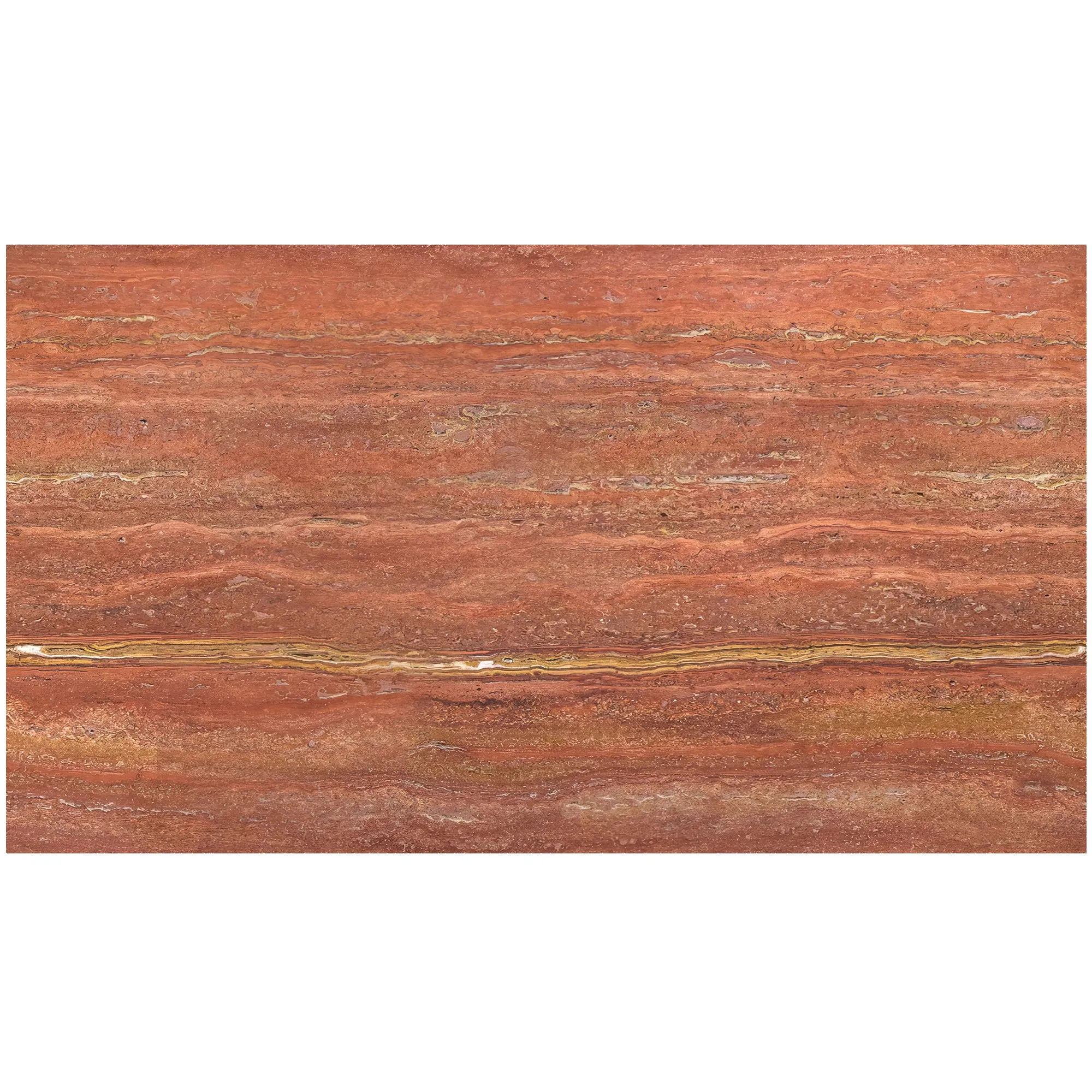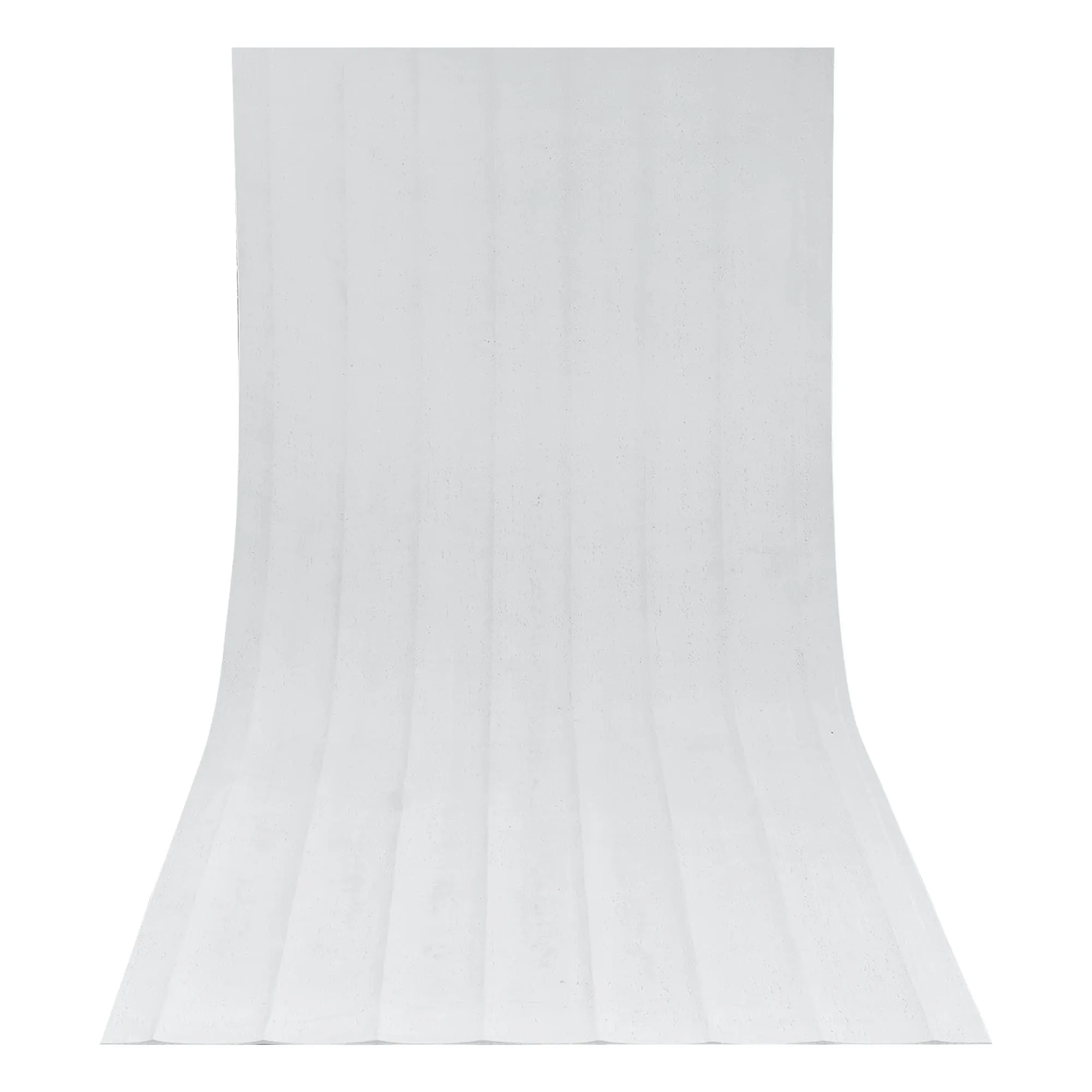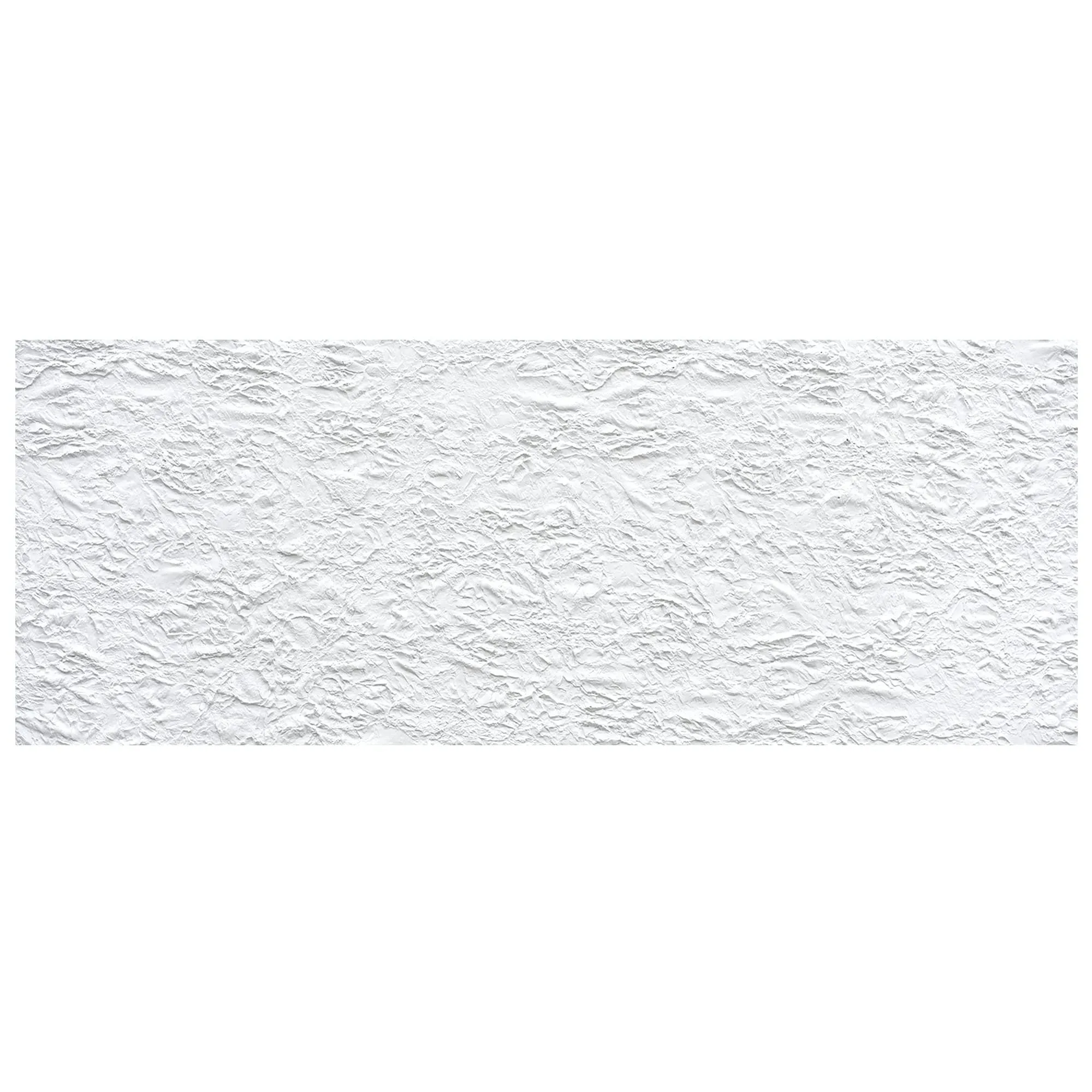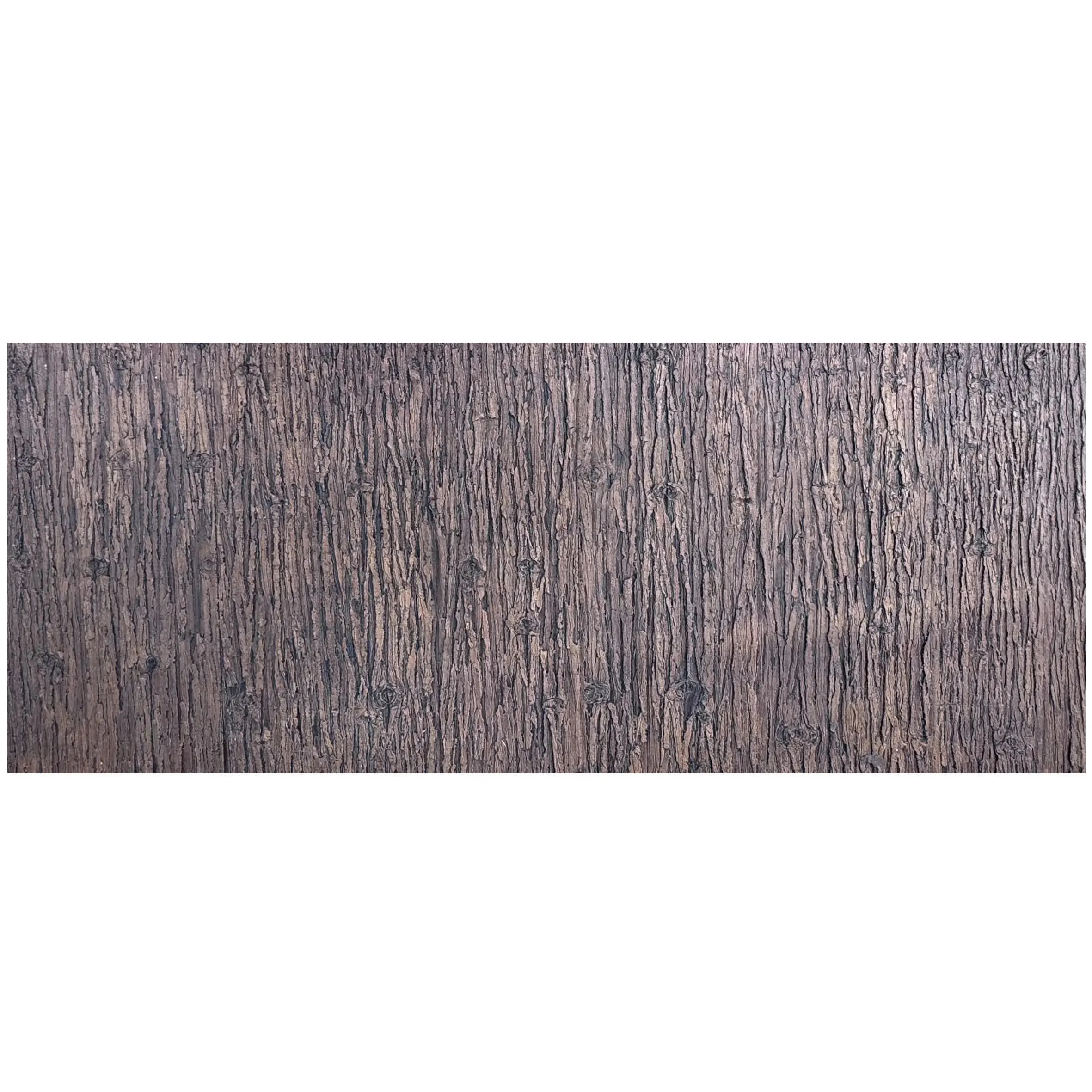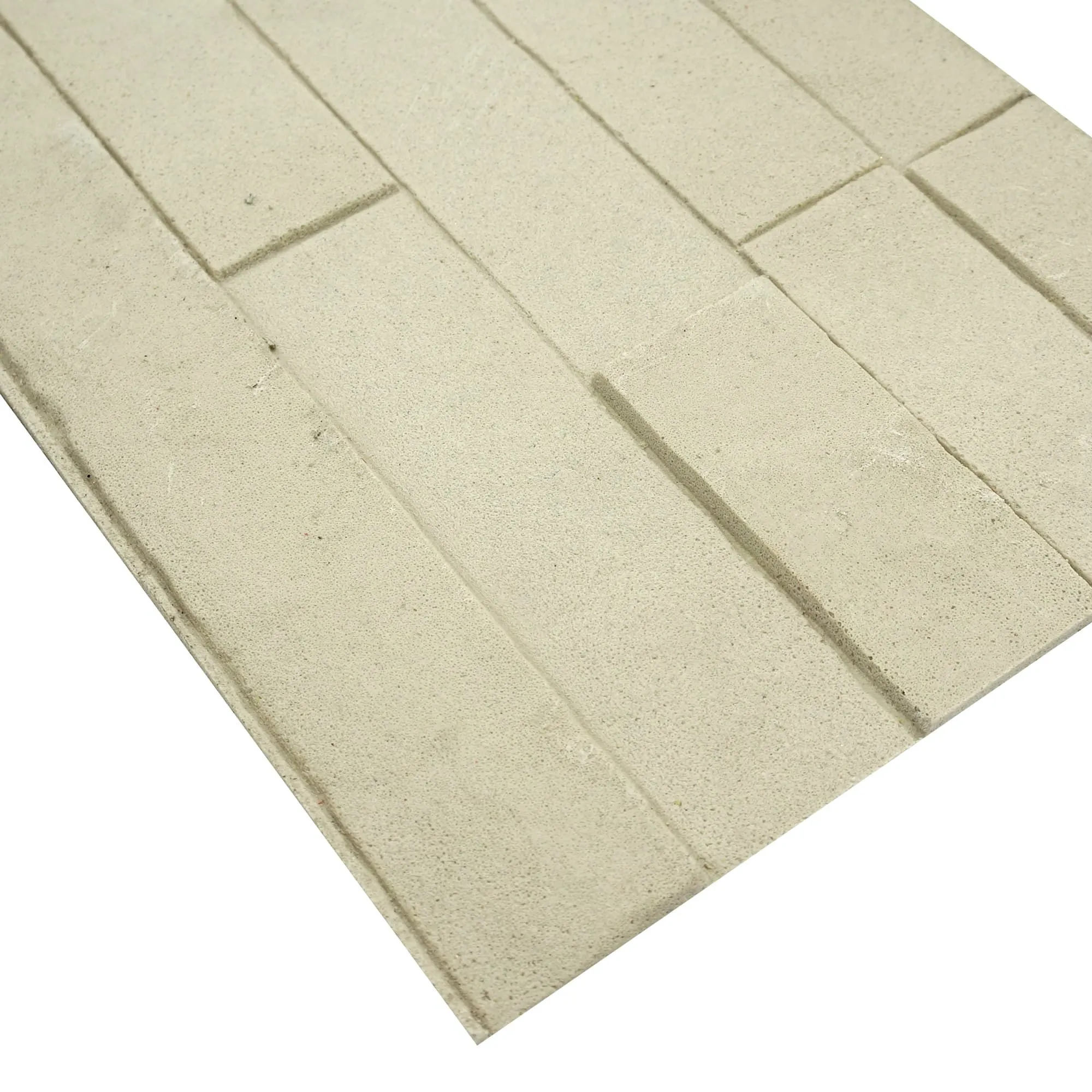
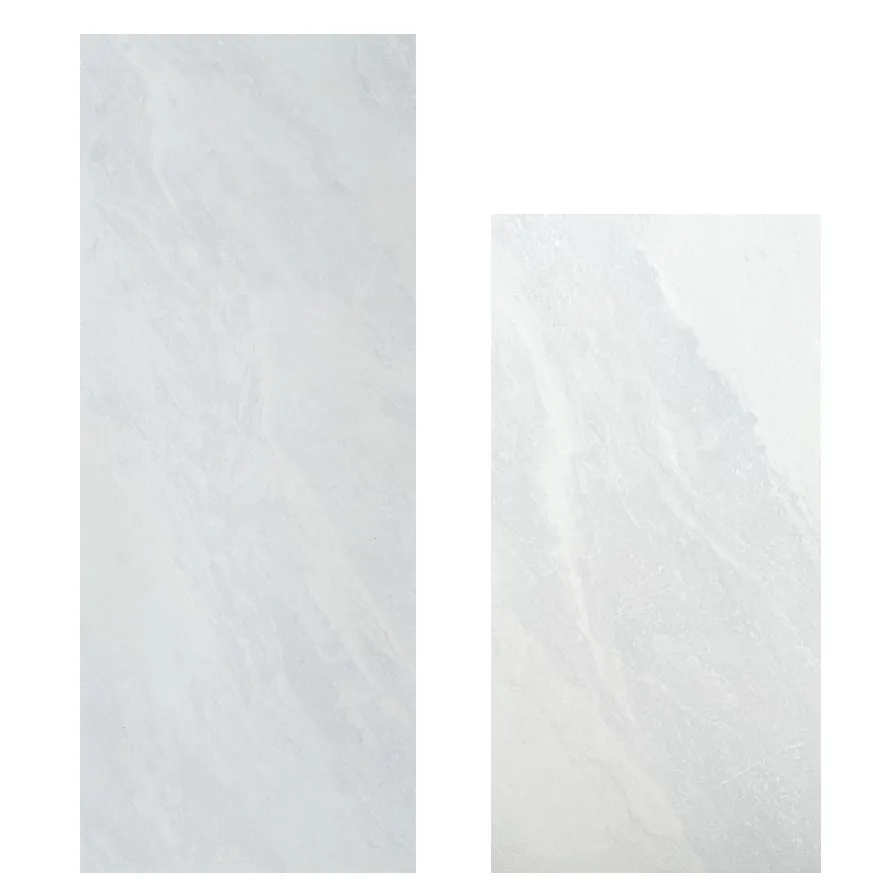
Transform your space with the timeless elegance of Marble Veil White MCM—where the soft veining of natural marble meets the durability of modern composite materials. Whether you're revamping a kitchen backsplash, accentuating a living room wall, or upgrading a commercial space, this guide will walk you through installing this stunning material with confidence. Let's dive in!
Before we grab our tools, let's talk about why Marble Veil White MCM is a game-changer. Part of the broader MCM flexible stone family, this material combines the luxurious look of marble with the flexibility and lightweight nature that MCM is known for. Unlike traditional marble slabs, which are heavy and prone to cracking, Marble Veil White MCM is designed to bend slightly, making it ideal for curved surfaces or uneven walls. It's also resistant to moisture, stains, and UV rays—perfect for both indoor and sheltered outdoor spaces. Plus, as part of the MCM big slab board series, it comes in generous sizes that minimize seams, giving your project a seamless, high-end finish.
Whether you're a seasoned DIYer or tackling your first home improvement project, this guide will break down the process into simple, manageable steps. Let's get started!
Installing Marble Veil White MCM starts long before you apply the first panel. Proper preparation ensures adhesion, longevity, and a flawless finish. Here's what you need to do:
Grab a measuring tape, pencil, and graph paper (or use a digital app like SketchUp) to map out your installation area. Note the height, width, and any obstacles like outlets, windows, or fixtures. Marble Veil White MCM panels typically come in sizes like 4x8 feet, so plan your layout to minimize cuts and waste. For example, if your wall is 10 feet wide, you might use two full panels (8 feet) and cut a 2-foot section from a third panel—this way, the seams align neatly and look intentional.
Pro tip: If you're installing around corners or curved surfaces, create a paper template of the area. This will help you transfer the exact shape to the MCM panel, ensuring a snug fit.
MCM panels bond best to flat, stable surfaces. Whether you're installing over drywall, cement board, or even fair-faced concrete, inspect the area carefully:
Having the right tools on hand will make the installation process smooth and stress-free. Here's a handy checklist:
| Tool | Purpose |
|---|---|
| Measuring tape & carpenter's square | For precise measurements and straight cuts |
| Utility knife or circular saw with a diamond blade | To cut MCM panels (diamond blades prevent chipping) |
| Notched trowel (1/4-inch or 3/8-inch) | To apply adhesive evenly |
| Construction adhesive (polyurethane or epoxy-based) | For bonding MCM to the surface (check manufacturer specs!) |
| J-roller or rubber mallet | To press panels firmly and remove air bubbles |
| Painter's tape | To hold panels in place while adhesive dries |
| Safety gear: Gloves, goggles, dust mask | To protect against cuts, dust, and fumes |
Now that your workspace is ready, it's time to get the panels prepped. Marble Veil White MCM panels are durable, but handling them with care ensures they look their best post-installation.
MCM materials can expand or contract slightly with temperature changes. To prevent warping after installation, store the panels in the room where they'll be installed for at least 48 hours. Keep them flat (leaning them against a wall can cause bending!) and away from direct sunlight, heat vents, or air conditioners.
Measure and mark the panels using a straightedge and pencil—double-check your marks before cutting! For straight cuts, use a circular saw with a diamond-tipped blade (set the blade depth to just slightly more than the panel thickness to avoid damaging the surface below). If you're cutting curves or notches, a jigsaw with a diamond blade works best.
Pro tip: Place masking tape along the cut line before marking and cutting. This prevents the panel's surface from chipping and keeps your lines clean. After cutting, lightly sand the edges with 220-grit sandpaper to smooth any roughness.
Before applying any adhesive, lay out the cut panels on the floor (or temporarily tape them to the wall) to ensure they fit perfectly. Check for gaps, overlapping edges, or misaligned seams. This is your chance to adjust cuts or reposition panels—better to fix issues now than after the adhesive is applied!
If you're installing multiple panels, stagger the seams (like brickwork) for a stronger, more professional look. For example, start the first row with a full panel, the second row with a half-panel, and so on. This distributes weight evenly and reduces the risk of cracking.
Now for the exciting part: attaching the Marble Veil White MCM panels to your surface. Take your time here—steady hands and patience will pay off with a flawless finish.
Using a notched trowel, spread a thin, even layer of construction adhesive onto the back of the MCM panel. Hold the trowel at a 45-degree angle to create ridges—this ensures maximum contact with the surface. For larger panels (4x8 feet or bigger), apply adhesive to both the panel and the wall (this is called "double-bonding") to prevent sagging.
Note: Follow the adhesive manufacturer's instructions for open time (how long the adhesive can sit before it starts to dry). Most adhesives have a working time of 15–30 minutes, so work in small sections to avoid rushing.
Carefully lift the panel (get a helper for large panels!) and align it with your reference lines. Gently press it into place, starting from the center and working outward to push out air bubbles. Use a J-roller (a heavy, rubber roller) to apply even pressure across the entire panel—this ensures the adhesive bonds fully with no gaps.
For vertical installations (like walls), start at the bottom and work your way up. This prevents the panel from sliding down while the adhesive sets. If needed, use painter's tape to hold the panel in place along the top edge—just be careful not to tape over the surface (it can leave residue!).
Continue installing panels one by one, following the same process: apply adhesive, align, press, and roll. Leave a small gap (about 1/8 inch) between panels to allow for expansion—you can fill this later with matching caulk (check with the manufacturer for color-matched options). Wipe away any excess adhesive with a damp cloth immediately—once it dries, it's hard to remove!
For extra security (especially on ceilings or high-traffic areas), you can use mechanical fasteners like screws or nails along the edges. Drill pilot holes first to avoid cracking the panel, then countersink the screws slightly and cover with touch-up paint or caulk.
You're almost done! A little post-installation care will ensure your Marble Veil White MCM stays beautiful for years to come.
Give the adhesive time to fully cure before using the space—most adhesives take 24–48 hours. Avoid touching or leaning on the panels during this period, and keep the area well-ventilated to speed up drying.
Once cured, wipe the panels with a soft, damp cloth to remove dust or adhesive residue. For tougher spots, use a mild soap and water—avoid harsh cleaners (like bleach or ammonia) or abrasive sponges, which can scratch the surface.
Most MCM panels come pre-sealed, but it's worth checking the manufacturer's recommendations. If sealing is required (common for high-moisture areas like showers), use a water-based stone sealer. Apply it with a lint-free cloth, let it sit for 5–10 minutes, then wipe away excess. Reapply every 1–2 years to maintain protection.
Marble Veil White MCM is low-maintenance, but a little care goes a long way:
Marble Veil White MCM is incredibly versatile—here are a few ways to incorporate it into your space:
No matter where you install it, Marble Veil White MCM adds depth, elegance, and durability to any space.
Installing Marble Veil White MCM is a rewarding project that transforms your home or business with minimal effort. By following these steps, you've created a beautiful, long-lasting surface that will impress for years to come. So sit back, admire your handiwork, and get ready to receive compliments—you've earned it!
P.S. If you ever need to repair a chip or scratch, use a color-matched touch-up kit (available from MCM suppliers). With a little care, your Marble Veil White MCM will stay as stunning as the day you installed it.
Recommend Products