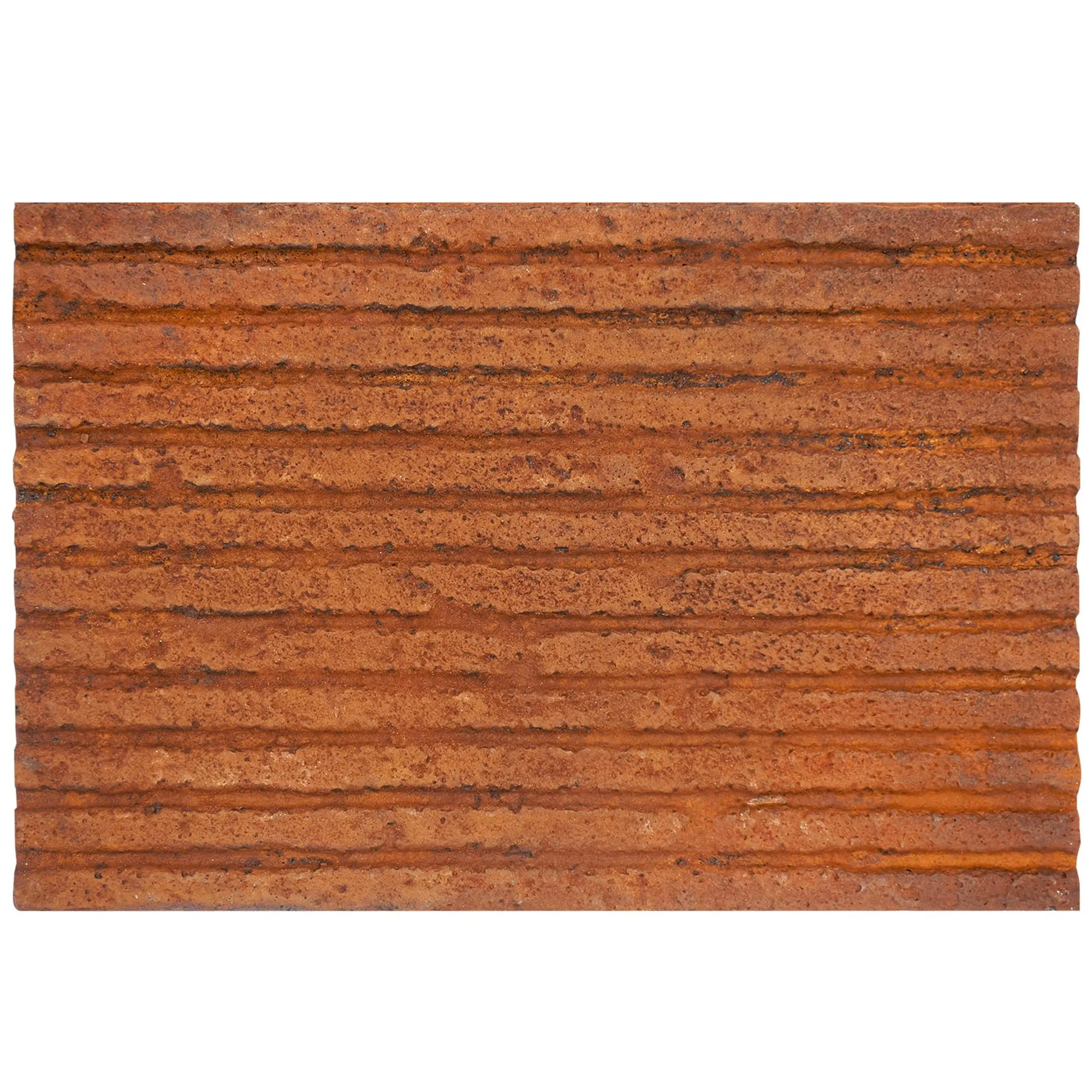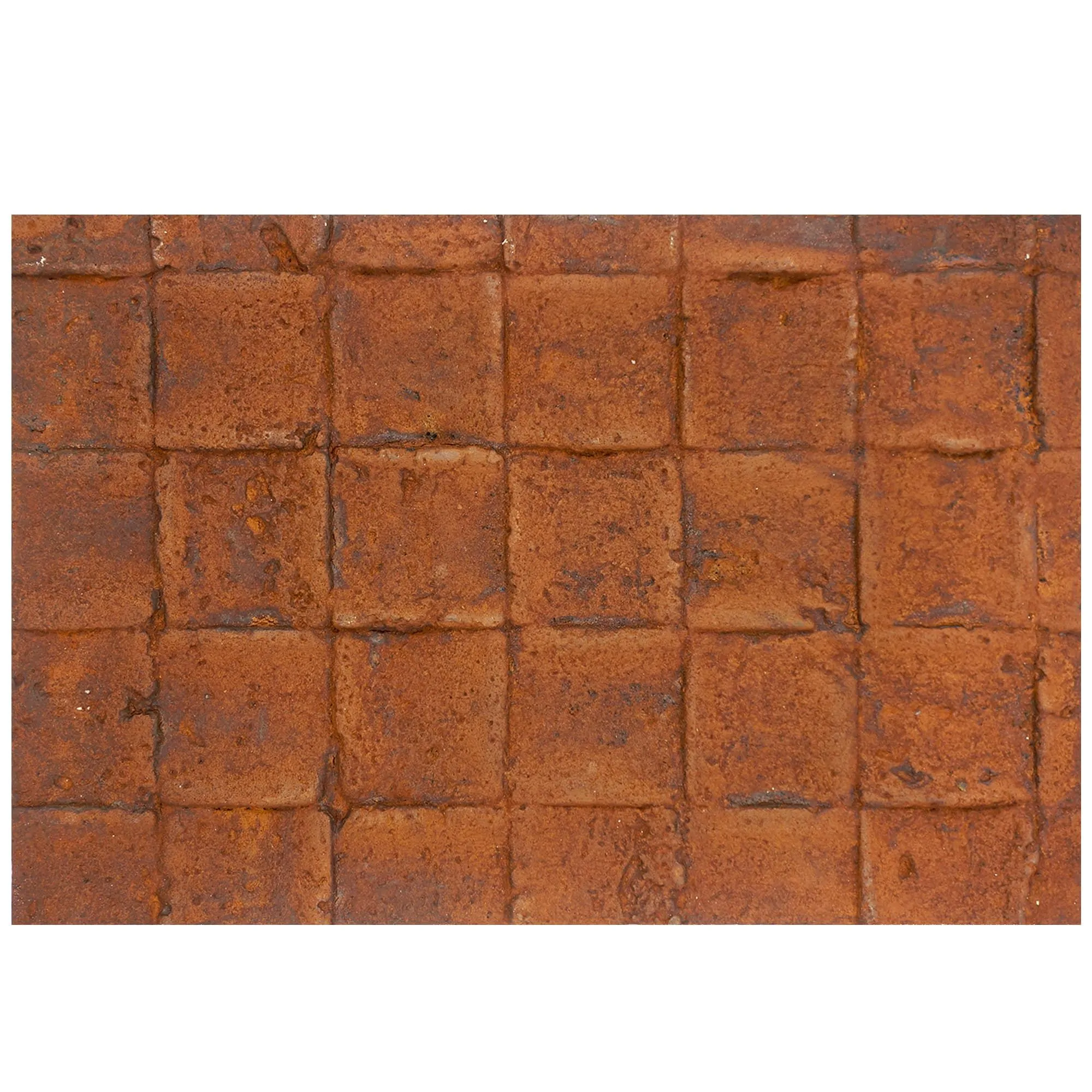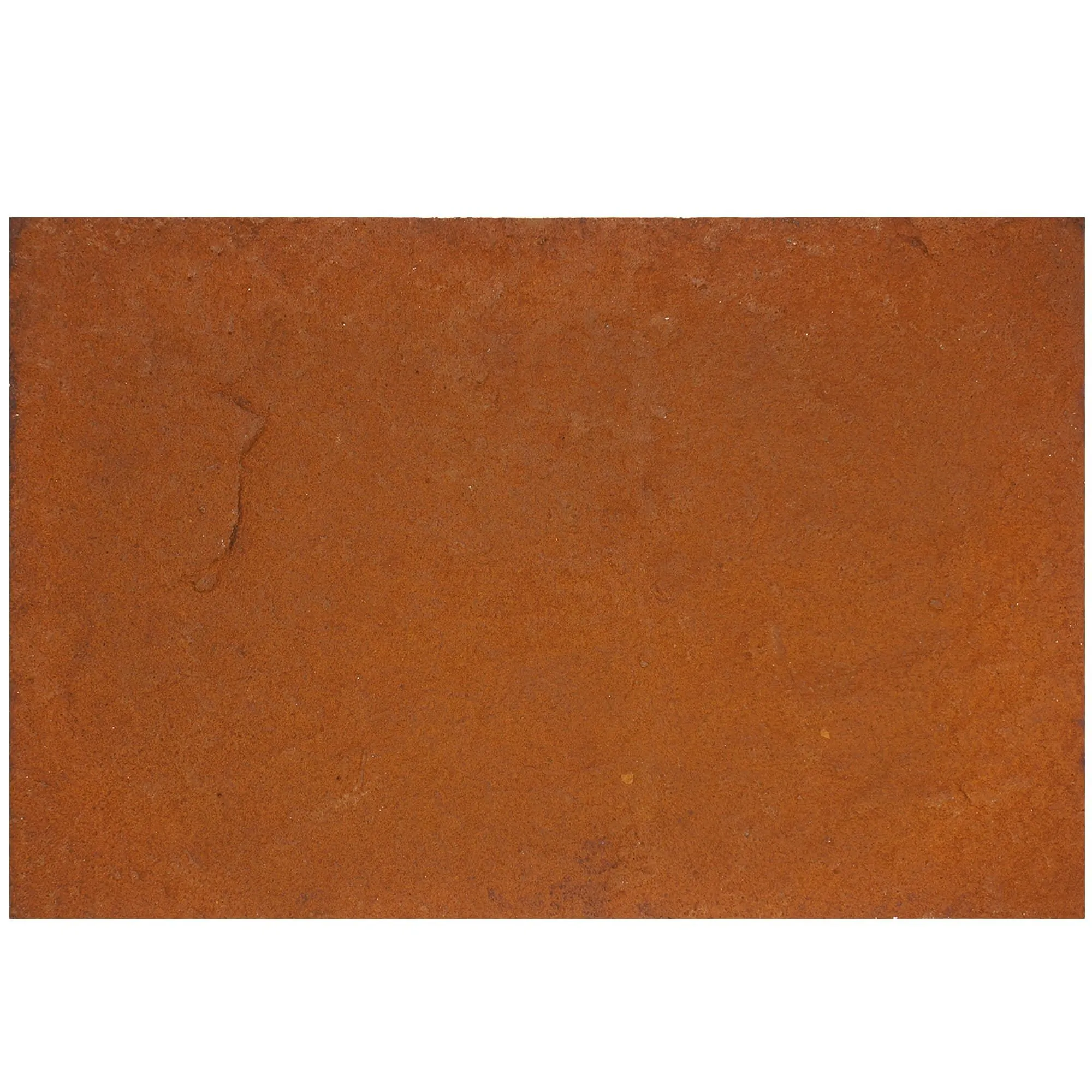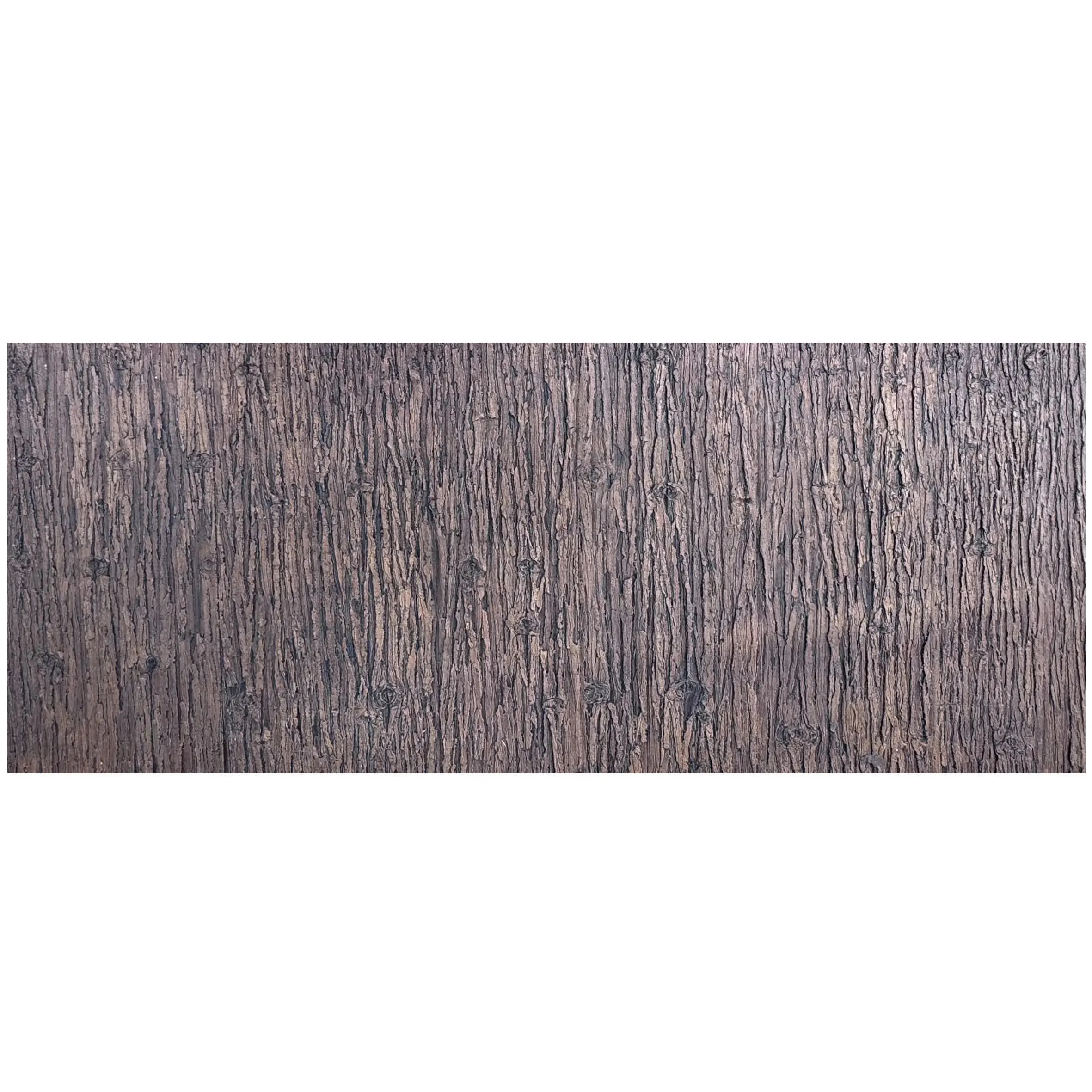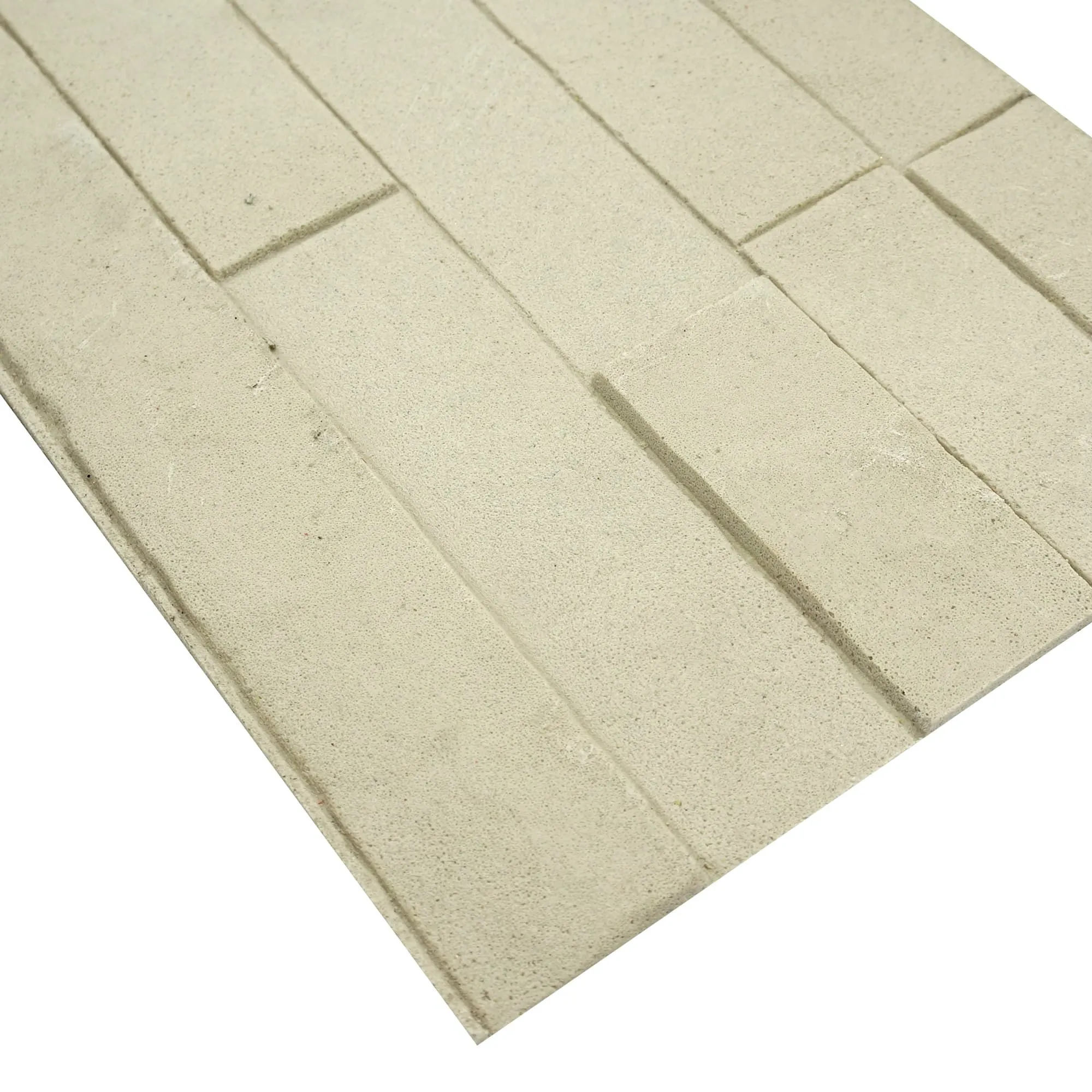
Picture this: It's a Tuesday afternoon, and you're an architect staring at your monitor, fingers hovering over the mouse. On screen, a stunning marble pillar rises through the virtual lobby of your latest project—smooth, elegant, with veins of gray snaking through creamy white stone that seem to glow under the simulated sunlight. You've spent weeks tweaking the design in your go-to software, experimenting with different textures from the marble series, adjusting lighting angles, and even simulating how it might look at dawn versus dusk. But a tiny voice nags at you: Will it really look like that in real life?
In the world of architecture and design, marble pillars aren't just structural elements—they're statements. They add grandeur to entrances, anchor lobbies, and tell stories of craftsmanship. But bringing that vision to life hinges on one critical challenge: bridging the gap between digital visualization (think design software) and physical reality (think real photos of actual marble pillars). Both tools have their place, but understanding their strengths, weaknesses, and how they complement each other can mean the difference between a client's awe and a costly redesign. Let's dive in.
Design software has revolutionized how we conceptualize marble pillars. Gone are the days of sketching on tracing paper or relying solely on physical samples. Today's tools—from CAD programs to advanced 3D rendering platforms—offer a level of precision that once seemed impossible. For starters, they let you play with an entire marble series without ever stepping foot in a quarry. Want to see how a pillar would look in travertine (starry blue) versus dolomitic travertine (dark grey)? Just a few clicks. Curious about the contrast between a polished marble finish and the raw, industrial feel of fair-faced concrete? Drag-and-drop textures, adjust lighting, and voilà—you've got a side-by-side comparison.
These tools excel at technical accuracy, too. You can input exact measurements (height, diameter, even the spacing between flutes on a classical pillar), ensuring the design aligns with structural requirements. Lighting simulation features are a game-changer, too. Software can mimic the soft glow of morning light filtering through a window or the harsh brightness of midday sun, helping you predict how the marble's surface will reflect and absorb light. For teams collaborating remotely, this is invaluable—stakeholders in different time zones can all view the same 3D model, rotating it, zooming in on details, and signing off on decisions without needing to be in the same room.
But here's the catch: Software is only as good as the data it's fed. While it can map high-resolution images of marble textures, it struggles with the subtlety of real stone. The way a vein in travertine might thicken slightly halfway up a pillar, or how a tiny imperfection—a fleck of darker stone, a hairline crack—adds character? Those nuances are hard to program. And lighting simulations, while impressive, often rely on idealized conditions. They might not capture how a sudden rainstorm would make the marble look (damp) or how dust settling on the surface over time would soften its sheen. In short, software gives you a "perfect" version of your pillar—but real life is rarely perfect.
If design software is the "what if," real photos are the "what is." There's no substitute for seeing a marble pillar in person—or at least in a high-quality photograph—when trying to gauge how it will look in a finished space. Real photos (like those in a curated gallery of marble pillar real photos) show the material as it truly is: unretouched, unfiltered, and full of personality. They capture the way light dances across the surface of a travertine pillar at 3 p.m., highlighting its porous texture, or how the golden hues of lunar peak golden marble warm up a dimly lit hallway. They reveal the slight variations in color between batches of the same stone—something software might gloss over with a uniform texture map.
For designers and clients alike, real photos build trust. A client might be wowed by a software render, but seeing a photo of a similar marble pillar in a completed hotel lobby makes the design tangible. It answers questions like, "Does the color fade in direct sunlight?" or "How does the texture feel up close?" (though, admittedly, photos can't convey touch—you still need physical samples for that). Real photos also help with problem-solving. Maybe you notice in a photo that a certain marble series tends to show fingerprints easily, prompting you to opt for a honed finish instead of polished. Or perhaps a photo of a fair-faced concrete pillar in a similar climate shows discoloration over time, making you rethink your material choice.
But real photos come with their own set of challenges. For one, lighting is everything. A photo taken on a cloudy day might make a lunar peak silvery marble look dull, while the same pillar on a sunny day could appear too bright. Angles matter, too—shooting from below might make the pillar look taller and more imposing than it actually is, while a head-on shot might flatten its details. Then there's scale: A photo of a marble pillar in a massive cathedral might make it look grand, but plop that same pillar into a small boutique, and it could feel overwhelming. Without context (like a person standing next to it or a ruler in the frame), photos can distort perception.
To help you decide when to lean on software and when to reach for real photos, let's break down their key strengths and weaknesses:
| Aspect | Marble Pillar Design Software | Real Photos of Marble Pillars |
|---|---|---|
| Color Accuracy | Highly controlled, but depends on monitor calibration and texture file quality. May oversaturate or flatten subtle color variations. | Shows true color under specific lighting conditions, but can vary based on time of day, weather, and camera settings. |
| Texture Detail | Can map high-res textures, but struggles with 3D depth (e.g., the feel of porous travertine or the rough surface of fair-faced concrete). | Captures texture depth, including imperfections, veins, and natural variations that add character. |
| Lighting Flexibility | Allows adjustment of lighting scenarios (dawn, dusk, artificial light) for predictive visualization. | Shows lighting effects in a specific moment, but can't be easily altered without photo editing (which risks inaccuracy). |
| Scale & Context | Easily adjusts to fit any space; can place the pillar in a virtual room with other elements (furniture, flooring) for context. | Hard to scale without; may not show how the pillar interacts with its intended environment. |
| Cost & Time | Initial software investment, but quick to iterate (no need to schedule photoshoots or wait for material samples). | Requires access to existing pillars (or hiring a photographer), which can be time-consuming and costly for custom shoots. |
| Emotional Impact | Can create "wow" moments with idealized renders, but may feel sterile to clients who crave authenticity. | Evokes emotion through realism—clients can imagine touching the stone, walking past the pillar, living with its presence. |
The best approach isn't choosing software over real photos or vice versa—it's using them in tandem. Here's how:
Start with software for exploration. Use it to sketch out ideas, test different marble series options, and refine technical details like dimensions and structural support. Want to see if a boulder slab (vintage gold) pillar would clash with your client's preferred wooden flooring? Software lets you experiment quickly without committing to physical samples.
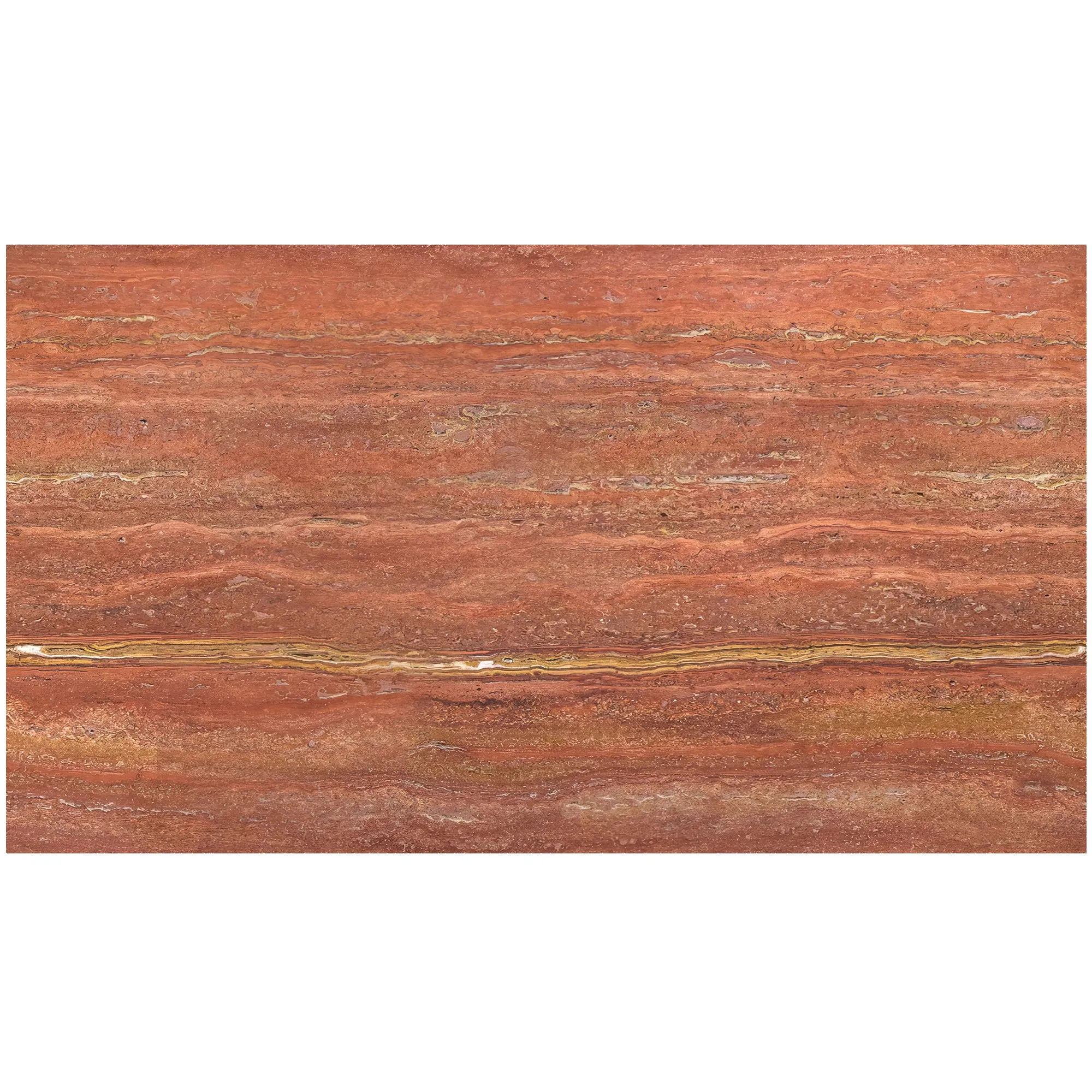
Validate with real photos. Once you've narrowed down your options, use real photos to confirm your choices. If you're leaning toward travertine (starry red), find photos of existing travertine pillars in similar spaces. Does the color hold up in different lighting? Are the starry patterns as prominent as the software render suggested? Real photos will ground your design in reality.
Case Study: The Grand Hotel Lobby Project
Let's take a hypothetical example. A design firm was tasked with creating a lobby for a luxury hotel, centered around four towering marble pillars. They started in software, experimenting with the marble series—testing lunar peak black for drama, then switching to golden travertine (white golden) for warmth. Once they settled on a design, they ordered physical samples of the travertine and took photos of them in the lobby's actual lighting (morning, afternoon, evening). The photos revealed that the golden hues were more muted than the software render suggested under the lobby's soft ceiling lights. The team adjusted the design, adding accent lighting to the base of the pillars to enhance the golden tones—something they never would have realized without real-world reference.
As technology advances, tools like augmented reality (AR) and virtual reality (VR) are blurring the lines between digital and physical. Imagine putting on a VR headset and "walking" through your lobby, reaching out to "touch" the marble pillar and feeling its texture (via haptic feedback). Or using AR to overlay a 3D model of your pillar onto a real space, seeing how it interacts with existing architecture in real time. These innovations are exciting, but they still rely on accurate data—data that often comes from… you guessed it… real photos of marble samples and pillars.
At the end of the day, real photos capture something software can't: the essence of a material. Marble, travertine, fair-faced concrete—these aren't just textures on a screen. They're products of nature and human craftsmanship, with histories written in their veins and imperfections. Design software helps us shape those materials into something beautiful, but real photos remind us of why we fell in love with them in the first place.
So, back to that architect staring at their monitor. The solution isn't to abandon the software or dismiss real photos—it's to use both. Let software fuel creativity and precision, and let real photos anchor that creativity in reality. Whether you're designing a sleek modern pillar in fair-faced concrete or a classical column in roman huge travertine, the combination of digital tools and unfiltered imagery will help you create something that not only looks stunning on screen but leaves clients breathless when they see it in person.
After all, great architecture isn't just about lines and measurements—it's about making people feel something. And to do that, you need to understand both the "what if" and the "what is."
Recommend Products