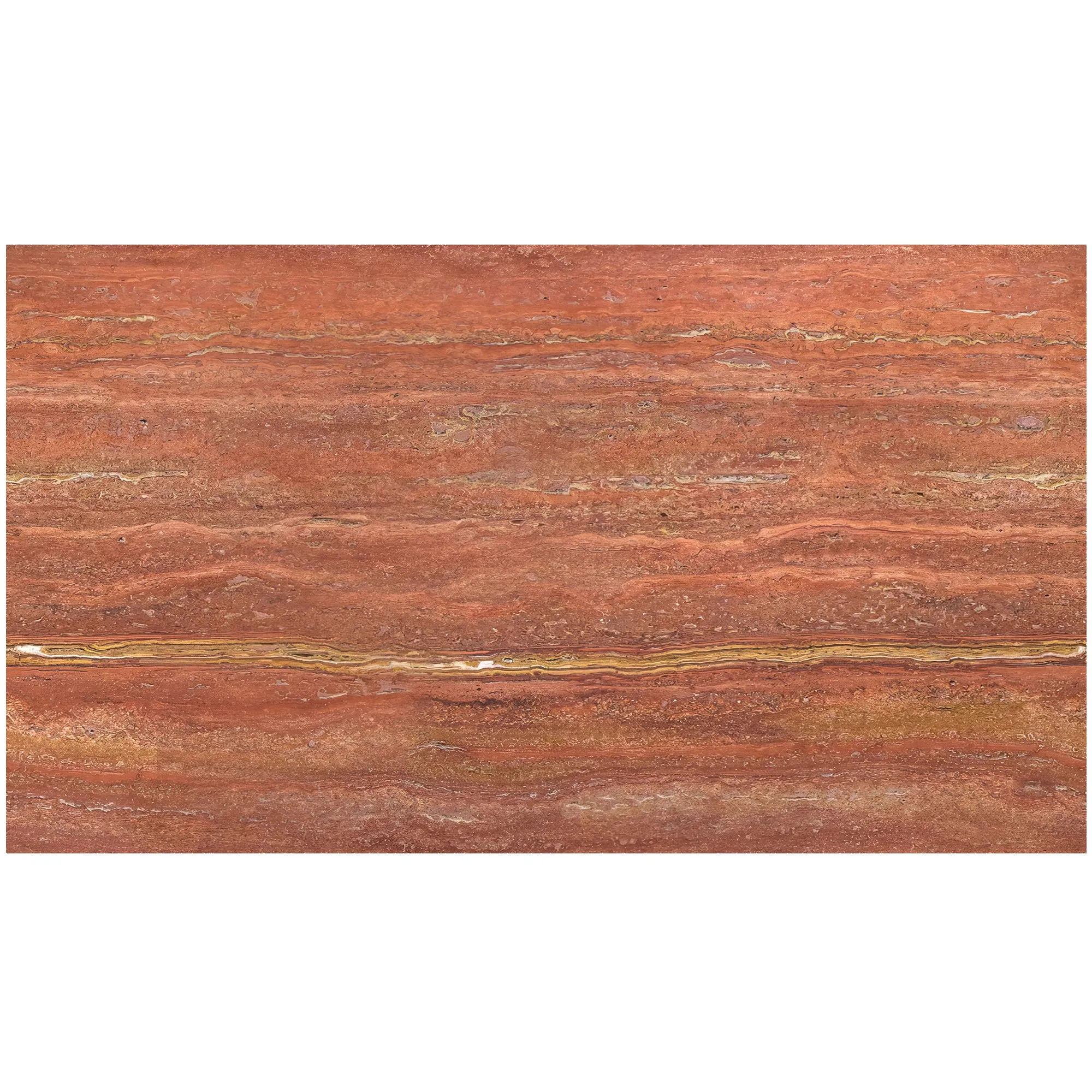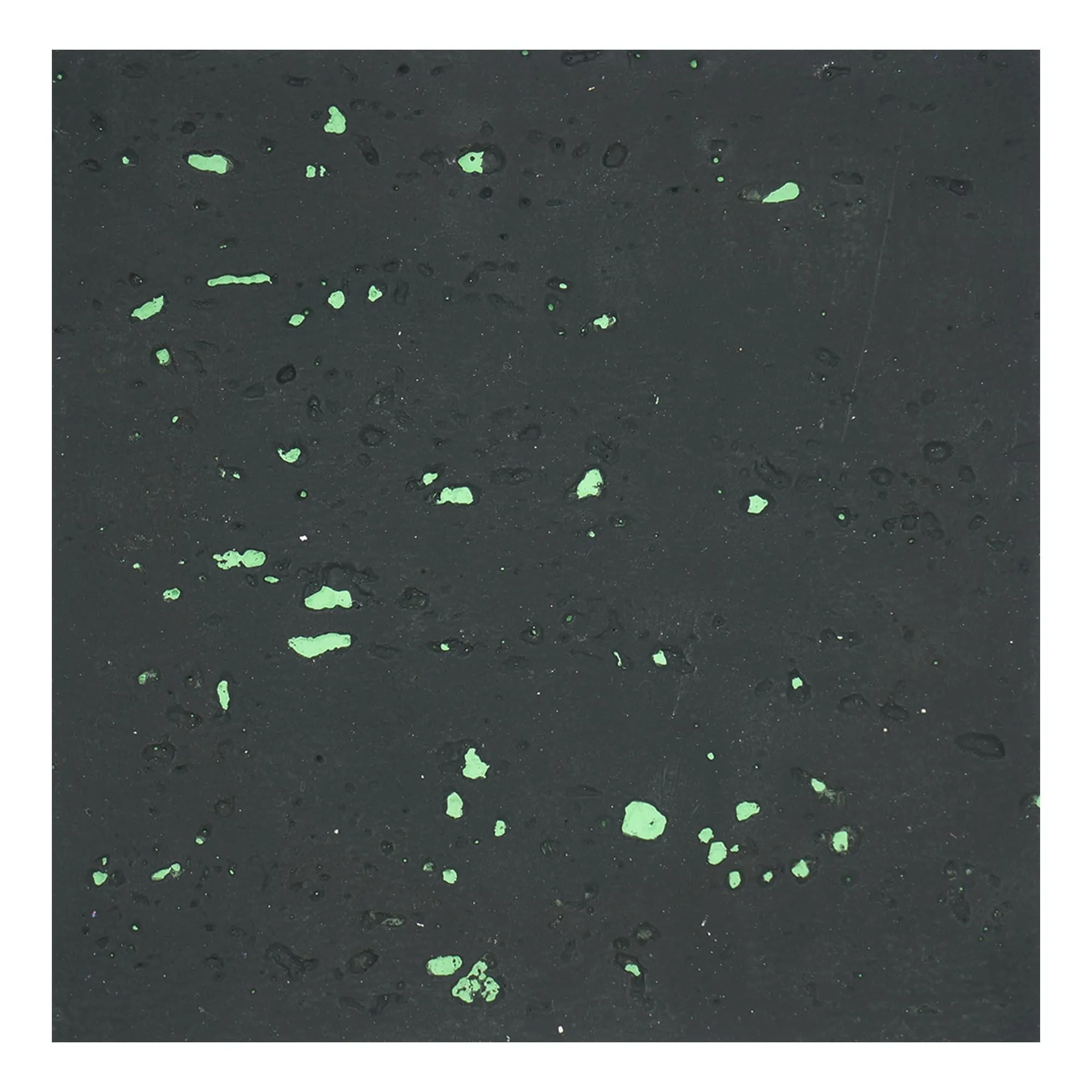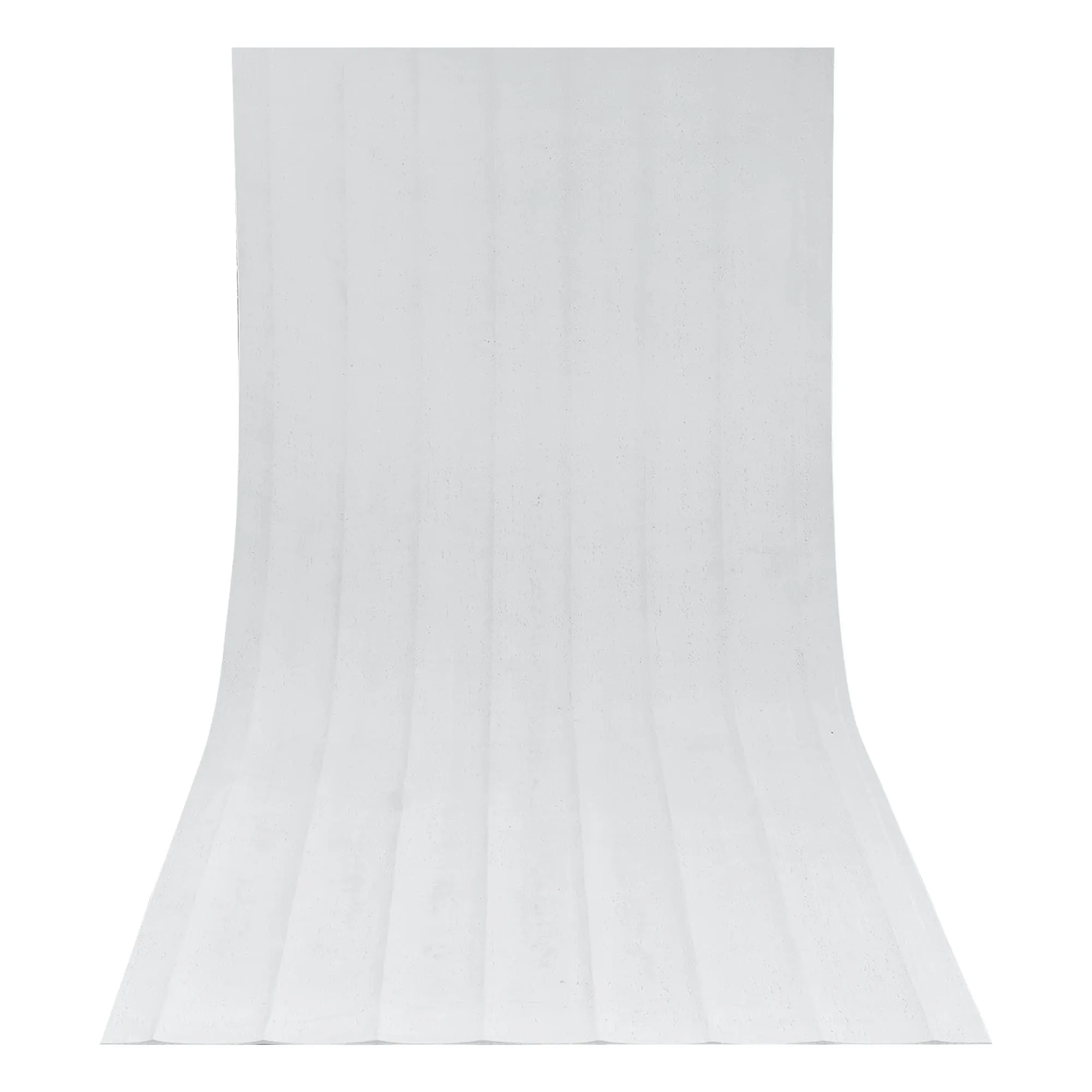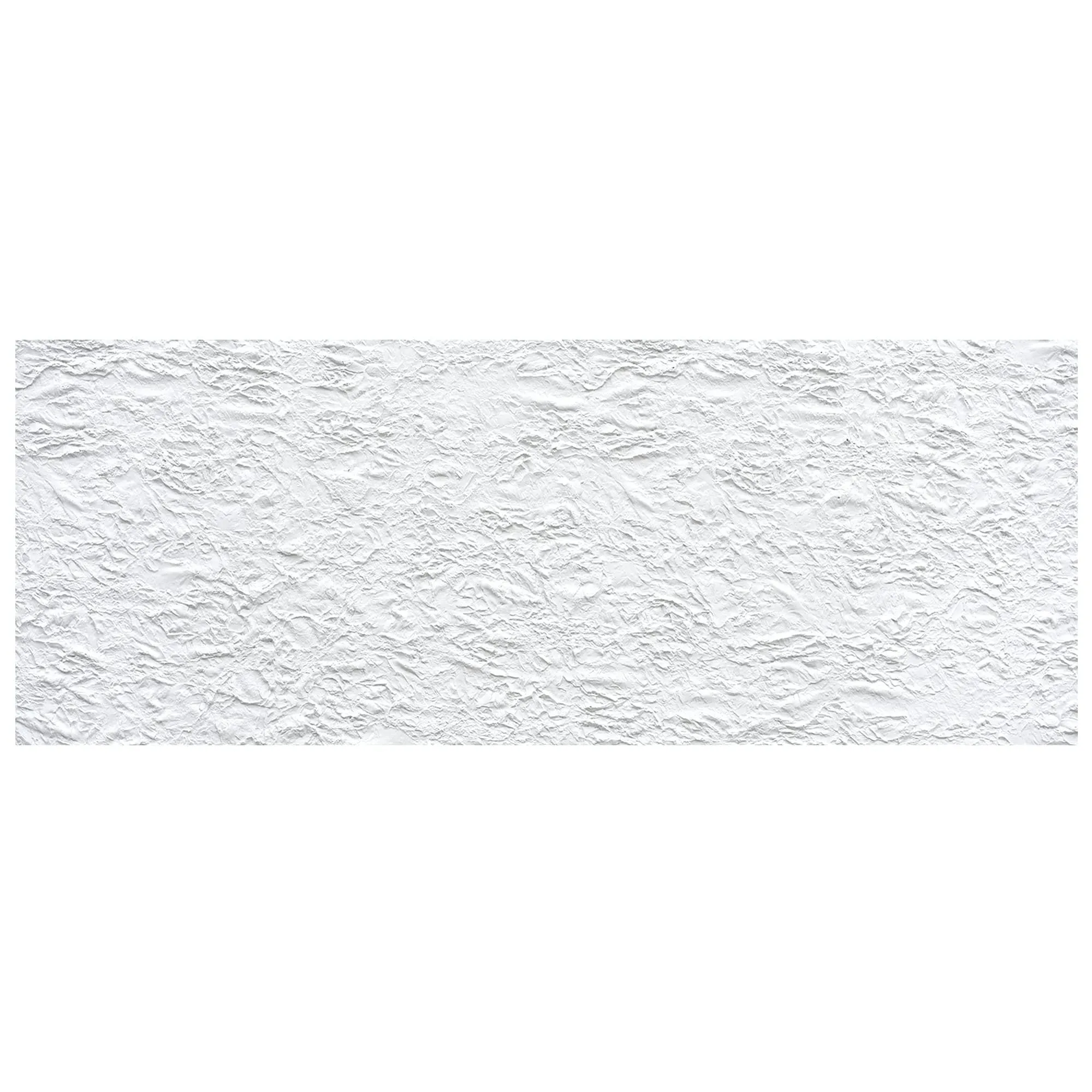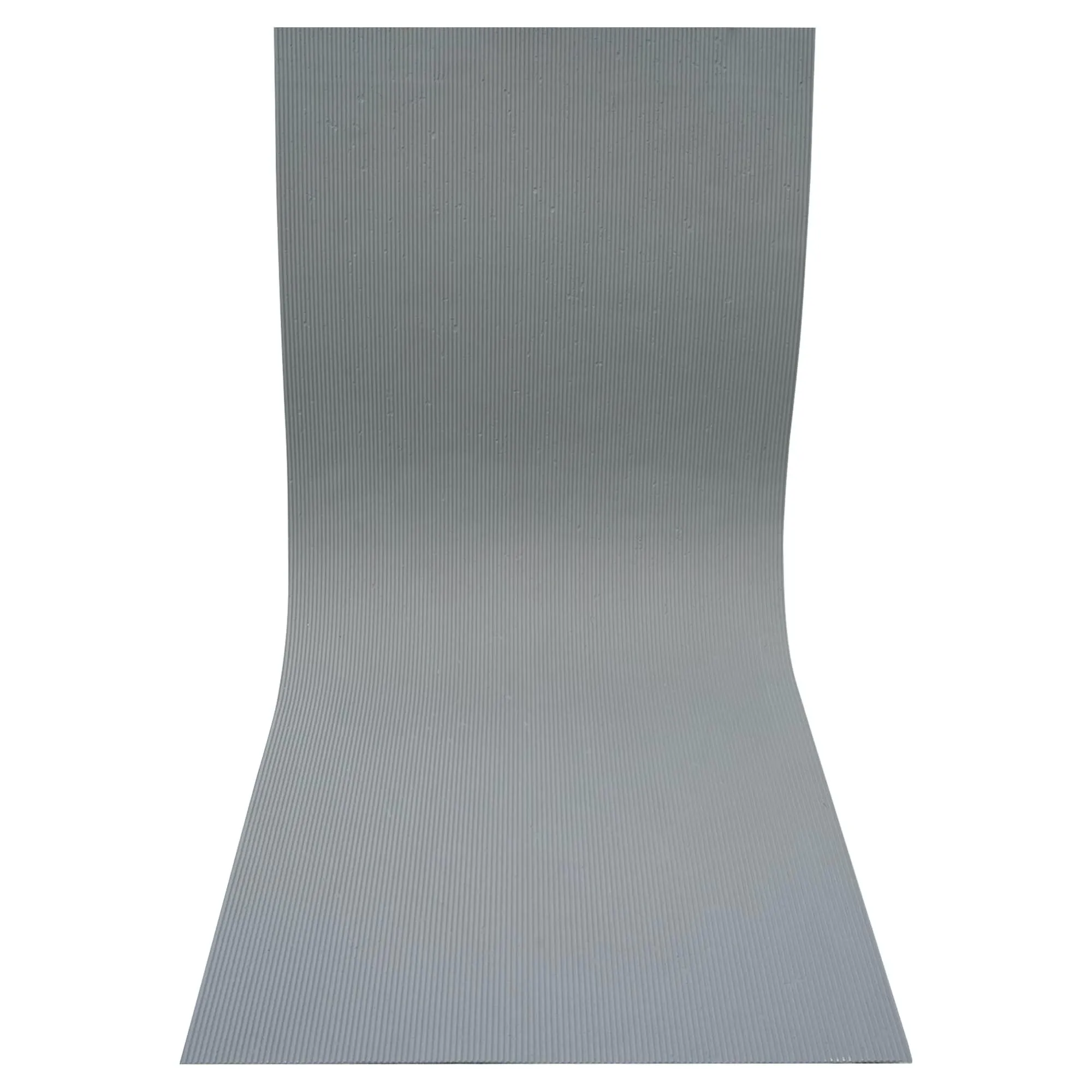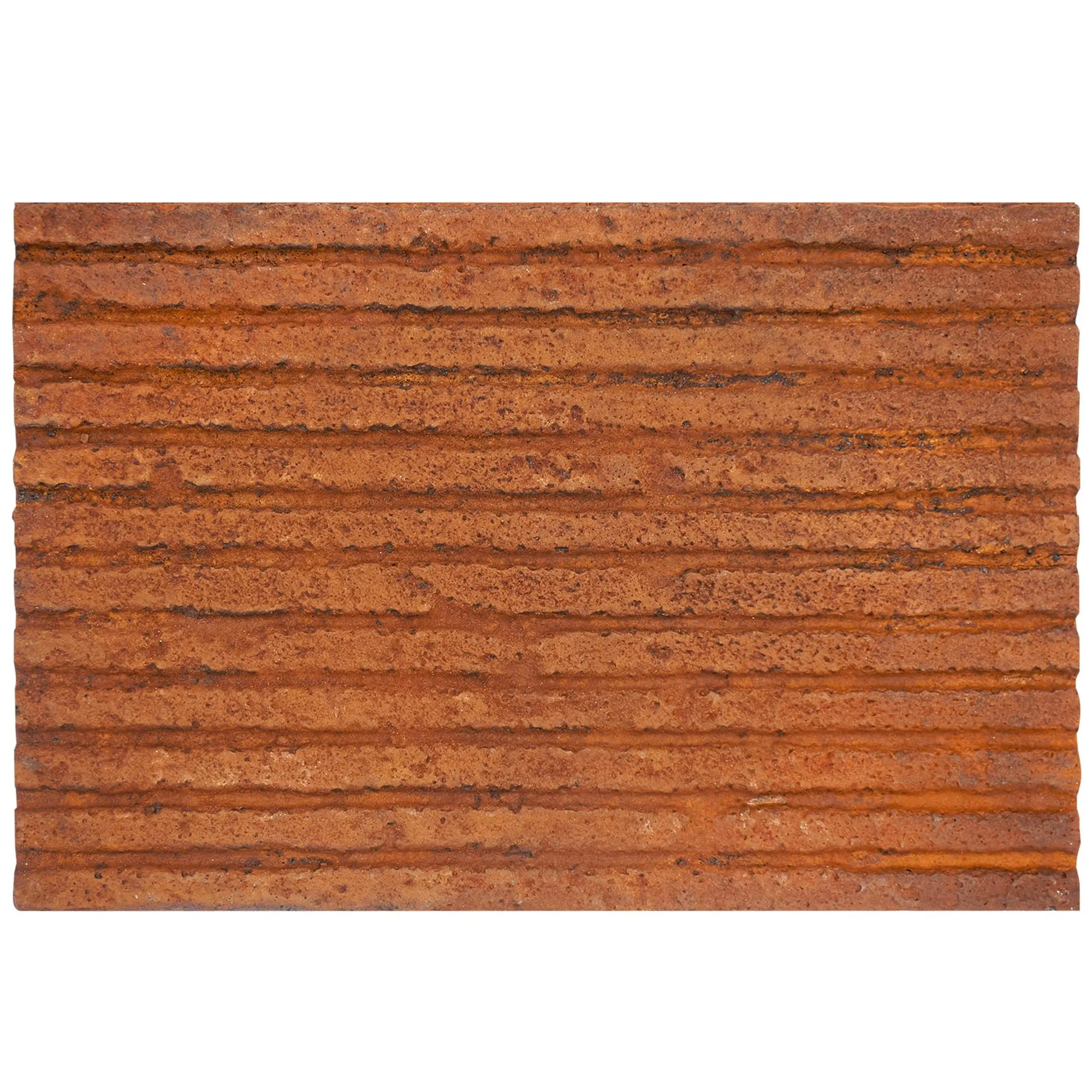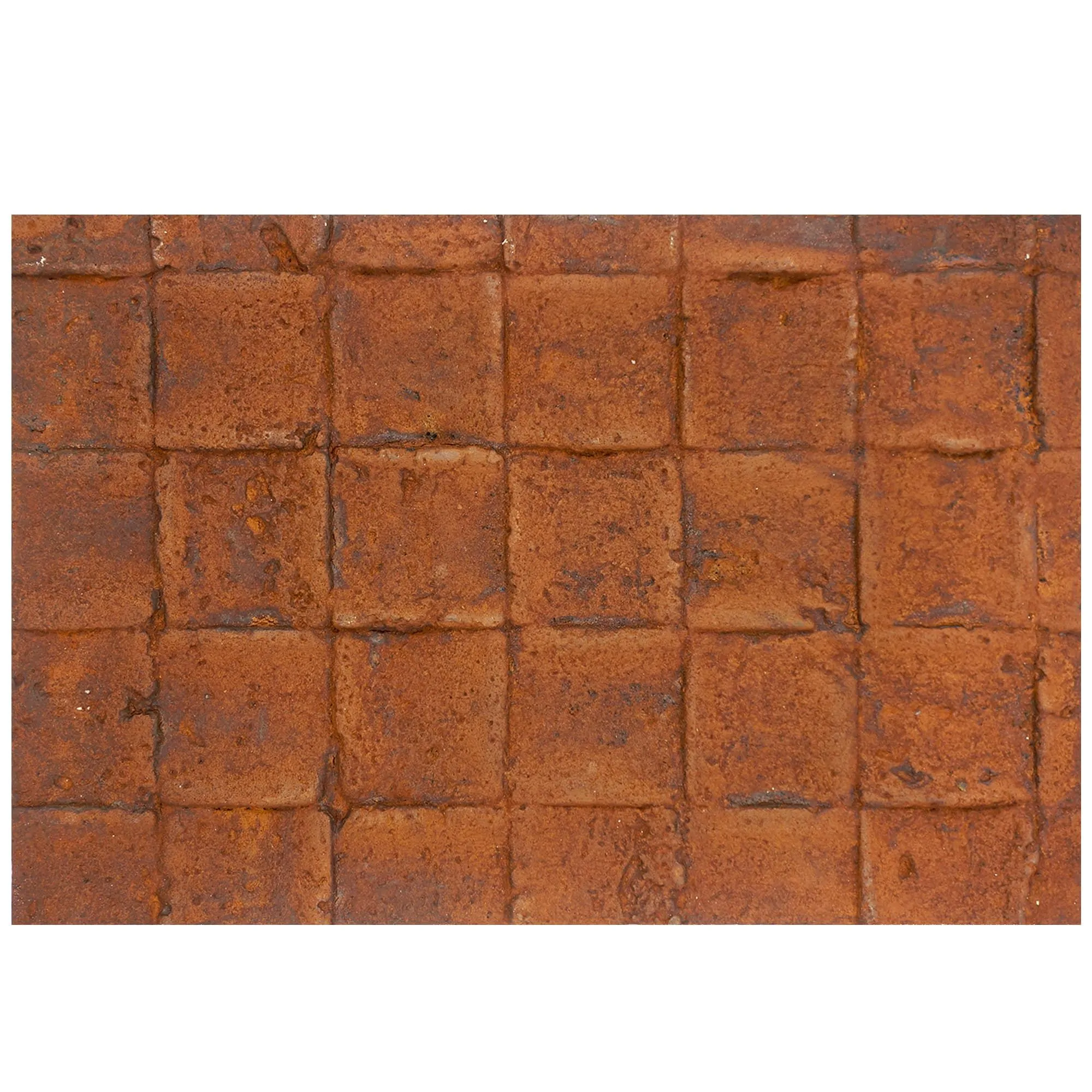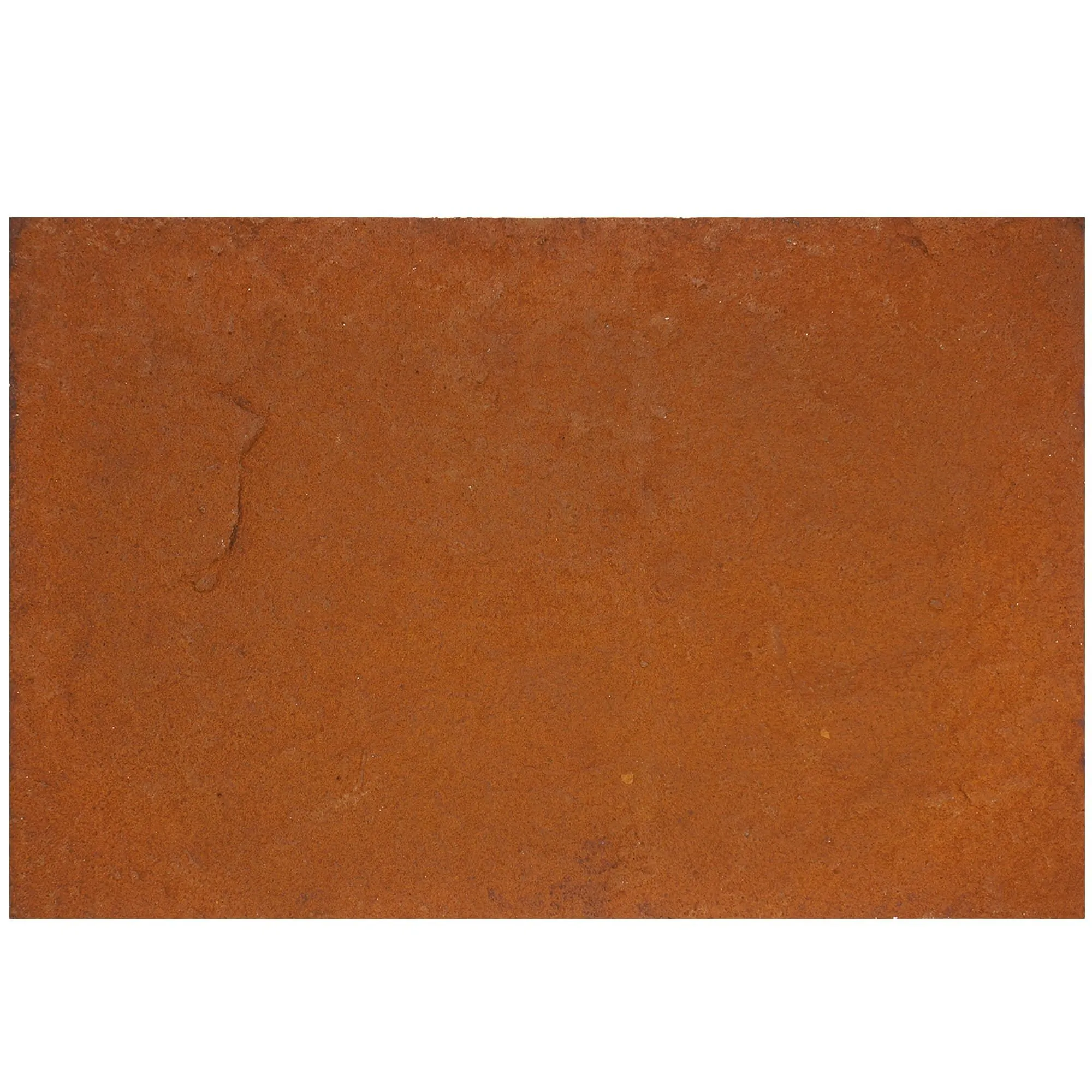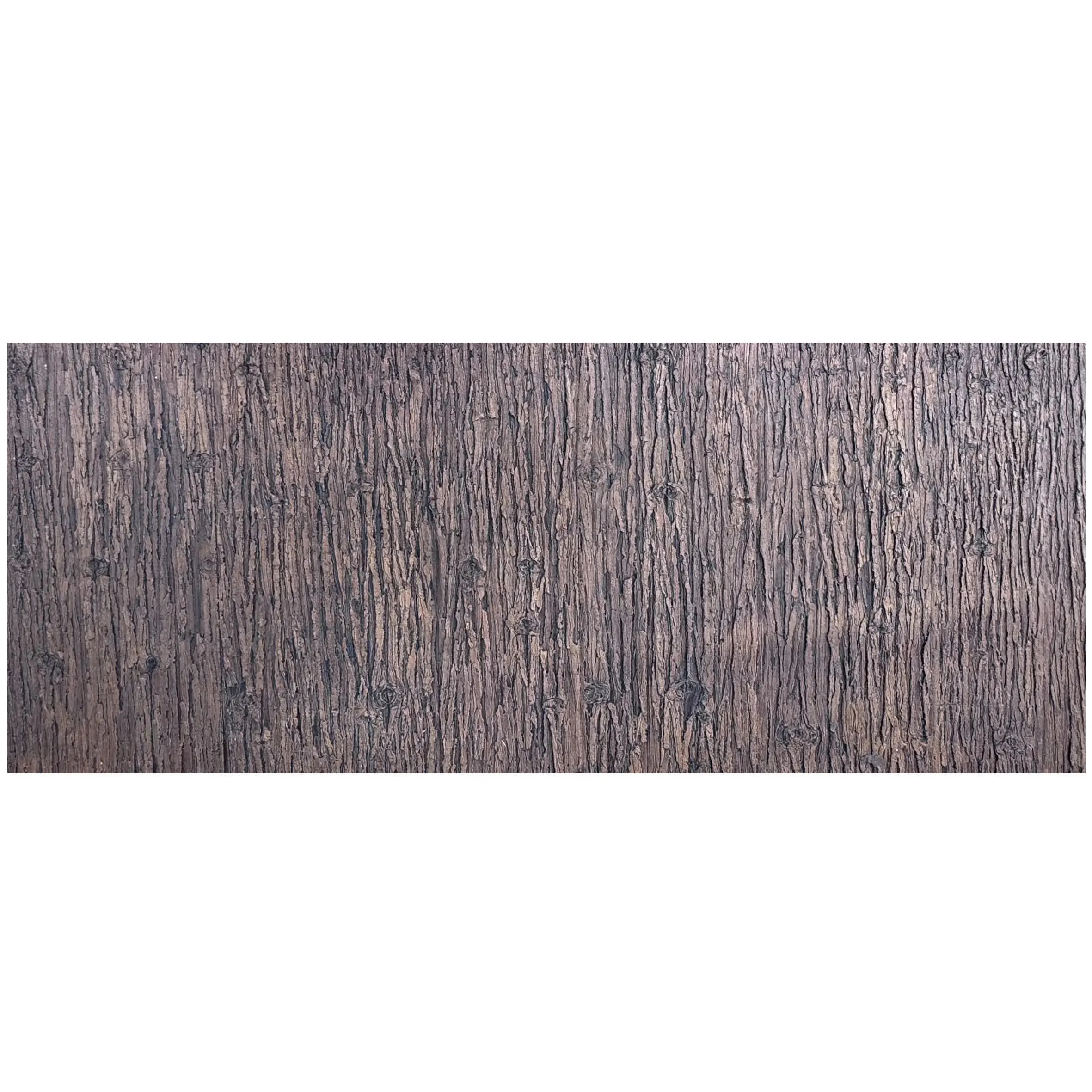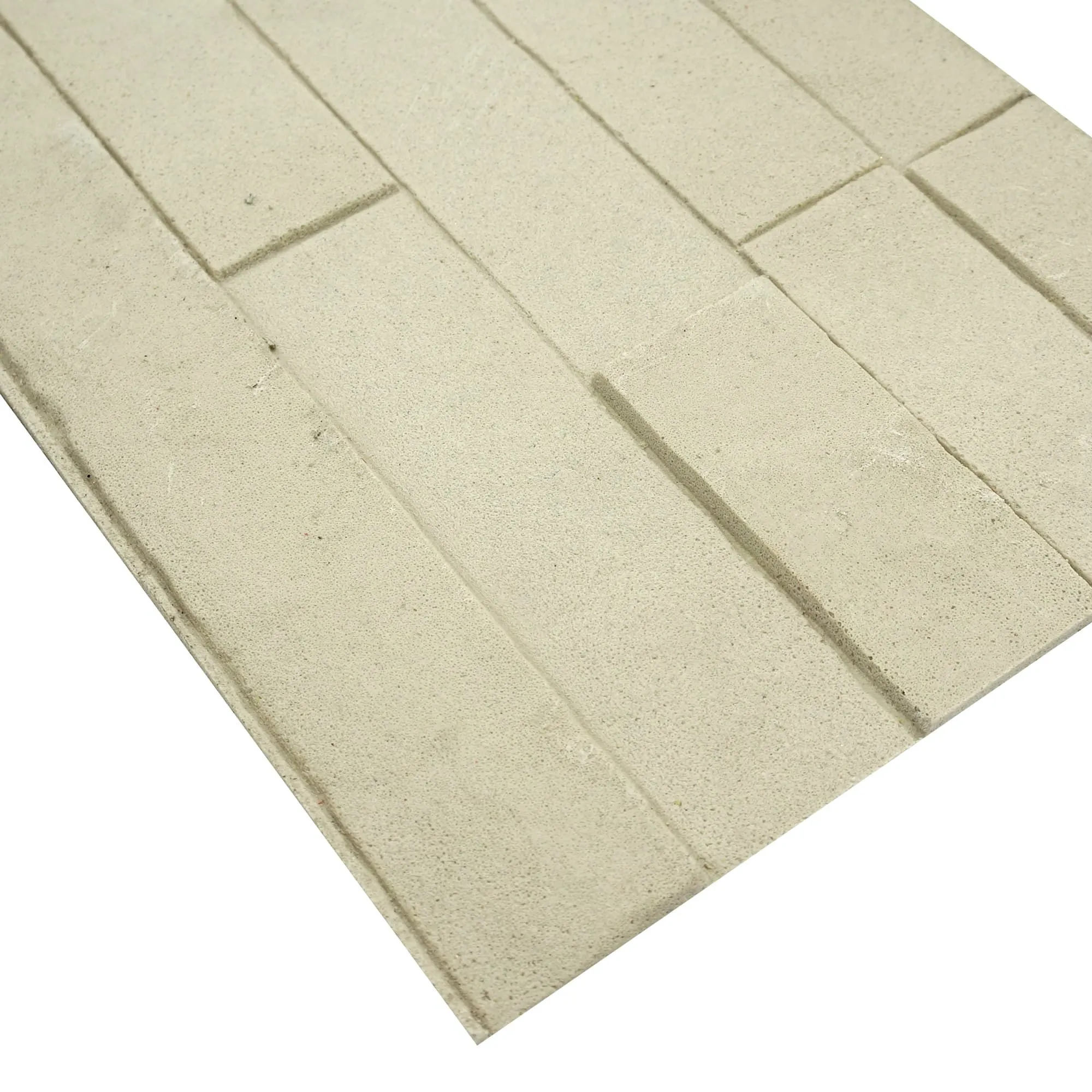
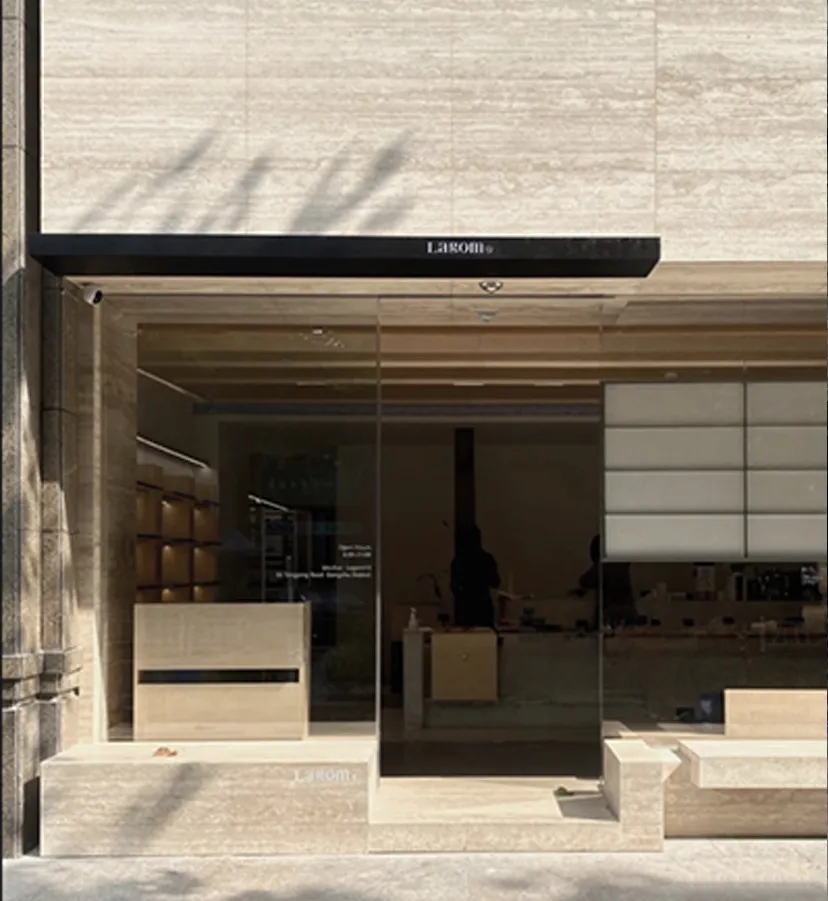
There's a reason travertine has been a design favorite for centuries—its warm, honeyed tones, unique veining, and subtle texture bring a sense of timeless elegance to any space. But when you pair that natural beauty with the innovation of MCM panels, you get something even better: the MCM Project Board Series. Specifically, Milan Travertine from this collection isn't just a material—it's a statement. Whether you're revamping a kitchen backsplash, upgrading a living room accent wall, or designing a grand entryway, installing MCM Project Board panels is a project that balances creativity and practicality. Let's walk through how to bring this stunning material to life in your home, step by step.
Before we dive into the how-to, let's talk about the "why." The MCM Project Board Series is a game-changer for DIYers and professionals alike. Unlike traditional natural stone, these panels are lightweight (so easier to handle and install), durable (resistant to cracks, chips, and weathering), and designed for seamless installation. Plus, with options like the Big Slab Board, you can cover large areas with fewer seams, creating a more polished, expansive look. And let's not forget aesthetics—Milan Travertine captures the essence of authentic travertine, with variations like Travertine (Starry Green) adding subtle, star-like flecks that catch the light beautifully. It's the perfect blend of old-world charm and modern convenience.
Every great project starts with preparation. Here's what you'll need to get started:
Your Milan Travertine panels deserve a solid, smooth base. Start by inspecting the wall (or floor) where they'll be installed. It needs to be clean, dry, and flat. Wipe away dust, grease, or old paint with a damp cloth and let it dry completely. If there are small cracks or holes, fill them with a patching compound, let it cure, then sand it smooth. For larger uneven areas, consider using a self-leveling compound to create a flat surface—trust us, this extra step will save you from wonky panels later.
Once the surface is prepped, do a quick "dry fit": lay out your panels on the floor (or hold them up to the wall) to visualize the layout. This is where you can get creative—mix in a few Travertine (Starry Green) panels for a pop of color, or arrange the veining to flow in a specific direction. Take a photo of this dry layout to reference during installation—it'll help keep things on track.
Now it's time to get precise. Grab your measuring tape and pencil, and start by marking the vertical and horizontal guidelines on the wall. For most installations, we recommend starting from the bottom corner and working your way up—this ensures the weight of the panels is supported as you go. Use a level to draw straight lines—even a 1-degree slant will become noticeable once panels are up!
When measuring for cuts, remember the golden rule: measure twice, cut once . For the MCM Big Slab Board, which comes in larger dimensions, measure the height and width of your installation area, then mark the panel accordingly. Leave a 1/4-inch gap along the top, bottom, and sides—this allows for slight expansion due to temperature or humidity changes (travertine, even in panel form, needs breathing room!).
To cut the panels: Secure the MCM panel to a workbench with clamps (to prevent slipping), line up your circular saw with the marked line, and cut slowly. The diamond blade will glide through the material, but go steady to avoid chipping the edges. If you're cutting curves or notches (for outlets, for example), use a jigsaw with a diamond blade—just take your time, and the result will be clean.
Not sure if the Project Board Series is right for you? Here's a quick breakdown of MCM's top collections to help you decide:
| Series Name | Key Features | Best For |
|---|---|---|
| MCM Project Board Series | Large, lightweight slabs; minimal seams; easy to cut and install | Accent walls, kitchen backsplashes, large-scale interiors |
| MCM 3D Printing Series | Textured, dimensional designs (think waves, geometric patterns) | Statement walls, artistic focal points, commercial spaces |
| MCM Flexible Stone | Bendable panels (up to 90-degree curves); ideal for rounded surfaces | Columns, curved walls, fireplaces, unique architectural details |
Now, let's get sticky. Open your construction adhesive and stir it well (some formulas separate over time, so a quick mix ensures consistency). Using a notched trowel, apply a 1/4-inch thick layer to the back of the MCM panel. Hold the trowel at a 45-degree angle and spread the adhesive in a wavy pattern—this creates ridges that collapse when you press the panel against the wall, ensuring full contact and strong adhesion.
With adhesive applied, it's time to set the first panel. Line up the bottom edge with your marked guideline and press the panel firmly against the wall. Give it a gentle twist as you push—this helps the adhesive spread evenly. Use your level to check that it's straight vertically and horizontally. If it's off by a hair, tap it gently with the rubber mallet to adjust (be careful not to hit too hard—you don't want to crack the panel).
For subsequent panels, butt them up closely to the first one (remember that 1/4-inch expansion gap around the perimeter, but seams between panels can be tight). If using the Big Slab Board, this will create a nearly seamless look. For smaller panels, stagger the seams like brickwork to add visual interest and strength—this prevents long vertical seams that can weaken over time.
Work in small sections (about 2-3 panels at a time) to prevent the adhesive from drying out. If you notice excess adhesive oozing out between panels, wipe it away immediately with a damp rag—once it dries, it's harder to remove without scratching the travertine surface.
Once all panels are installed and the adhesive has fully cured (check the adhesive's label—most take 24-48 hours), it's time to seal the joints. For interior walls, a clear silicone caulk works perfectly. Apply a thin bead along each seam, then smooth it with a damp finger or a caulk tool for a clean finish. This step keeps moisture, dust, and dirt from seeping behind the panels, which can cause mold or damage over time.
If you're installing Milan Travertine in a wet area (like a shower or outdoor patio), opt for waterproof grout instead. Mix it according to the package instructions, apply it with a rubber grout float, and wipe away excess with a damp sponge. Let it cure for 48 hours before exposing it to water.
You're almost done! Give the panels a final wipe with a soft, dry cloth to remove any remaining dust or smudges. Stand back and take it all in—your space now has the warmth and character of Milan Travertine, elevated by the practicality of MCM Project Board. If you used special accents like Travertine (Starry Green), notice how the light catches those flecks, adding depth and sparkle. This isn't just a DIY project—it's a transformation.
To keep your installation looking fresh for years to come, a little maintenance goes a long way. Sweep or dust the panels regularly to prevent dirt buildup. For deeper cleaning, use a mild soap and warm water—avoid harsh chemicals, abrasive sponges, or vinegar (acidic cleaners can etch the stone). Every 6-12 months, apply a stone sealer specifically formulated for travertine. This adds a protective layer against stains, especially important for lighter colors like Milan Travertine's creamy base.
Installing Milan Travertine from the MCM Project Board Series is more than just a home improvement project—it's about creating a space that feels uniquely yours. The blend of natural travertine beauty and MCM's innovative design makes this material accessible to everyone, whether you're a seasoned DIYer or tackling your first big project. As you stand in front of your finished wall, remember: every measurement, every cut, every careful press of the panel was worth it. This is where functionality meets artistry, and where your vision becomes reality.
So go ahead—host that dinner party, take that before-and-after photo, or simply enjoy your morning coffee while admiring your handiwork. With MCM Project Board, you've not just installed panels—you've installed a story.
Recommend Products