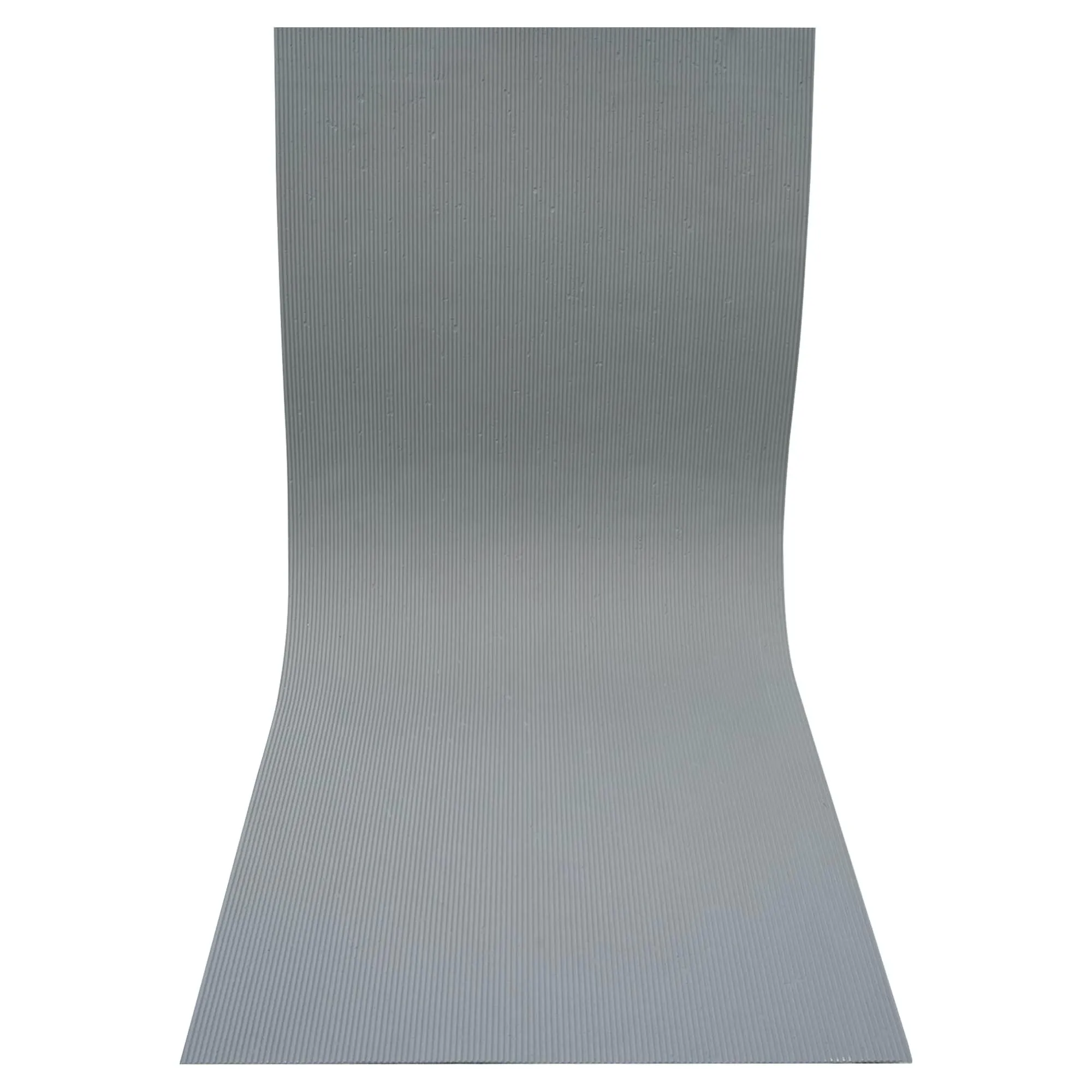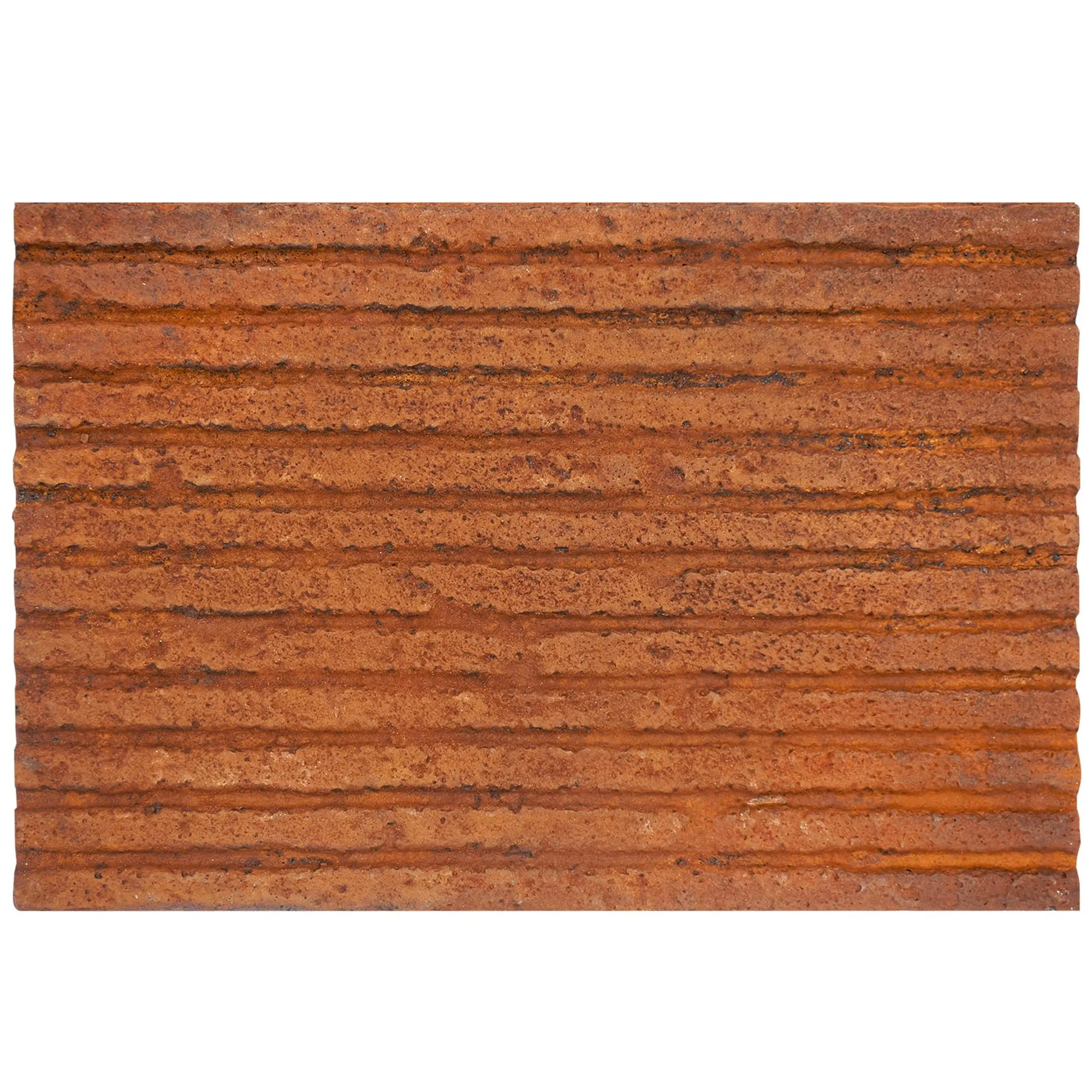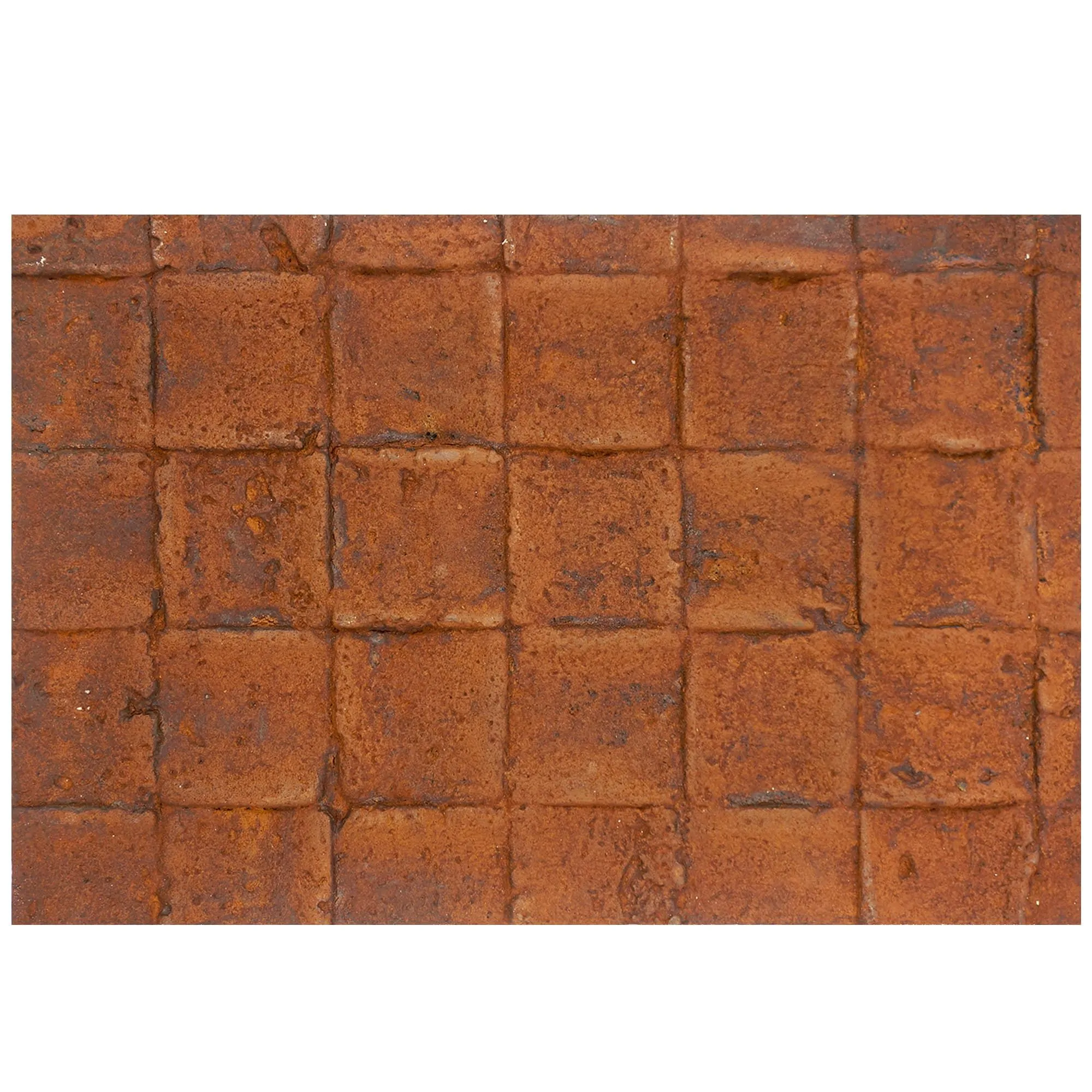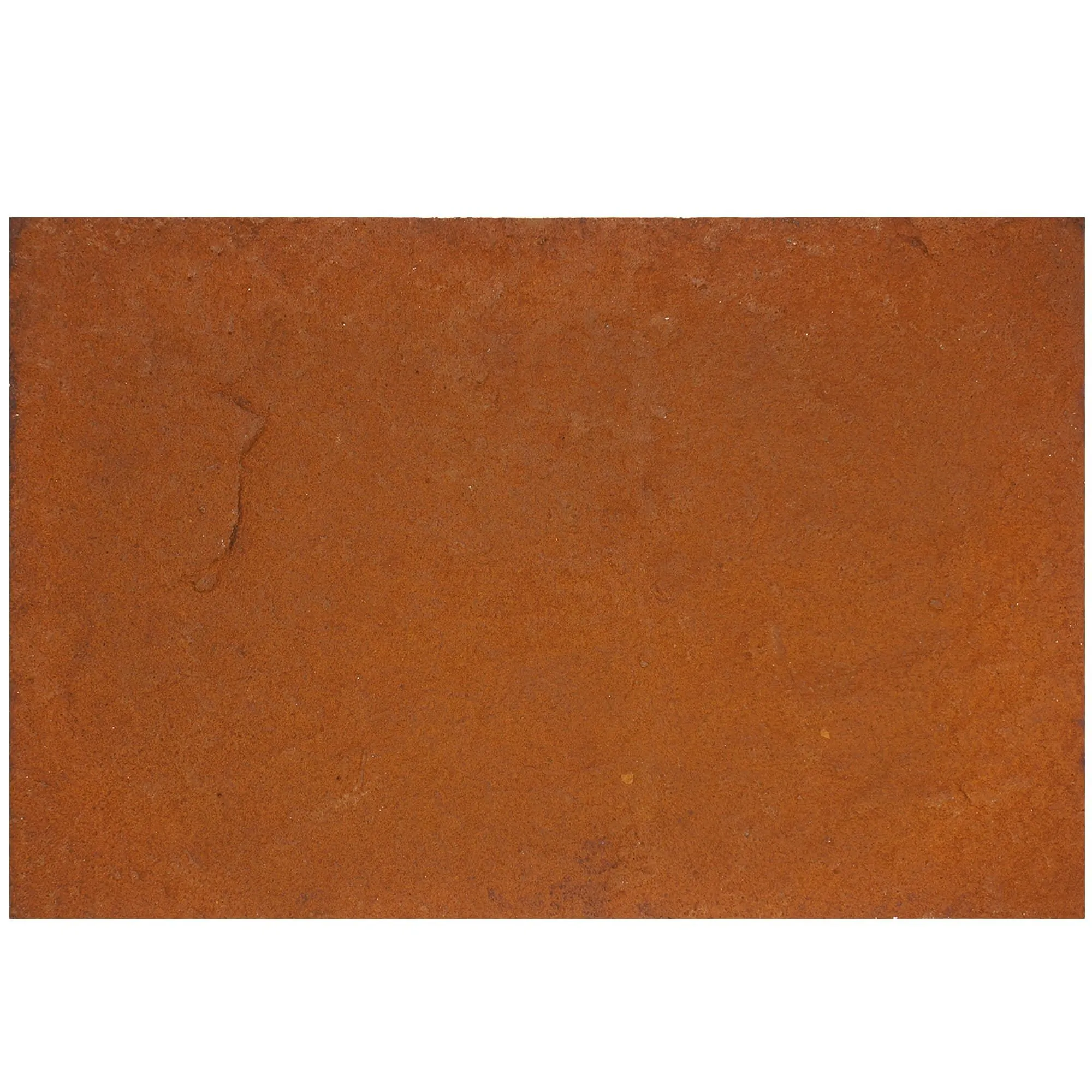
Picture this: An architect sits across from a client in a sunlit office, spreadsheets and fabric swatches scattered across the table. The client leans forward, a small, grainy image in a dusty catalog. "This lime stone—will it really look like this on the exterior of my home?" they ask, skepticism creasing their brow. For decades, this scenario has played out in design offices worldwide: professionals struggling to bridge the gap between a material's tactile reality and its representation on a page. Today, though, a quiet revolution is unfolding—one driven by high-quality real photos, 3D tools, and innovative building material lines—that's turning uncertainty into confidence, and guesswork into clarity.
At the heart of this shift is lime stone, a material as old as architecture itself, yet surprisingly tricky to visualize. Its subtle variations in veining, the way light dances off its surface at different times of day, the texture that feels cool and solid under fingertips—these qualities are nearly impossible to capture in a low-res catalog scan or a generic description. But with the rise of dedicated real photo libraries and advanced digital tools, lime stone (and materials like it) are finally getting the visual showcase they deserve. Let's dive into how this transformation is reshaping project visualization, one high-quality image at a time.
In the past, material selection often relied on two flawed systems: physical swatches and outdated catalogs. Swatches, while tangible, are tiny—often no larger than a postcard—and fail to convey how a material will look across an entire wall or facade. Catalogs, meanwhile, are static, printed in batches that can't keep up with subtle color variations in natural stone. A client might fall in love with a "beige lime stone" in a catalog, only to receive a shipment with pink undertones they hadn't anticipated. The result? Frustration, delays, and even costly rework.
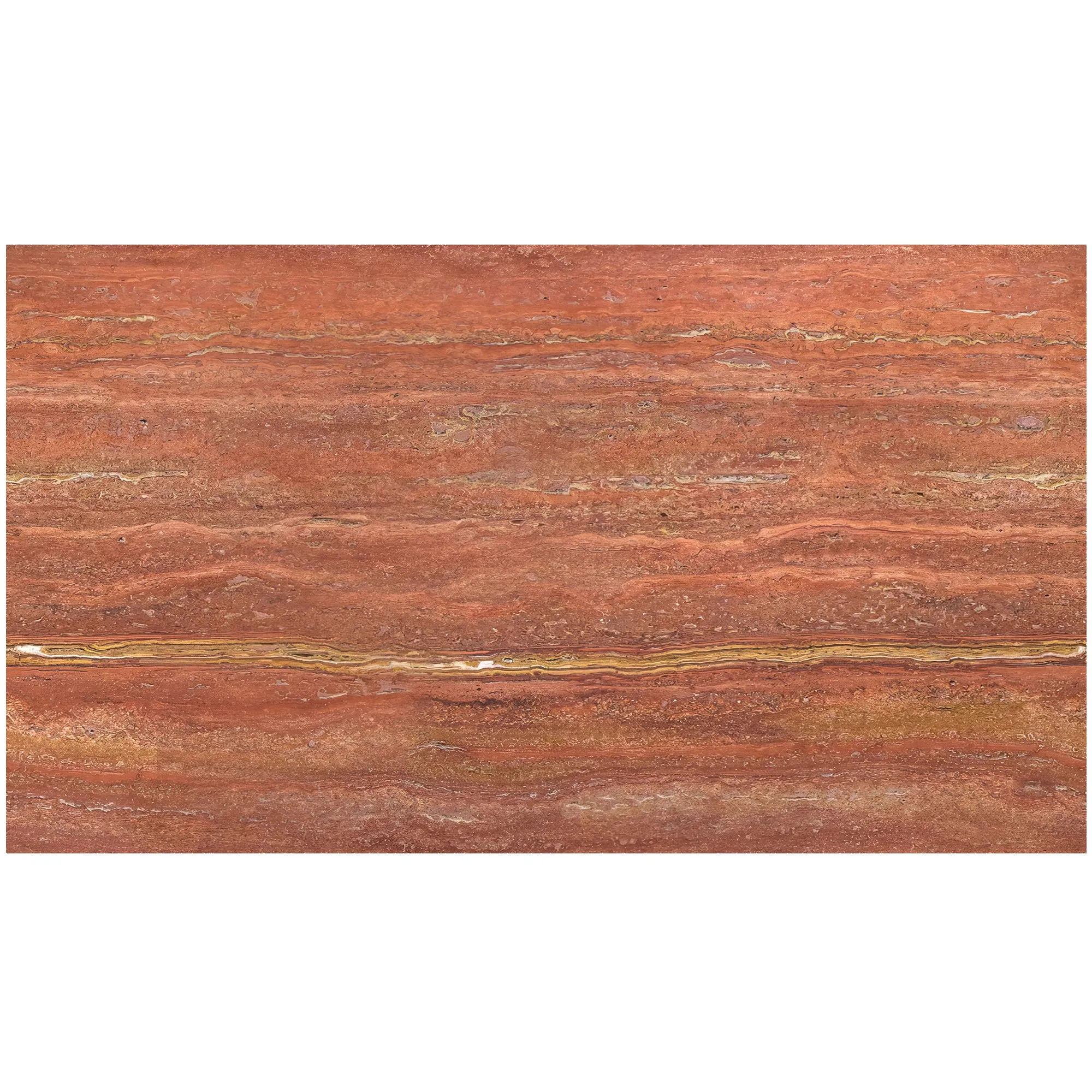
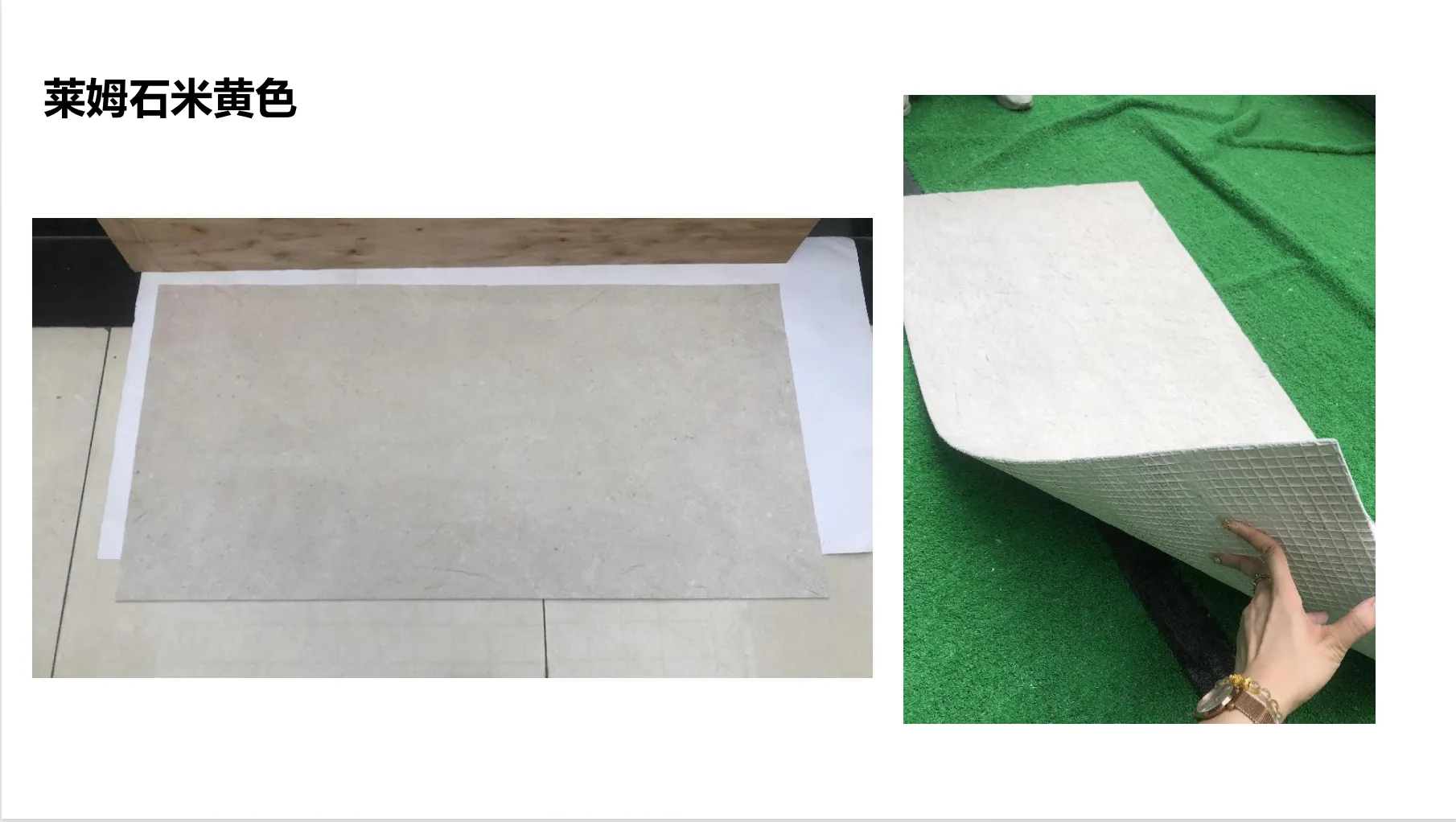
Real photos change this equation by offering context. A high-resolution image of lime stone (beige) isn't just a picture—it's a window into a real-world application. It shows the stone installed on a commercial lobby wall, bathed in afternoon light. It highlights the way rainwater might bead on its surface, or how shadows deepen its crevices at dusk. When paired with multiple angles and lighting scenarios, these photos let clients and designers "experience" the material long before a single slab is ordered. "I had a client once who insisted on a dark gray lime stone," recalls Maria, a residential designer in Chicago. "We showed them real photos of it in both sunny and overcast conditions, and they immediately switched to a lighter beige—they hadn't realized how much the dark tone would absorb heat in summer. That conversation saved us weeks of back-and-forth."
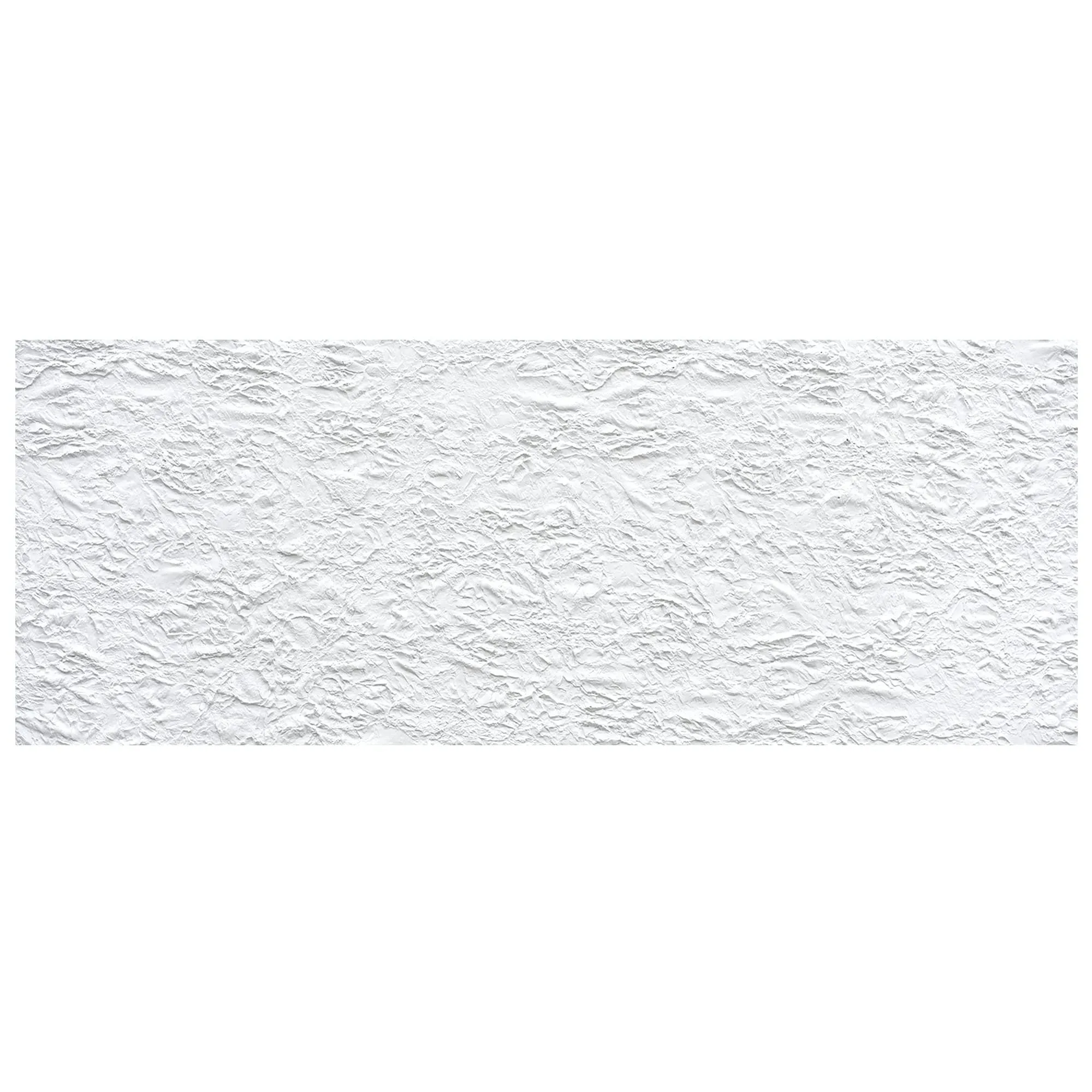
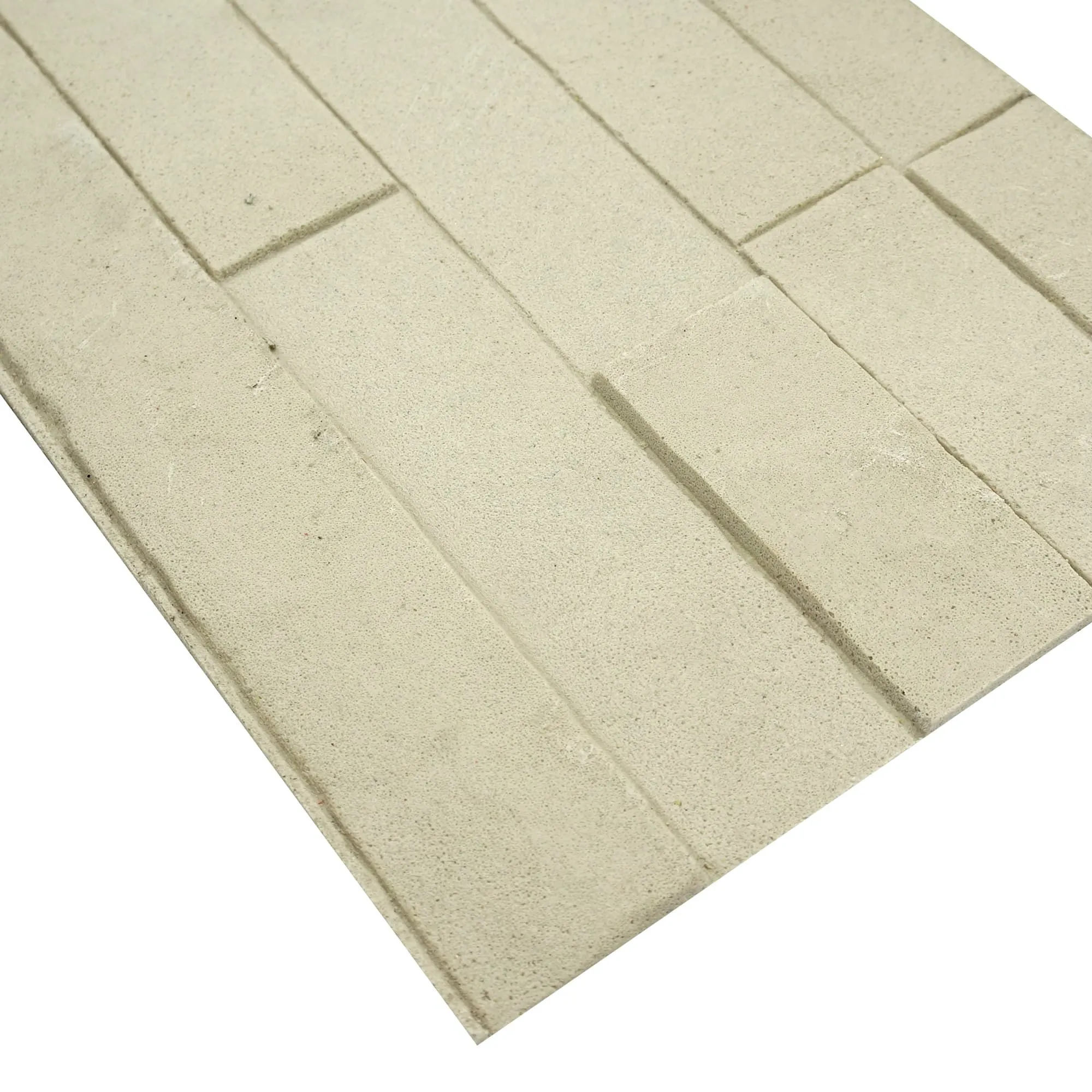
Real photos are powerful, but they're still 2D. For materials with complex textures or three-dimensional patterns—think the undulating waves of a wave panel or the rough-hewn surface of a rock cut stone—even the best photo can feel flat. This is where the 3D printing series comes into play, blurring the line between digital visualization and physical reality.
Imagine an architect using 3D-printed scale models of a project, where every surface is printed with the exact texture of lime stone (beige) or wood grain board . Clients can hold the model, run their fingers over the "stone," and visualize how the material will interact with light and shadow in their space. For custom projects, 3D printing even allows for rapid prototyping: a designer can tweak the texture of a lime stone panel digitally, print a sample overnight, and present it to the client the next morning. It's a level of speed and precision that would have been unthinkable a decade ago.
Take the mcm flexible stone line, for example. This innovative material combines the look of natural stone with the flexibility of a thin, lightweight panel—ideal for curved surfaces or high-rise exteriors. But explaining "flexible stone" to a client is challenging until they see it in action. By pairing 3D-printed samples with real photos of installed projects, designers can showcase both the material's flexibility and its aesthetic appeal. "A client once asked if mcm flexible stone could wrap around a circular column," says Raj, a commercial architect. "I showed them a 3D-printed model of the column wrapped in the stone, plus photos of a completed hotel lobby with the same application. They signed off on the spot."
If there's one material that exemplifies the power of digital visualization, it's mcm flexible stone . Part of the broader MCM (Modified Composite Material) family, this stone is engineered to mimic the look of natural travertine, marble, or lime stone—without the weight or brittleness. But its true innovation lies in its adaptability, which makes it perfect for modern, bold designs. The problem? Convincing clients to take a chance on a "new" material requires more than just technical specs—it requires storytelling.
Digital tools are the storytellers here. Real photos of mcm flexible stone installed on a museum facade highlight its durability; close-up shots reveal the depth of its texture, indistinguishable from natural stone. Time-lapse videos show installers bending the panels around a curved wall with ease, dispelling myths about its flexibility. And when paired with 3D renderings, clients can "walk through" a virtual version of their project, toggling between different mcm stone finishes to see what fits best. "We had a client who was hesitant to use mcm flexible stone for their restaurant exterior," says Lina, an interior designer. "We created a 3D walkthrough where they could switch between lime stone (beige) and mcm travertine (vintage gold) finishes. They chose the mcm option because they could see how the lighter color would reflect sunset light—something they never would have realized from a swatch."
Not every project needs 3D printing or VR, of course. The key is choosing the right visualization tool for the job. To help, we've broken down the most common methods, their pros and cons, and when to use them:
| Visualization Method | Advantages | Disadvantages | Best For |
|---|---|---|---|
| Traditional Catalogs | Low cost; easy to distribute | Static images; no context; outdated quickly | Initial brainstorming; budget projects with simple materials |
| Real Photos | High context; shows scale and application; easy to share digitally | Still 2D; can't convey texture depth | Client presentations; material approval; social media showcases |
| 3D Models/Printing | Tangible texture; shows 3D form; allows for physical interaction | Time-consuming to produce; costly for large models | Custom projects; curved surfaces; material prototyping |
| VR/AR Experiences | Immersive; allows for "walking through" spaces; real-time material swapping | Requires tech setup; may overwhelm some clients | High-end residential or commercial projects; client buy-in for bold designs |
For most projects, a hybrid approach works best: start with real photos to set the tone, use 3D models for complex details, and reserve VR for clients who want a fully immersive experience. The goal is to meet clients where they are—some will be wowed by VR, others will prefer the simplicity of a well-curated photo gallery.
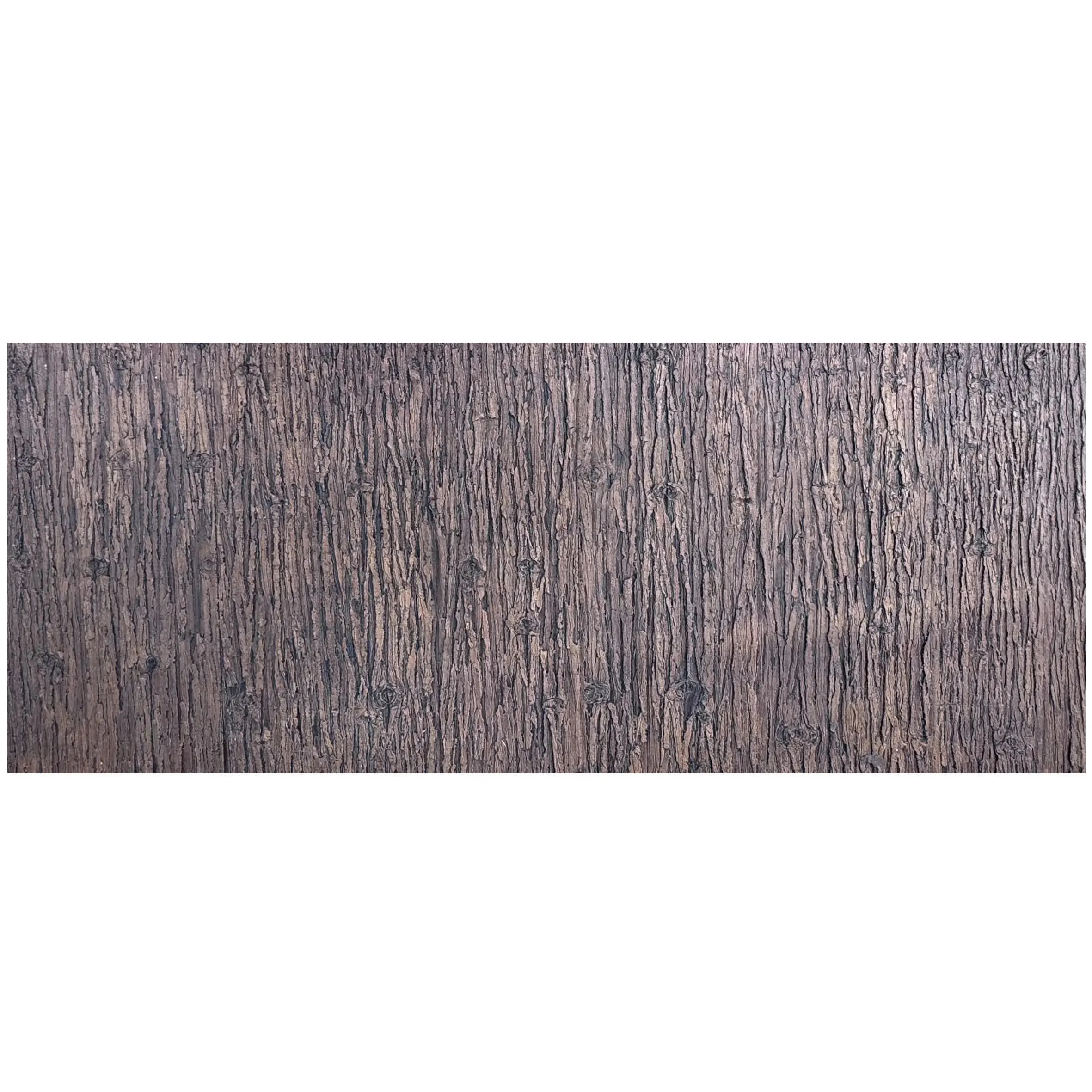
Not all materials rely on color to make an impact—some, like fair-faced concrete and wood grain board , shine because of their texture. Fair-faced concrete, with its raw, industrial aesthetic, is beloved for its minimalism, but its beauty lies in its imperfections: tiny air bubbles, subtle color variations, and the imprint of the formwork. Similarly, wood grain board mimics the warmth of natural wood, with knots, grains, and tonal shifts that make each panel unique. Visualizing these textures requires more than a photo—it requires precision.
Real photos excel here by zooming in on the details. A close-up shot of fair-faced concrete reveals the depth of its texture, letting clients see how light will catch on its surface. A series of photos taken at different times of day shows how the concrete shifts from cool gray in the morning to warm taupe at sunset. For wood grain board, photos of installed walls highlight how the grain patterns flow across panels, creating a cohesive, organic look. "I once worked with a client who wanted a 'rustic modern' home office," says Maya, a residential designer. "They were torn between wood grain board and real wood. I showed them photos of the board installed in a similar space—close-ups of the knots, the way the finish catches light—and explained that it would be more durable than real wood. They chose the board, and later told me the photos made all the difference."
Digital tools even allow for side-by-side comparisons. Imagine a client trying to decide between wood grain board and fair-faced concrete for a kitchen backsplash. A designer can pull up real photos of both materials in the same lighting, at the same scale, and let the client toggle between them. It's a level of control that turns "I'm not sure" into "That's perfect."
If real photos and 3D printing are the present of project visualization, then AI and virtual reality are the future. Imagine an AI tool that analyzes a client's preferences—their love of natural light, their tendency to prefer warm tones—and suggests materials like lime stone (beige) or wood grain board, paired with real photos of projects that match their style. Or a VR headset that lets clients "step into" their future home, reaching out to "touch" the fair-faced concrete wall or run their hand along a mcm flexible stone countertop (complete with haptic feedback to simulate texture).
These tools aren't science fiction—they're already in development. Some material suppliers now offer AI-powered "mood boards," where clients upload photos of spaces they love, and the tool recommends matching materials with real photos. Others are experimenting with VR showrooms, where designers and clients can "walk" through a library of installed projects, pausing to inspect materials up close. "We tested a VR tool with a client last year," says Tom, a senior architect. "They 'stood' in a virtual lobby with lime stone floors and mcm flexible stone walls, and even asked to 'look up' to see how the light hit the ceiling. It was the most engaged they'd been in any design meeting."
At the end of the day, project visualization is about trust. Clients trust designers to translate their vision into reality, and designers trust materials to perform as promised. Real photos, 3D tools, and innovative lines like mcm flexible stone are building that trust by making the invisible visible. They're turning "What will it look like?" into "I can see it now."
For lime stone, a material that has shaped architecture for millennia, this digital revolution is a chance to shine anew. No longer confined to grainy catalogs or tiny swatches, it's being celebrated for its beauty, versatility, and timelessness—all through the lens of a camera, the precision of a 3D printer, or the immersion of VR. And as tools continue to evolve, one thing is clear: the future of project visualization isn't just about seeing materials—it's about experiencing them.
So the next time you're sitting across from a client, struggling to describe the perfect lime stone or wood grain board, remember: a picture (or a 3D model, or a VR walkthrough) is worth a thousand swatches. And in the world of design, that might just be the difference between a project that falters and one that soars.
Recommend Products