In the world of modern architecture, there's a quiet revolution happening. It's not just about glass skyscrapers or minimalist lines anymore—today's designers are craving something deeper: spaces that breathe, that tell stories, that feel less like cold structures and more like living, memory-tinged environments. Enter MCM flexible stone : a modified composite material that's redefining what's possible with building surfaces. Lightweight yet durable, flexible enough to curve around corners yet sturdy enough to withstand the elements, it's the chameleon of construction materials. But what if we took it a step further? What if we wove real photos—snapshots of sunsets, family gatherings, forgotten street corners—into its very texture? That's where the magic happens: a bridge between architecture and art, between the functional and the deeply personal.
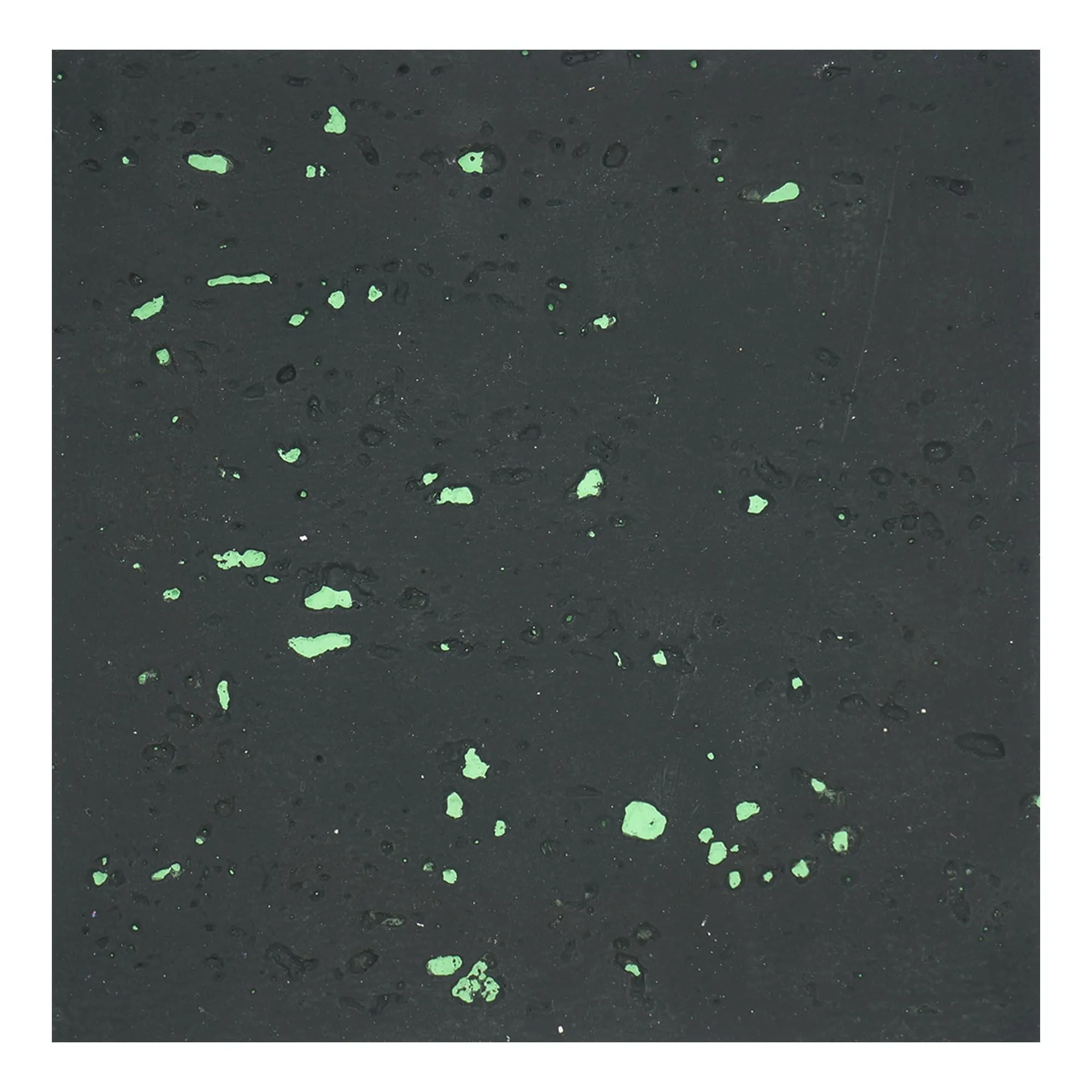
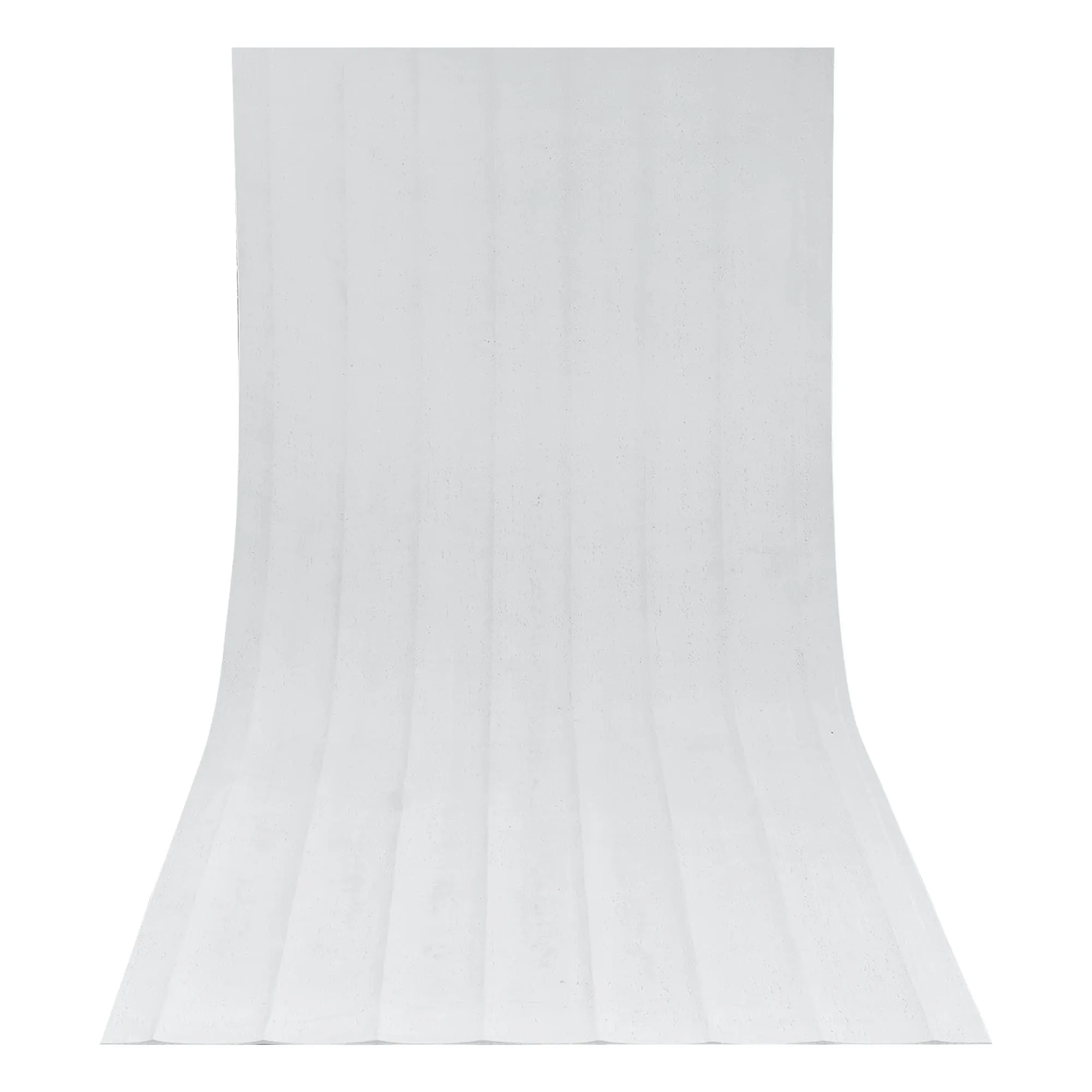
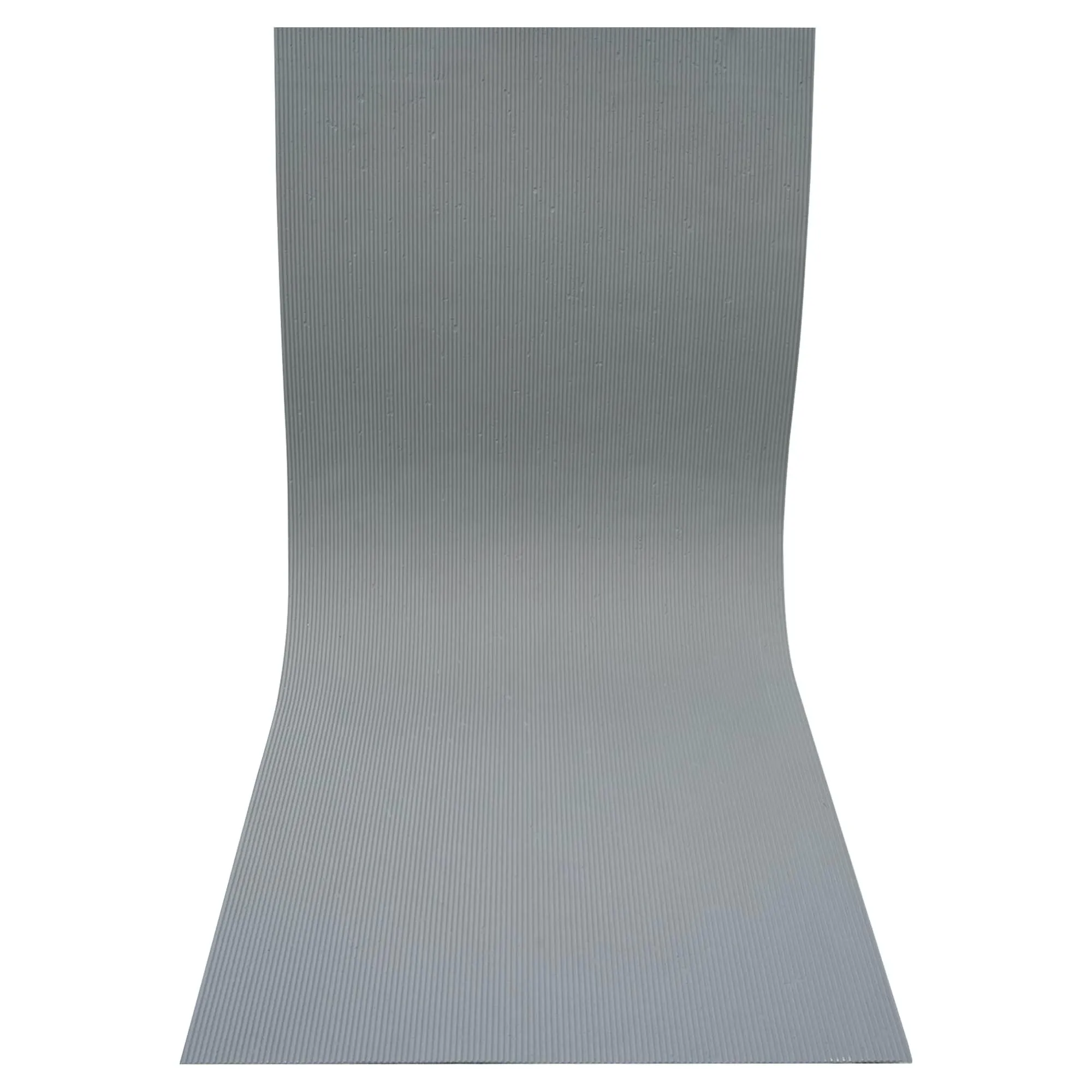
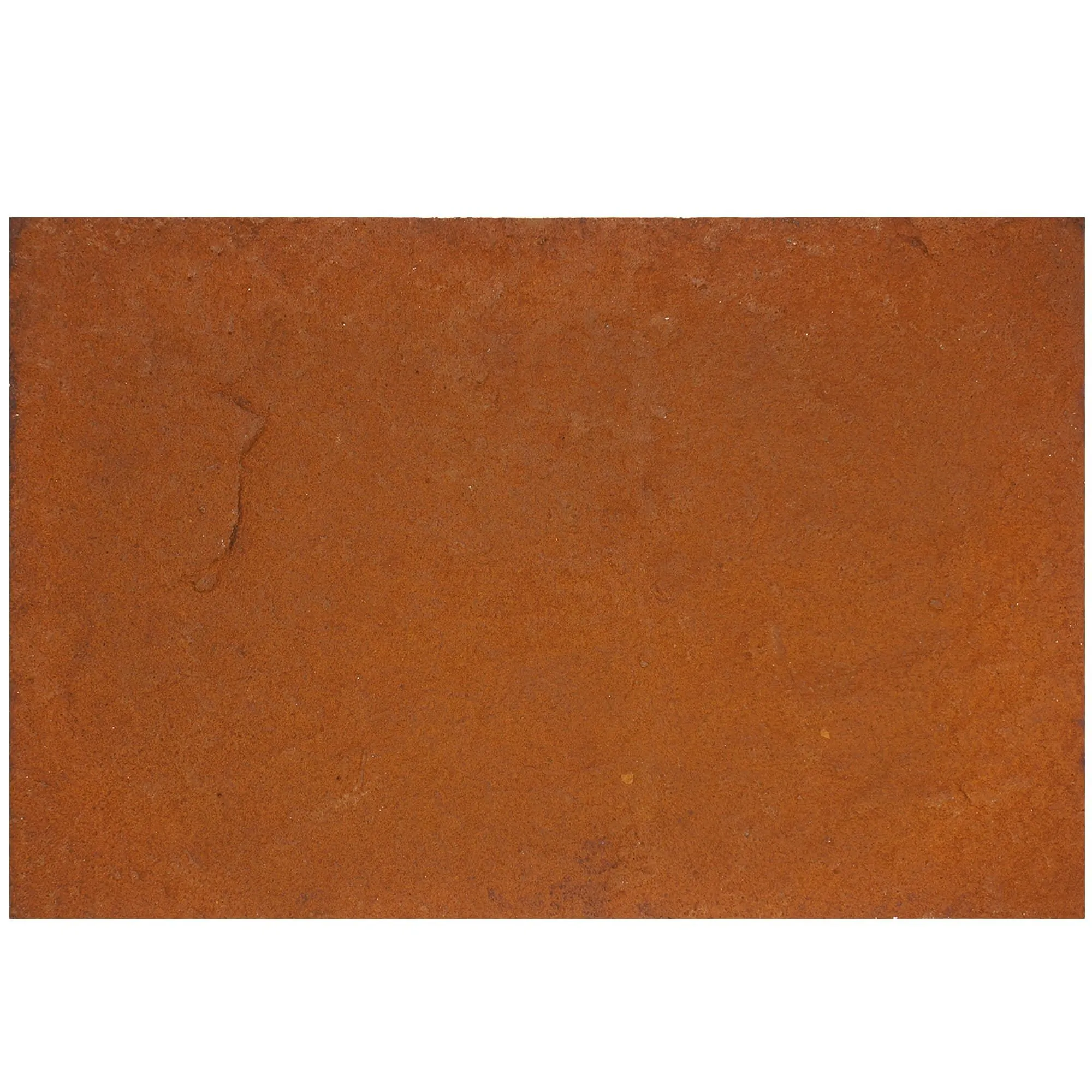
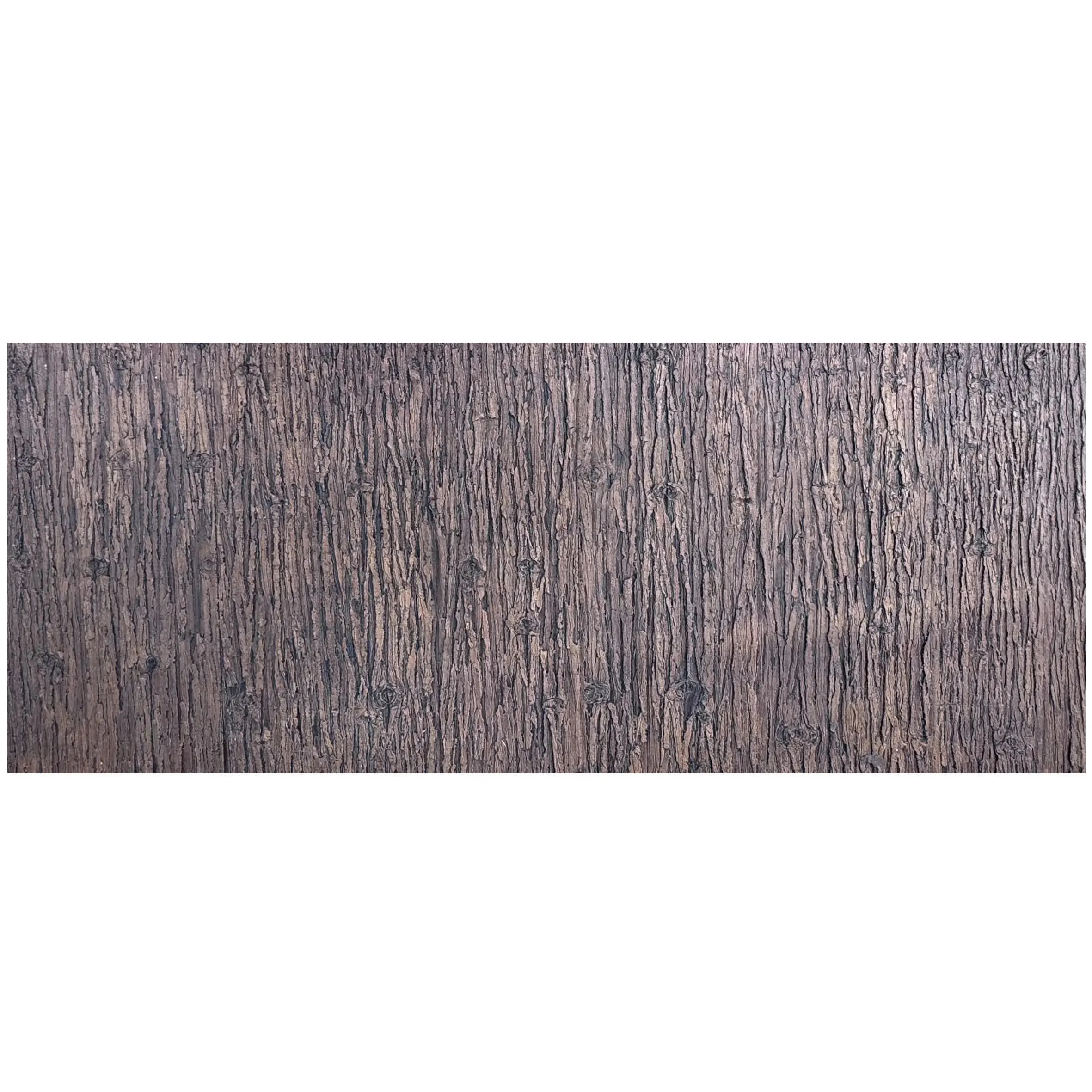
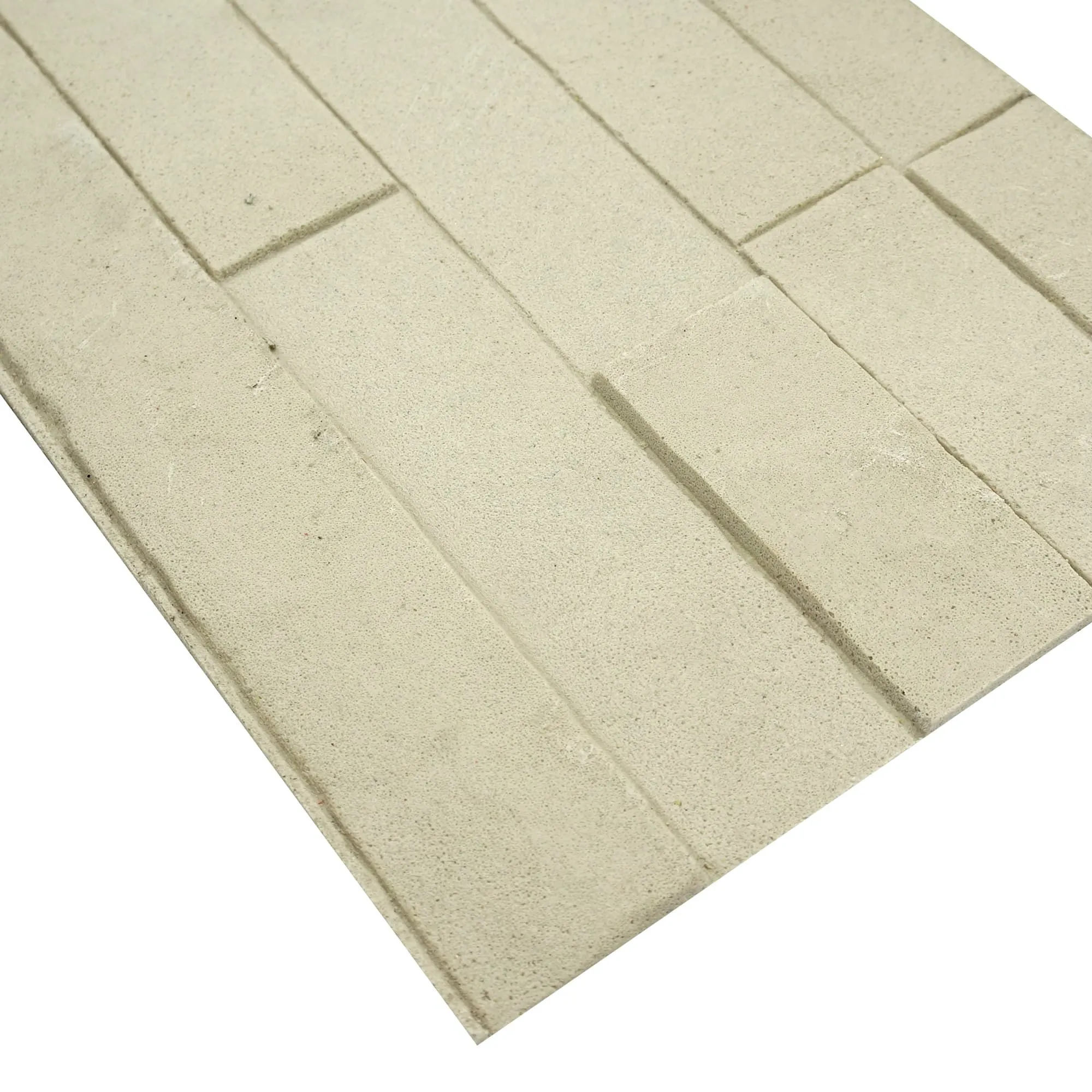
Before we dive into the art of weaving photos, let's get to know the star of the show: MCM flexible stone. Unlike traditional stone, which is heavy, brittle, and often limited by nature's design, MCM (short for Modified Composite Material) is a man-made wonder. It's crafted by blending natural minerals, polymers, and fibers, resulting in a material that's 70% lighter than natural stone but just as tough. Think of it as stone with a personality—flexible enough to wrap around columns, thin enough to be used as wall cladding, and versatile enough to mimic textures ranging from rough lunar peak silvery to smooth fair-faced concrete .
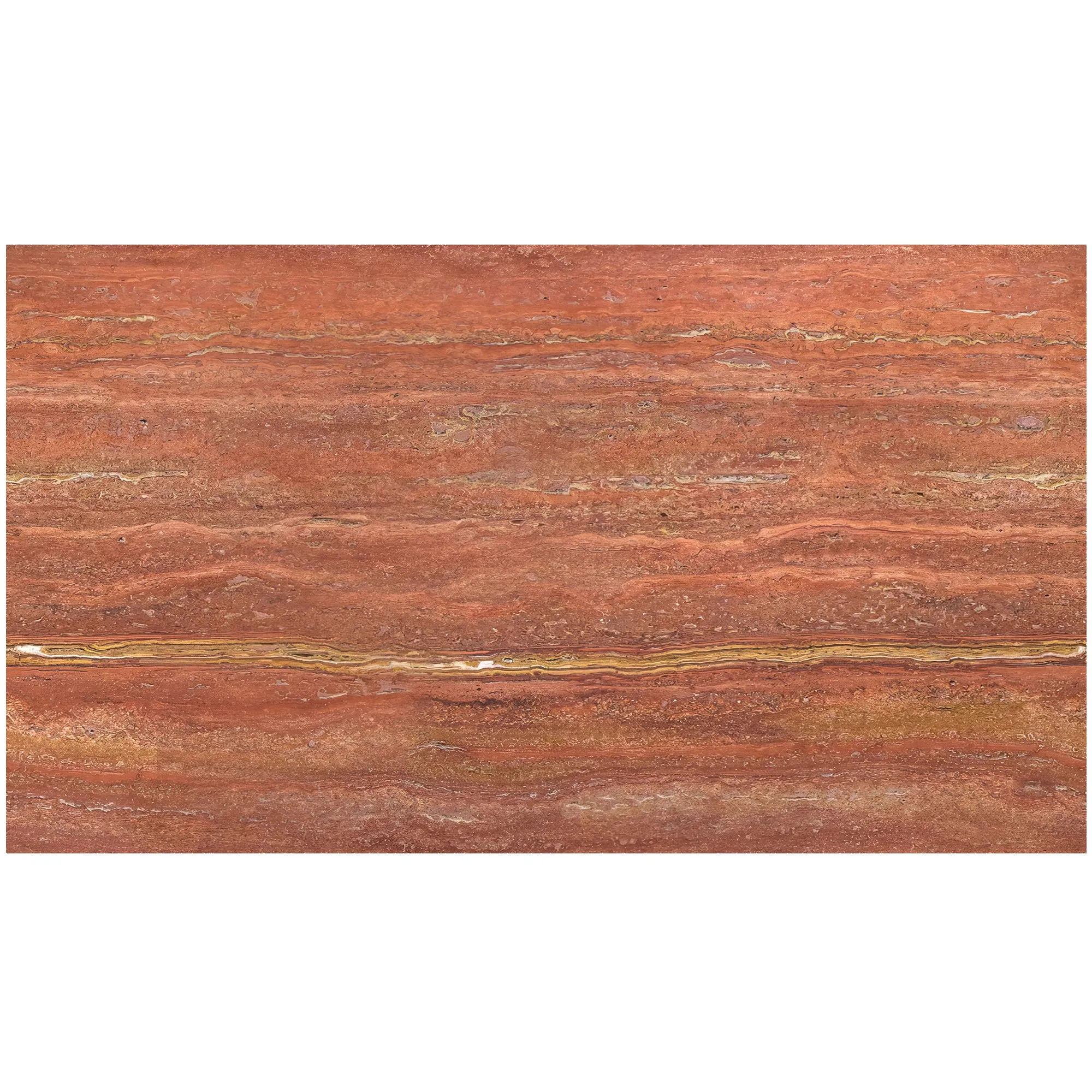
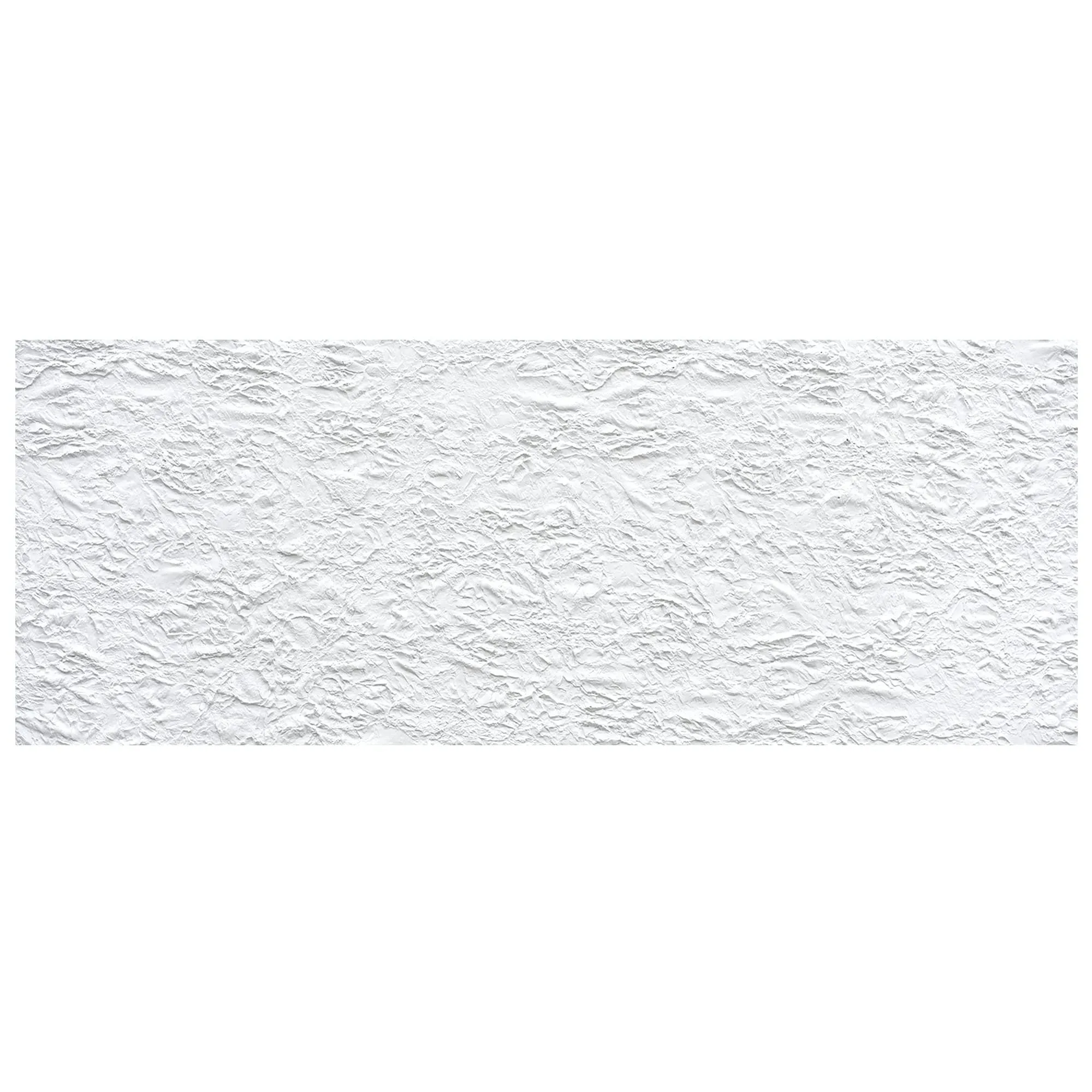
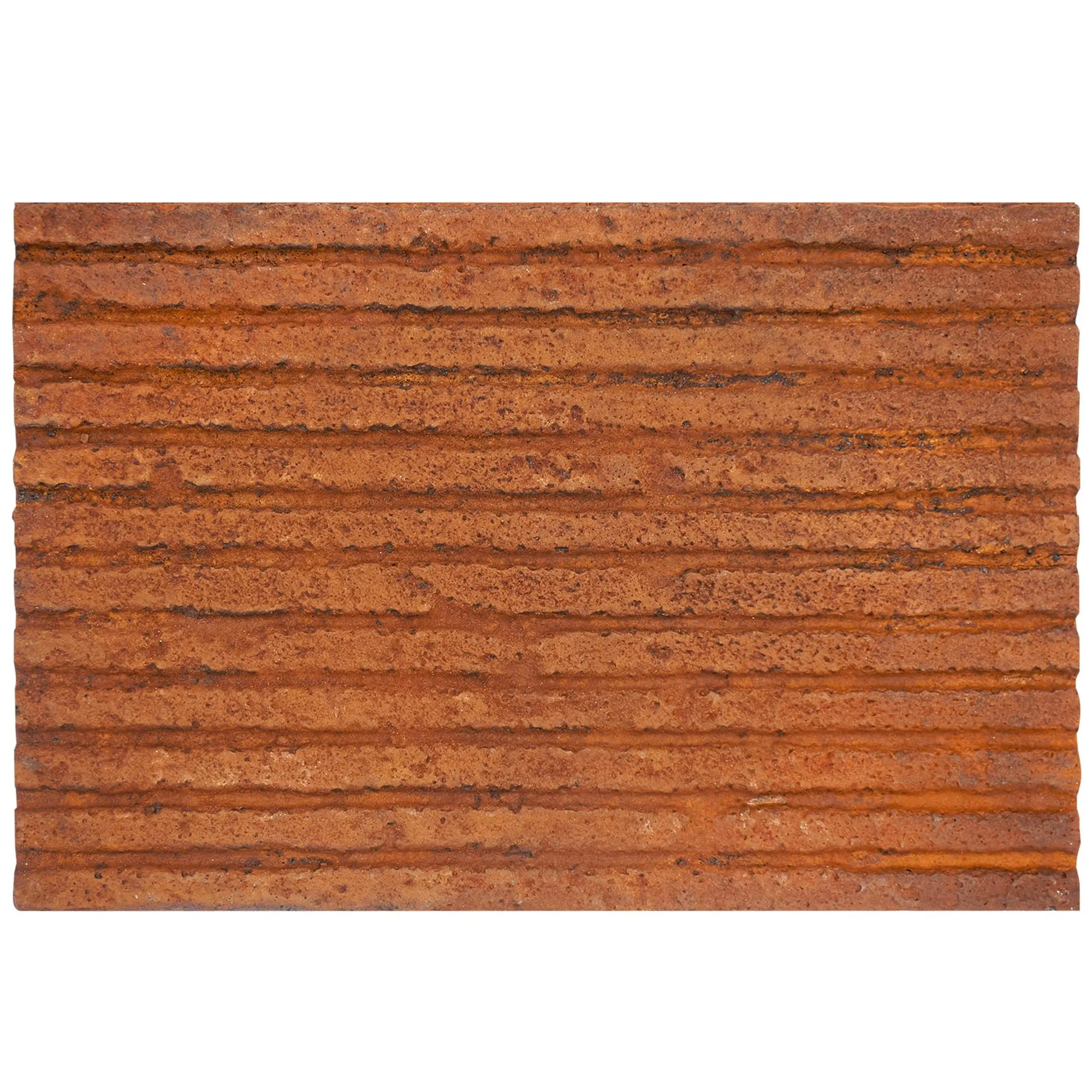
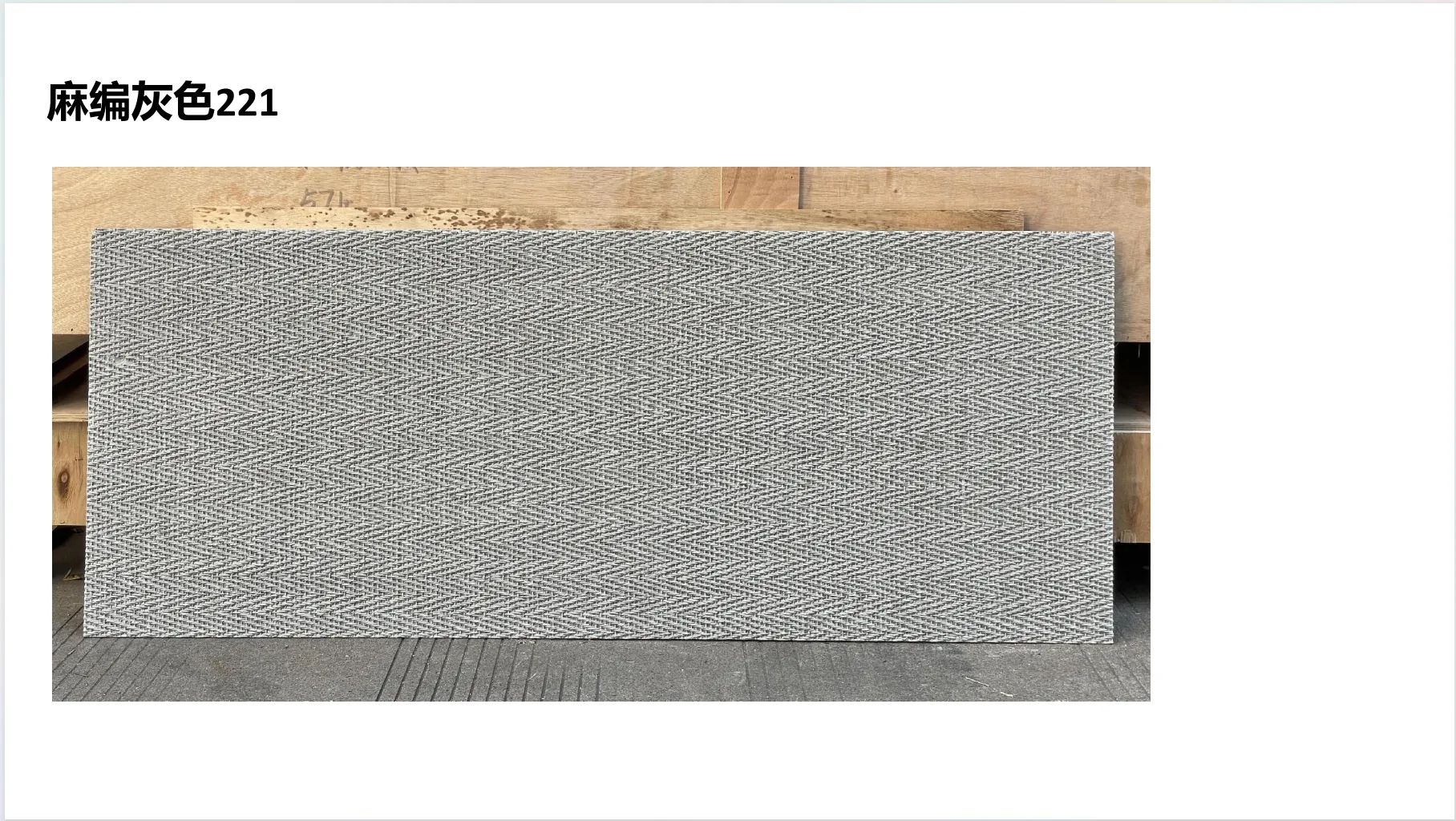
What makes MCM truly special, though, is its canvas-like quality. Traditional stone surfaces are fixed—what you see is what nature gave you. MCM? It's a blank slate, waiting for creativity. And when you add real photos into the mix, you're not just building a wall; you're creating a narrative. Imagine a café where the backsplash isn't just travertine (starry blue) —it's travertine that holds a faded photo of the neighborhood's 1950s market, the colors softened by time, the edges woven with delicate weaving (beige) threads that mimic the market's old awnings. Suddenly, that café isn't just a place to grab coffee; it's a time capsule, a conversation starter, a space that feels like home.
Photos are more than images—they're vessels of emotion. A photo of a child's first steps, a sunset over a mountain you climbed, a street vendor selling fresh mangoes in a foreign city—these aren't just pixels. They're memories, stories, fragments of life that make spaces feel human. When we weave these photos into MCM flexible stone, we're doing something radical: we're taking something as transient as a moment and embedding it into something as permanent as a building. It's a way to make architecture feel less like a backdrop and more like a participant in our lives.
But this isn't just about sentimentality. It's about design with purpose. A hotel lobby clad in MCM stone featuring photos of the local landscape doesn't just look beautiful—it connects guests to the destination. A home's feature wall with a family photo woven into lunar peak silvery stone doesn't just add visual interest—it turns a house into a home. And in public spaces, like museums or community centers, photos of historical events or local heroes woven into stone surfaces become silent educators, teaching stories without a single word.
Pro Tip: The key to successful photo-weaving is balance. The photo should enhance the stone's natural texture, not overpower it. Think of the stone as the canvas and the photo as the brushstroke—each needs the other to shine.
Now, let's get hands-on. Weaving real photos into MCM flexible stone is a blend of art and science, requiring careful planning, attention to detail, and a dash of creativity. Below is a step-by-step breakdown of how it's done—from selecting the perfect photo to finishing the final surface.
The first step is the most personal: picking the photo. Not all photos work, though. You'll want high-resolution images (at least 300 DPI) to ensure clarity when scaled up. Avoid blurry shots or those with overly bright colors—MCM stone has a subtle, earthy palette, and neon hues can clash. Instead, opt for photos with soft, natural tones: a sepia-toned street scene, a muted sunset, or a black-and-white portrait. For example, a photo of a misty forest in autumn, with its oranges and browns, pairs beautifully with travertine (starry blue) —the cool blue stone balances the warm photo, creating a harmonious contrast.
Once you've chosen your photo, it's time to edit. Use software like Adobe Photoshop or GIMP to adjust brightness, contrast, and saturation. The goal? Make the photo "stone-friendly." That means softening harsh edges (MCM has a tactile, organic texture, so sharp lines can feel out of place) and ensuring the colors complement the stone's base. For instance, if you're using lunar peak silvery stone (a cool, metallic gray), warm up the photo with a slight sepia filter to add warmth without clashing.
Next, you'll need to map your edited photo onto the MCM stone's surface digitally. This is where technology meets art. Using design software like CAD or specialized MCM pattern tools, you'll overlay the photo onto a 3D model of the stone panel. Here, you'll consider the stone's natural texture— lunar peak silvery has a subtle, moon-like craters, while travertine (starry blue) features tiny, star-like indentations. You'll want to align the photo's key elements with these textures. For example, if your photo has a horizon line, align it with the stone's natural grain to create a sense of flow.
It's also crucial to account for MCM's flexibility. Unlike rigid stone, MCM can bend, so the photo must be printed in a way that doesn't crack or distort when the material flexes. This might mean breaking the photo into smaller, overlapping sections or using a grid pattern that allows for movement. Think of it like wrapping a poster around a curved wall—you don't want creases, so you adjust the design to fit the shape.
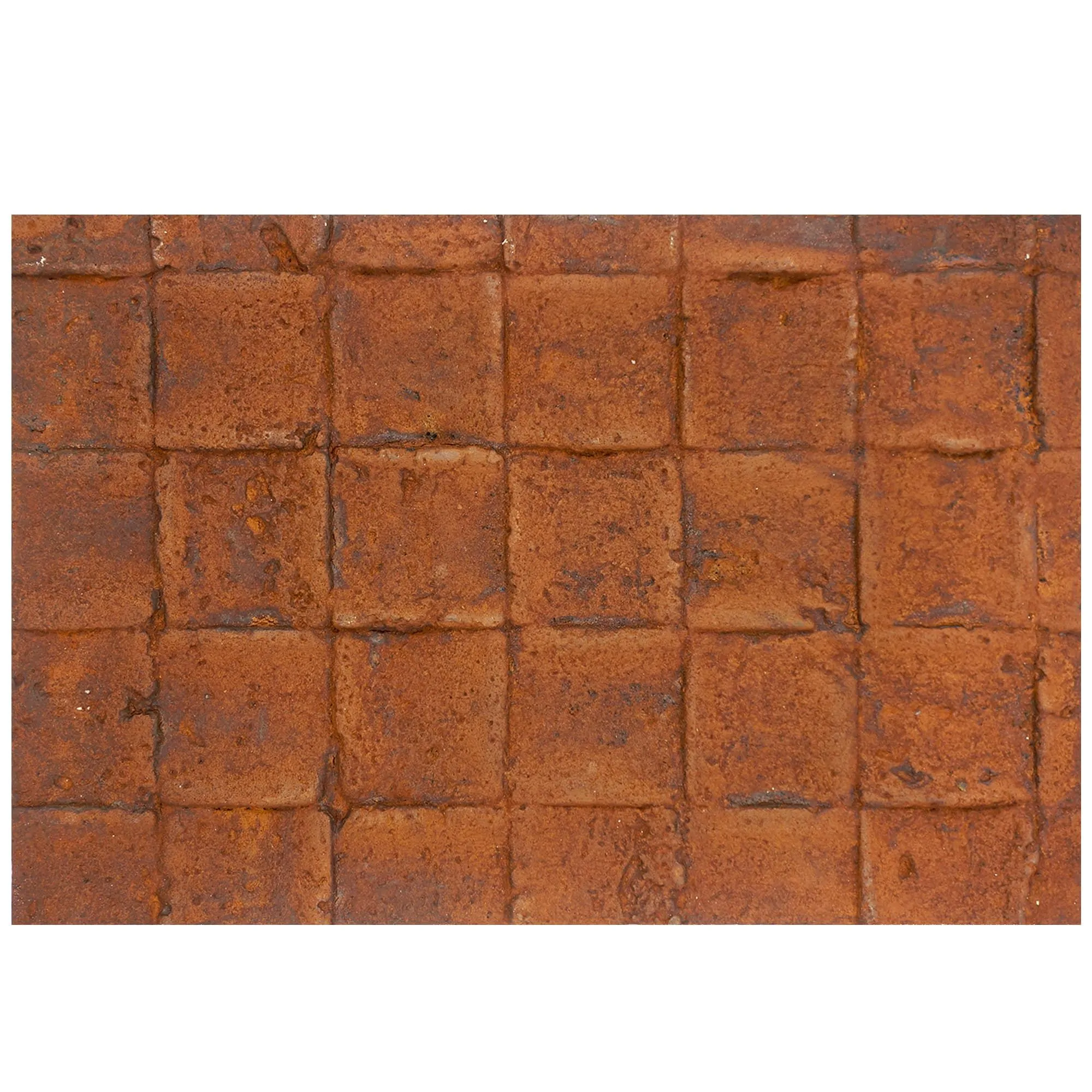
Now, choose your MCM flexible stone base. The base stone will influence the photo's final look, so pick wisely. For a modern, sleek vibe, fair-faced concrete (with its raw, industrial texture) works well with black-and-white photos. For a softer, more organic feel, weaving (beige) MCM—stone that mimics the texture of woven fabric—is ideal. If you want a touch of luxury, lunar peak silvery adds a subtle metallic sheen that makes photos pop without overwhelming them.
Once you've selected the base, prepare the surface. Wipe it clean of dust or debris, and lightly sand the surface to ensure the photo ink adheres properly. MCM stone is porous, so a quick sanding opens up the pores, creating a better bond between the stone and the photo.
Here's where MCM's innovation shines: MCM 3D printing series technology. Instead of just printing the photo on top of the stone (which can fade over time), 3D printing embeds the image directly into the stone's texture. Using a specialized 3D printer, the photo is printed layer by layer, with the printer depositing tiny amounts of colored polymer that bond with the MCM's surface. This isn't just a print—it's a fusion. The result? A photo that's part of the stone, not just on it, with depth and texture that you can feel with your fingertips.
For example, if your photo is of a wave crashing, the 3D printer can raise the wave's crest slightly, mimicking the texture of real water. Pair this with travertine (starry blue) , and the "stars" in the stone look like droplets of water caught in the light—magic.
Now, let's talk about weaving (beige) —the secret sauce that elevates the photo from "printed" to "woven." This step involves adding thin, fabric-like threads (usually made of polyester or natural fibers dyed to match the stone) into the stone's surface, either around the photo or integrated into it. The threads add tactile texture, making the photo feel more like a tapestry than a print.
How is this done? After the 3D printing is complete, tiny grooves are etched into the stone around the photo's edges. The weaving (beige) threads are then looped through these grooves, crisscrossing to create a border that frames the photo. For a more integrated look, the threads can be woven directly into the photo's design—for example, if the photo is of a field of wheat, the threads can mimic the wheat's stalks, adding dimension.
The final step is ensuring your photo-stone hybrid stands the test of time. After weaving, the stone is cured in a controlled environment (usually at 60–70°C) for 24 hours to bond the 3D-printed ink and threads to the MCM base. Once cured, a clear, UV-resistant sealant is applied to protect the photo from fading and the stone from moisture. For extra durability, some designers add a top layer of fair-faced concrete around the edges, creating a sleek, modern frame that contrasts with the woven photo center.
Finally, the stone is polished—gently, to avoid scratching the photo—to a soft sheen. The result? A surface that's smooth to the touch, with the photo and weaving threads peeking through like secrets waiting to be discovered.
| Aspect | Traditional Stone | Photo-Weaved MCM Flexible Stone |
|---|---|---|
| Weight | Heavy (hard to install on upper floors) | 70% lighter (easy to install anywhere) |
| Customization | Limited by natural texture/color | Unlimited—photos, weaving, 3D patterns |
| Durability | Prone to cracking/chipping | Flexible, impact-resistant |
| Emotional Impact | Neutral, functional | Story-rich, personal, evocative |
So, where can you see this artistry in action? Photo-weaved MCM flexible stone is popping up in spaces that crave personality. Here are a few standout examples:
Case Study 1: The "Memory Wall" Café
In a small coastal town in Portugal, a café owner wanted to honor the town's fishing heritage. The solution? A feature wall clad in
travertine (starry blue)
MCM stone, with 3D-printed photos of local fishermen from the 1960s woven into the surface using
weaving (beige)
threads. The starry blue stone mimics the ocean, while the sepia photos and beige threads evoke the old fishing nets. Today, locals gather at the café not just for coffee, but to point out their grandfathers in the photos—to share stories. "It's not just a wall," the owner says. "It's our town's heartbeat."
Case Study 2: The Family Home Feature Wall
A family in Tokyo wanted their living room to feel more connected to their roots in Hokkaido. They chose
lunar peak silvery
MCM stone as the base, then wove a photo of their family's old Hokkaido farm (taken in 1972) into its surface. The silvery stone, with its moon-like texture, makes the photo look like it's glowing—especially at night, when the living room lights hit it. "Now, when my kids ask about where we came from, I don't just tell them," the mother says. "I show them—right there on the wall."
Case Study 3: The Museum of Local History
A museum in Barcelona needed a way to display historical photos without using traditional frames (which took up too much space). They opted for
fair-faced concrete
MCM panels with 3D-printed photos of 20th-century Barcelona street scenes, woven with
weaving (beige)
threads to mimic the city's old cobblestone streets. The result? A series of "photo walls" that visitors can walk alongside, feeling like they're stepping into the past. "It's interactive without being high-tech," the curator notes. "People reach out to touch the weaving threads, to connect with the photos. That's the power of it."
Weaving real photos into MCM flexible stone isn't just a design trend—it's a shift in how we think about architecture. It's a reminder that buildings aren't just shelters; they're extensions of ourselves, of our memories, of the stories we want to tell. With MCM's flexibility, 3D printing innovation, and the soft texture of weaving (beige) threads, we're no longer limited by what nature gives us. We can build walls that hold our past, surfaces that spark conversations, and spaces that feel—finally—like they belong to us.
So, the next time you walk into a room and pause, drawn to a wall that feels more like a story than a structure, take a closer look. It might just be MCM flexible stone, quietly weaving memories into every inch.
Recommend Products