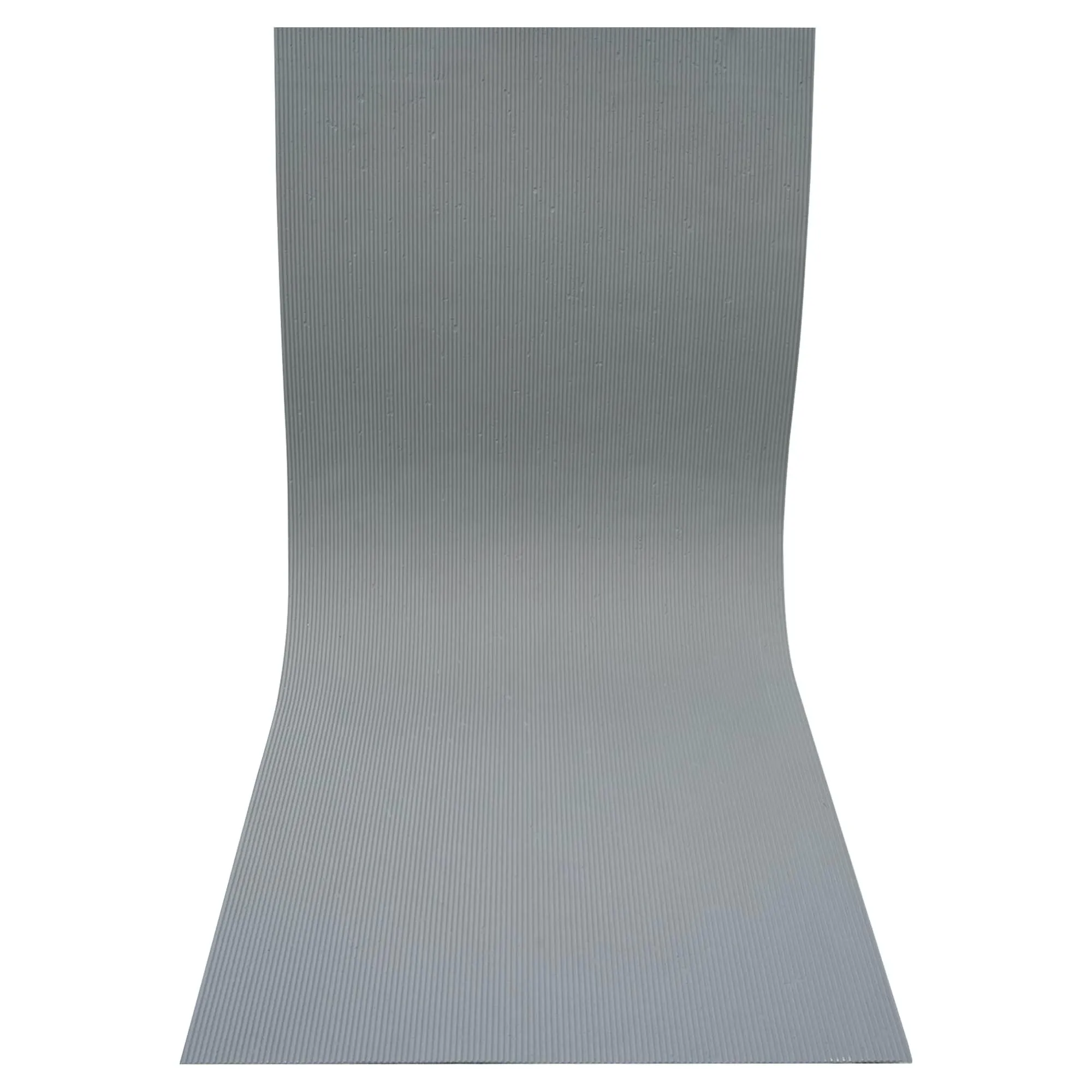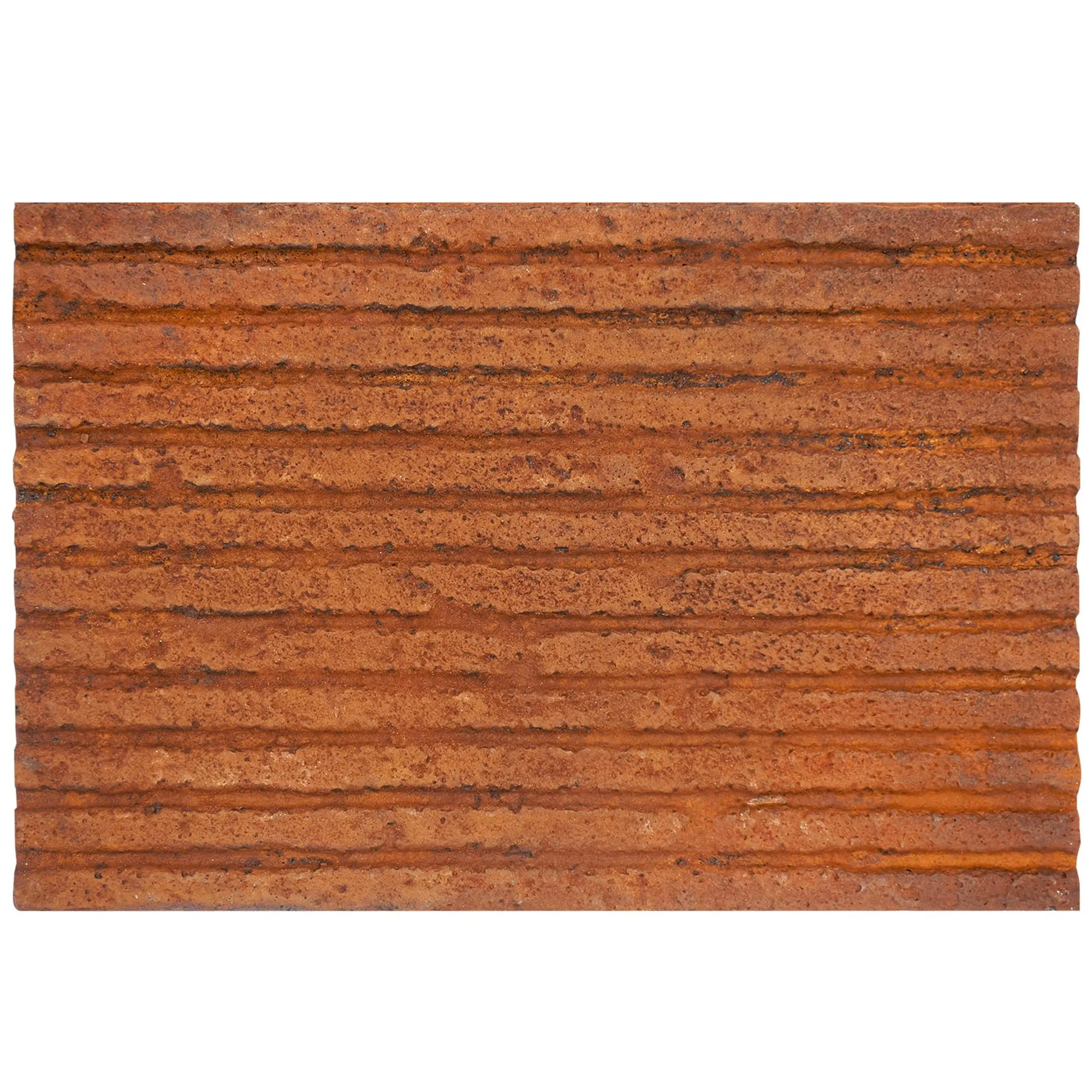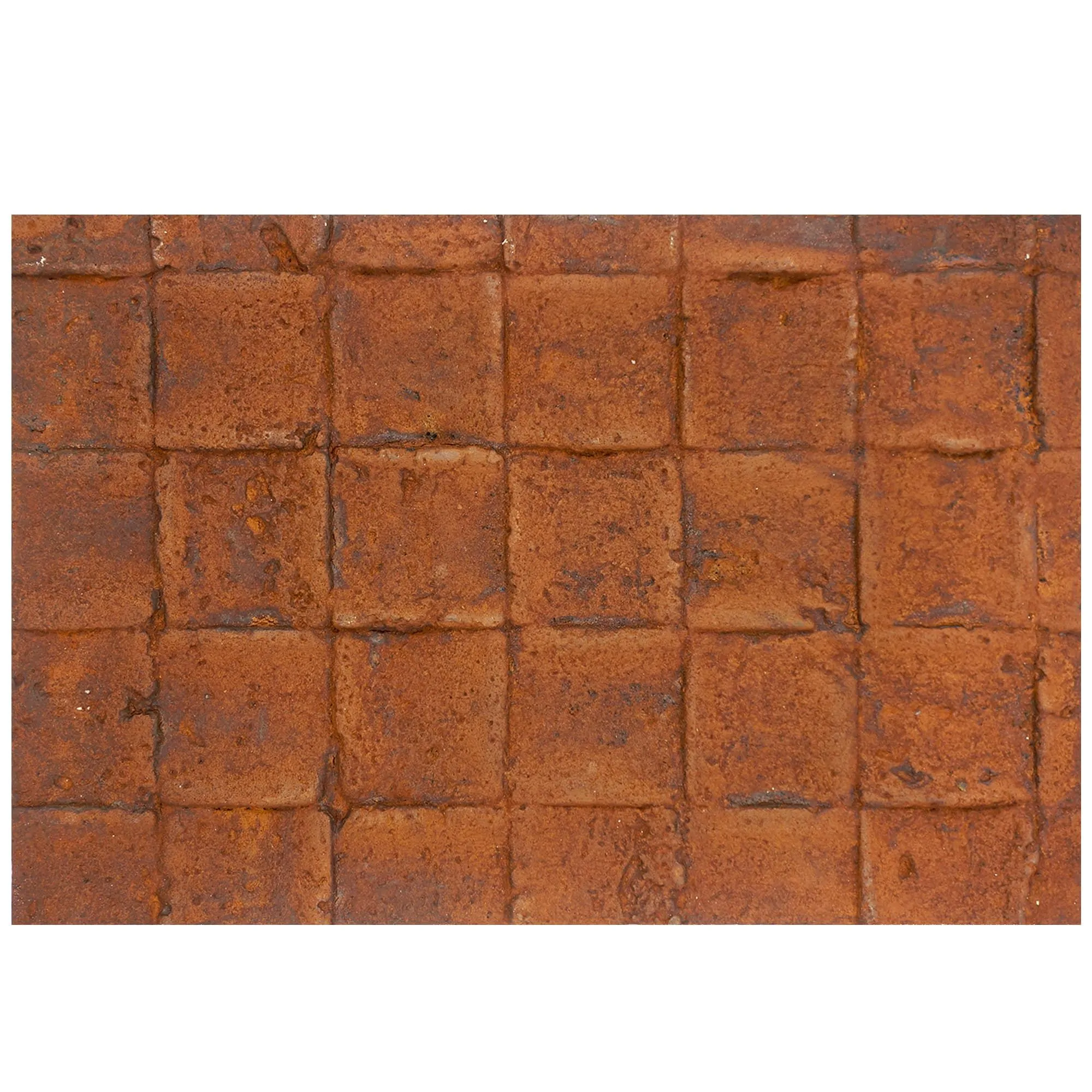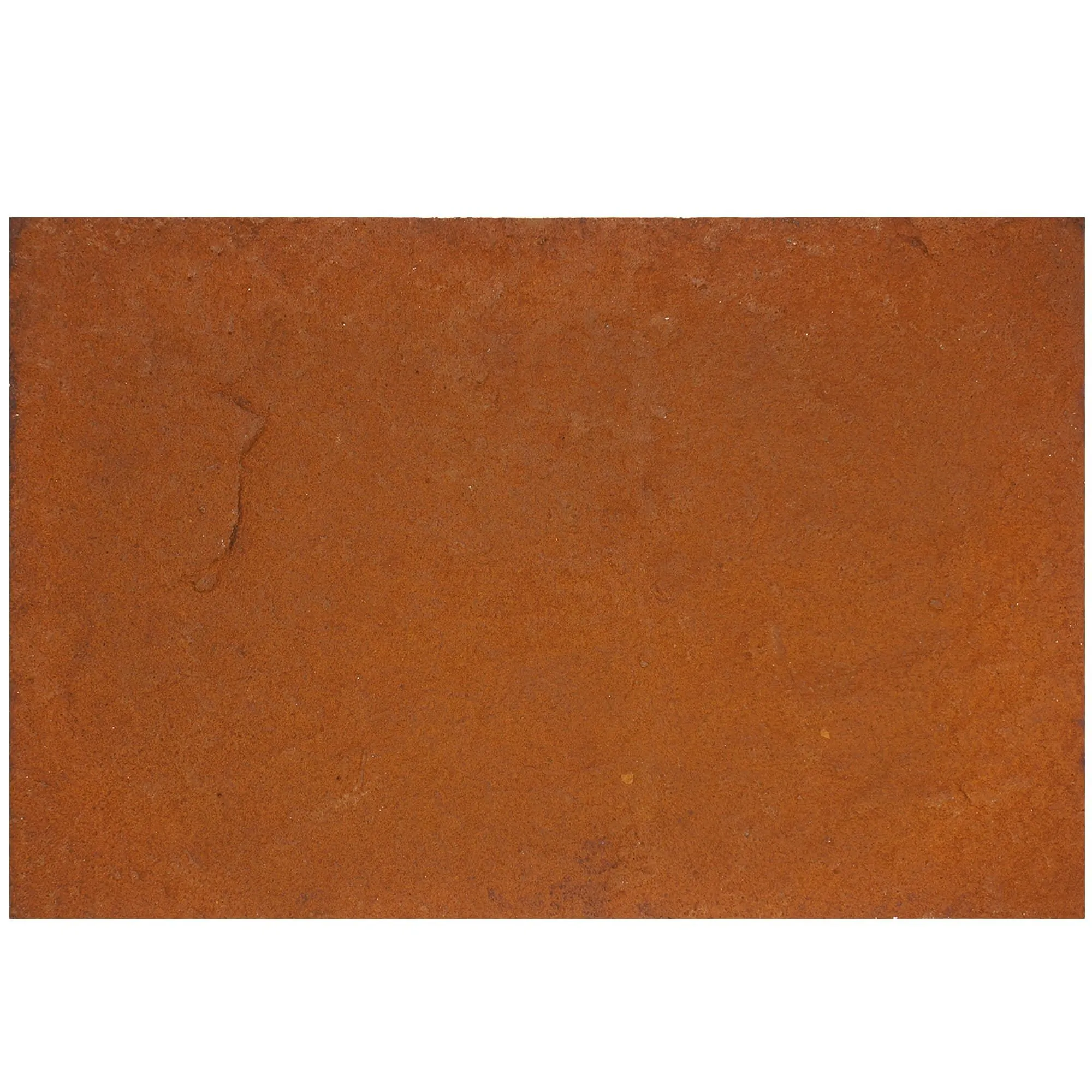
Bridging the gap between design vision and real-world results for architects, contractors, and dreamers alike
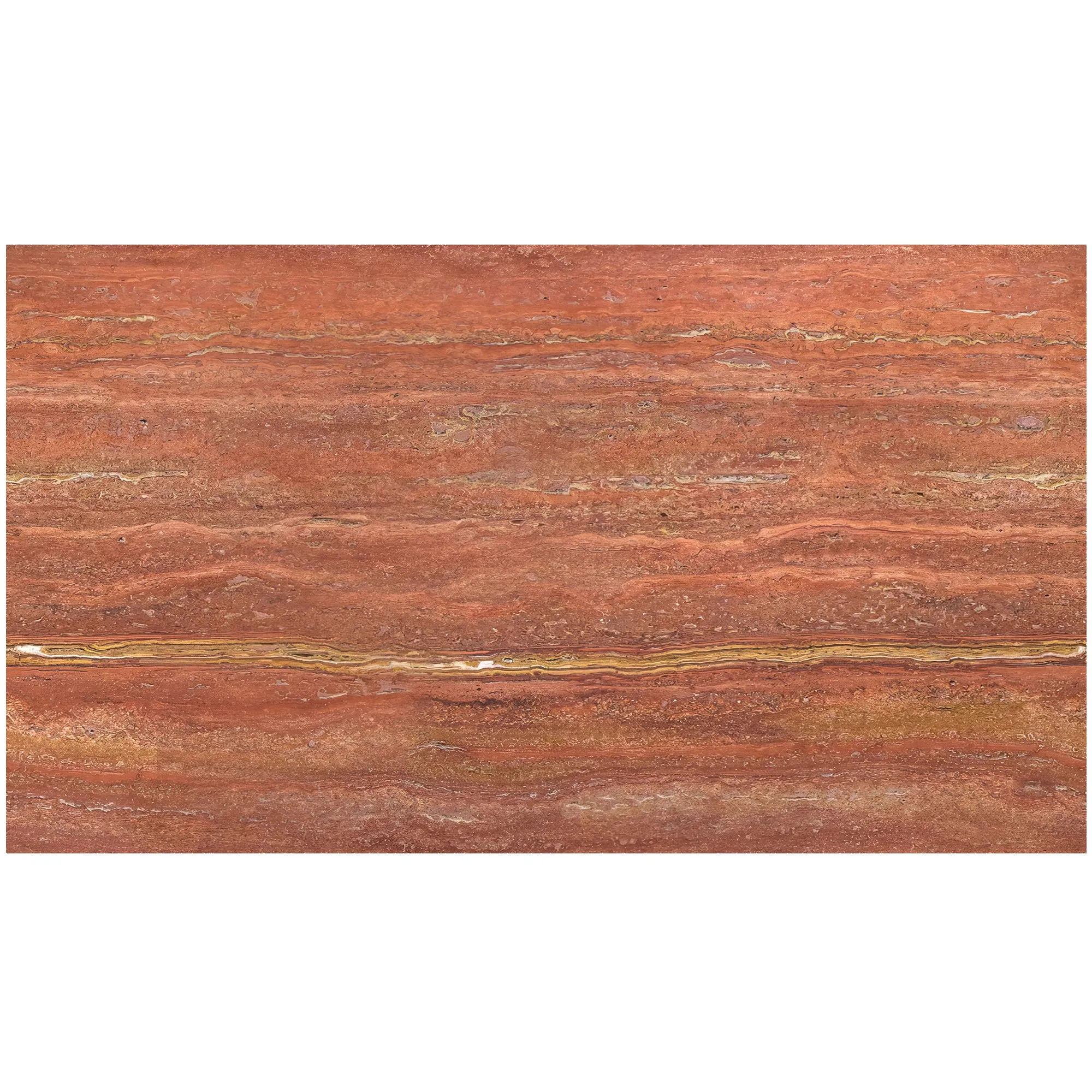
Picture this: You're an architect wrapping up the design for a boutique hotel. The client has fallen in love with the idea of Travertino walls—warm, porous, with a timeless texture that feels both rustic and refined. You've ordered physical samples, pored over swatches, and even taped them to the office wall to simulate the light at different times of day. But when the first batch of stone arrives on-site, something's off. The color is slightly more beige than the sample suggested, the veining doesn't flow the way you imagined, and when paired with the Fair-faced concrete columns you specified, the whole look feels… disjointed. By then, it's too late to pivot without blowing the budget or delaying the project. Sound familiar?
For decades, the construction and design industry has relied on physical samples, 2D renderings, and good old-fashioned imagination to bridge the gap between a blueprint and a finished space. But these methods are flawed. A 4x4-inch stone sample can't capture how 500 square feet of that stone will look under natural light. A 2D rendering might show the color of Lunar Peak Silvery accents, but it can't convey the way its metallic sheen shifts when viewed from different angles. And let's not even talk about the logistics: shipping heavy samples across the country, storing them in cramped offices, or trying to explain to a client why "this tiny swatch" will transform into their dream lobby.
The result? Miscommunication, costly rework, and projects that never quite live up to the initial vision. But what if there was a better way? What if you could see exactly how MCM flexible stone cladding would wrap around a building, or how 3D art concrete board countertops would interact with kitchen lighting—before a single slab is cut or a nail is hammered? That's where Travertino Digital Design Tools come in.
At its core, Travertino Digital Design Tools are about solving a simple problem: making material visualization as accurate, immersive, and collaborative as possible. But calling it a "tool" feels too small—it's more like a bridge between the digital design phase and the physical construction site. Here's how it works:
First, you upload your project files. Whether you're working in AutoCAD, SketchUp, or Revit, the platform integrates seamlessly, pulling in your 3D models, floor plans, and elevation details. Then, you dive into the material library—a vast, ever-growing catalog of real-world materials, from the classic (like Travertino in all its variations) to the cutting-edge (think foamed aluminium alloy boards with vintage finishes or gradient color rammed earth boards ). Each material isn't just a flat image; it's a 3D model with accurate texture, color, reflectivity, and even porosity data, based on high-resolution scans of physical samples.
Once you've selected your materials, the magic happens. The tool lets you "paint" them onto your model—dragging and dropping MCM flexible stone onto an exterior wall, or applying Fair-faced concrete to a column. But it doesn't stop there. You can adjust lighting conditions to mimic sunrise, sunset, or even harsh midday sun. You can tweak the angle of view to see how the material looks from street level or a second-story window. Want to see how rain might affect the Lunar Peak Silvery accents? There's a weather simulation feature for that. Concerned about scale? Zoom out to see the entire facade, or zoom in to inspect the grain of a wood concrete board up close.
The end result? A hyper-realistic preview of your project that looks so lifelike, clients often mistake it for a photo of the finished space. And because it's digital, you can make changes on the fly. If the client decides they want Travertino (Starry Blue) instead of beige, you can swap it out in seconds. If the contractor points out that the 3D art concrete board pattern might be too complex to install, you can adjust the layout without reordering samples or redrawing renderings.
Still skeptical? Let's put traditional material visualization methods head-to-head with Travertino Digital Design Tools. The difference is clear:
| Aspect | Traditional Methods (Physical Samples, 2D Renderings) | Travertino Digital Design Tools |
|---|---|---|
| Accuracy of Color/Texture | Limited by sample size; colors shift under different lighting; textures don't scale. | 3D scans capture every detail, from Travertino 's pores to Lunar Peak Silvery 's metallic flake. |
| Cost | High: Shipping samples, reprinting renderings, reworking due to mismatches. | Low: One-time subscription; no material waste; fewer revisions. |
| Time Investment | Weeks: Waiting for samples, coordinating stakeholder reviews, redrawing plans. | Hours: Upload models, test materials, share previews instantly. |
| Stakeholder Communication | Ambiguous: Clients struggle to "imagine" full-scale results from small samples. | Crystal-clear: AR previews let clients "walk through" the space before construction. |
| Flexibility | Rigid: Changing materials requires new samples and renderings. | Dynamic: Swap MCM flexible stone for fair-faced concrete with a click. |
Numbers and tables tell part of the story, but real projects tell the rest. Let's look at two case studies where Travertino Digital Design Tools made all the difference:
A design firm in Chicago was tasked with revamping a 1920s building into a 50-room boutique hotel. The client wanted the lobby to feel "timeless yet modern," with Travertino walls as the centerpiece. Initially, the team selected a standard beige Travertino and paired it with brass accents. But when they uploaded the model to Travertino's platform and applied the materials, something felt off—the brass looked too warm, clashing with the Travertino's earthy tones.
Using the tool, they experimented with alternative accents: first polished concrete (too cold), then wood grain board (too rustic). Finally, they tried Lunar Peak Silvery —a sleek, metallic stone with subtle silver undertones. The digital preview revealed that the Silvery accents complemented the Travertino's warmth without overwhelming it, creating a balance of old and new. The client loved it, and when the lobby was finished, the actual installation matched the digital preview so closely, the client joked, "You could have just printed the rendering and hung it up!"
A contractor in Austin was building a sprawling tech campus with multiple buildings, each requiring unique exterior cladding. The original plan called for MCM flexible stone on the main building and 3D art concrete board on the annex. But when the team used Travertino Digital Tools to model the entire campus, they noticed a problem: the concrete board's pattern, while striking up close, created a busy, cluttered look when repeated across the annex's large facade.
Instead of ordering the concrete boards and hoping for the best, they adjusted the design in the tool, switching to a simpler fair-faced concrete for the annex and using the 3D art concrete board only as accent panels. This small change reduced material costs by 15% and cut installation time by two weeks—all because they could visualize the full-scale effect before placing the order.
Travertino Digital Design Tools aren't just for architects—they're a game-changer for every stakeholder in a construction project. Here's how:
Travertino Digital Design Tools are already revolutionizing how we visualize construction materials, but the team behind them isn't stopping there. The next generation of the platform will include AI-powered material recommendations—input your project type, location, and aesthetic goals, and the tool will suggest combinations like Travertino (vintage black) with gradient color rammed earth boards that fit your vision. There are also plans for VR integration, letting clients and designers "walk through" a digital twin of the project, feeling the texture of MCM flexible stone with haptic feedback gloves.
Perhaps most exciting is the focus on sustainability. The tool will soon include data on each material's environmental impact—carbon footprint, water usage, recyclability—helping teams make eco-friendly choices without sacrificing style. Imagine designing a green building and knowing, at a glance, that fair-faced concrete has a lower carbon footprint than traditional marble, or that bamboo mat board is a renewable alternative to hardwood.
At the end of the day, construction is about bringing ideas to life. But for too long, the gap between idea and reality has been filled with uncertainty—uncertainty about colors, textures, scale, and how it all comes together. Travertino Digital Design Tools eliminate that uncertainty, turning "what if?" into "this is it."
Whether you're designing a cozy café with wood line accents or a skyscraper clad in foamed aluminium alloy boards , these tools give you the power to visualize, iterate, and perfect your design before construction even begins. And in an industry where time and money are always on the line, that power is invaluable.
So the next time you're staring at a stack of material samples, wondering if they'll live up to your vision, remember: there's a better way. Travertino Digital Design Tools aren't just about seeing materials—they're about seeing the future of your project, clear and bright, before the first stone is laid.
Recommend Products