Bridging the gap between imagination and reality in stone design
You've spent weeks flipping through catalogs, running your fingers over stone samples, and scribbling notes on napkins—all in pursuit of the perfect material for your next project. Rock Cut Dolomitic Stone has caught your eye: its rugged, earthy texture, the way light plays off its chiseled surface, the promise of bringing a touch of raw nature into a modern space. But there's a problem, one that haunts every designer, architect, and homeowner: you can't quite see it . How will those deep gray veins look against your wall color? Will the scale of the stone overwhelm your small bathroom? What if it clashes with the flooring you already picked? These questions aren't just nitpicky—they're the difference between a project that feels "meh" and one that takes your breath away.
Thankfully, we're living in an era where technology doesn't just keep up with our creativity—it fuels it. Virtual design tools have revolutionized how we plan, iterate, and fall in love with materials like Rock Cut Dolomitic Stone long before a single slab is installed. In this article, we'll dive into how these tools work, why they're a game-changer for anyone working with stone, and how MCM's innovative product lines—from Flexible Stone to Big Slab Boards—are making visualization more intuitive than ever. Whether you're designing a cozy home office or a sprawling commercial lobby, by the end, you'll know exactly how to turn your stone dreams into a virtual reality (literally) before breaking ground.
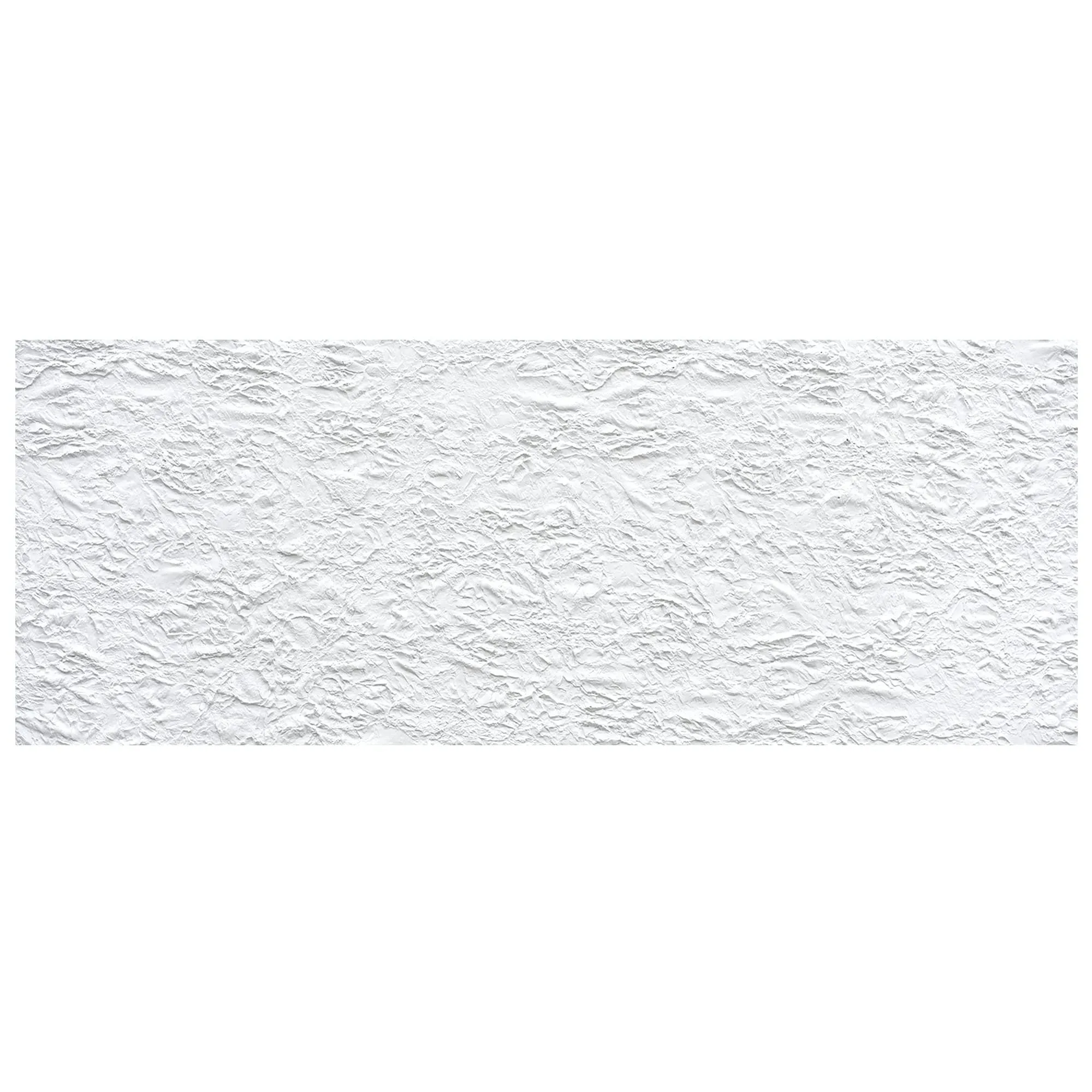
Before we talk tools, let's talk about the star of the show: Rock Cut Dolomitic Stone. If you're new to the term, dolomitic stone is a sedimentary rock rich in dolomite, a mineral that gives it a unique blend of durability and softness. Unlike some harsh granites or brittle marbles, dolomitic stone has a warmth to it—think of a sun-baked cliff face, weathered just enough to feel inviting. And when it's "rock cut"? That's the (craftsmanship) that takes it to the next level. Instead of being polished to a high shine, it's chiseled or split along natural fault lines, revealing layers of texture that tell a story of millions of years of geological history.
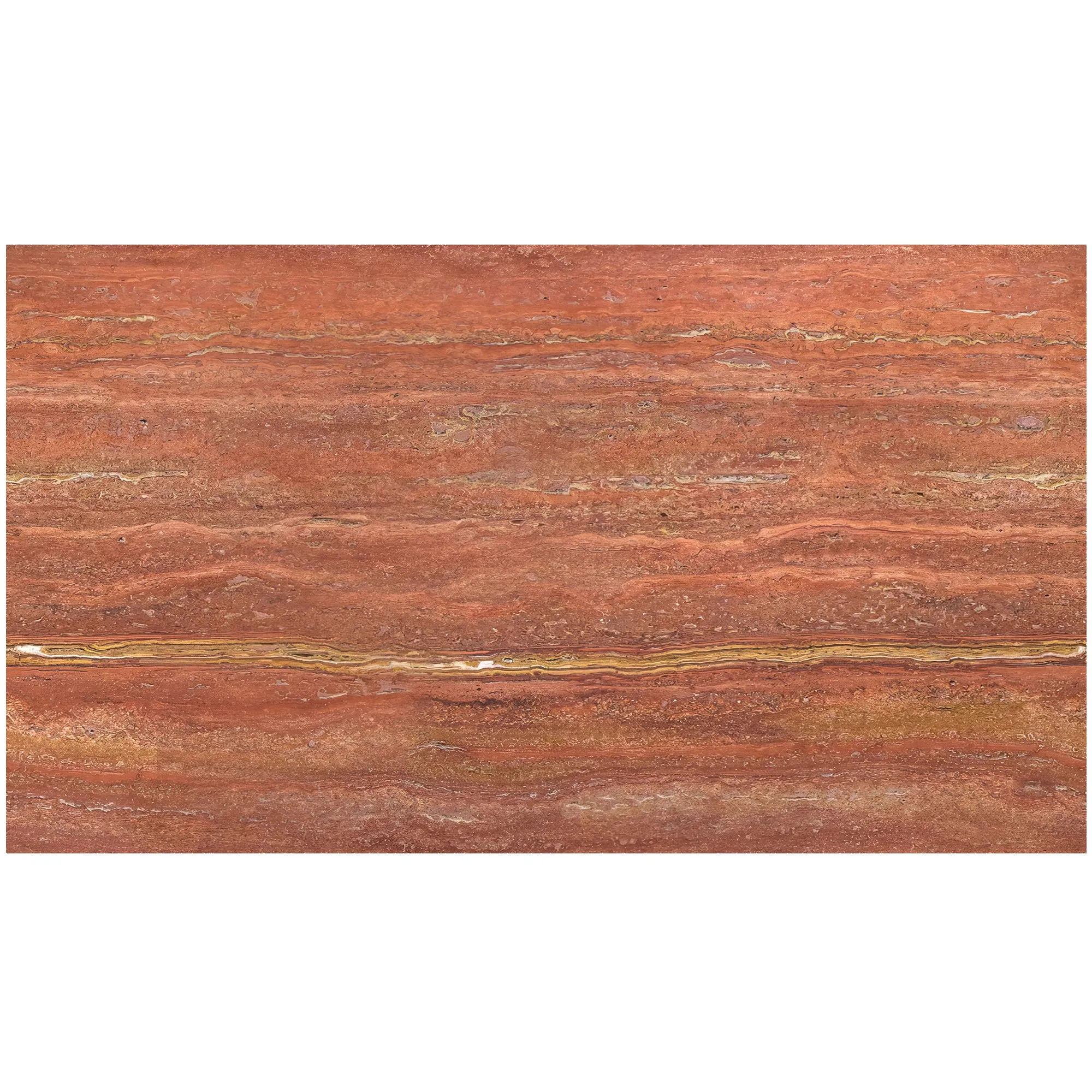
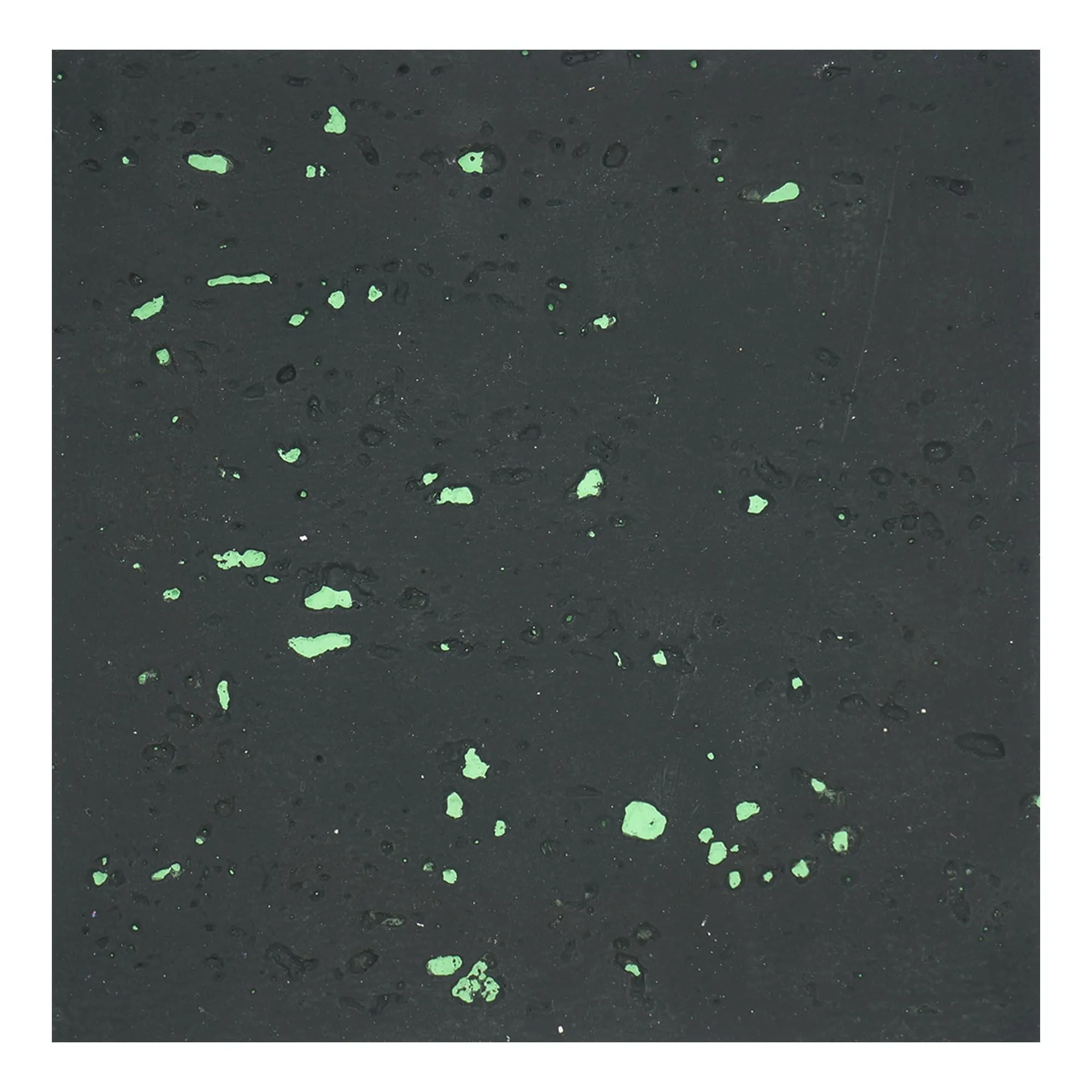
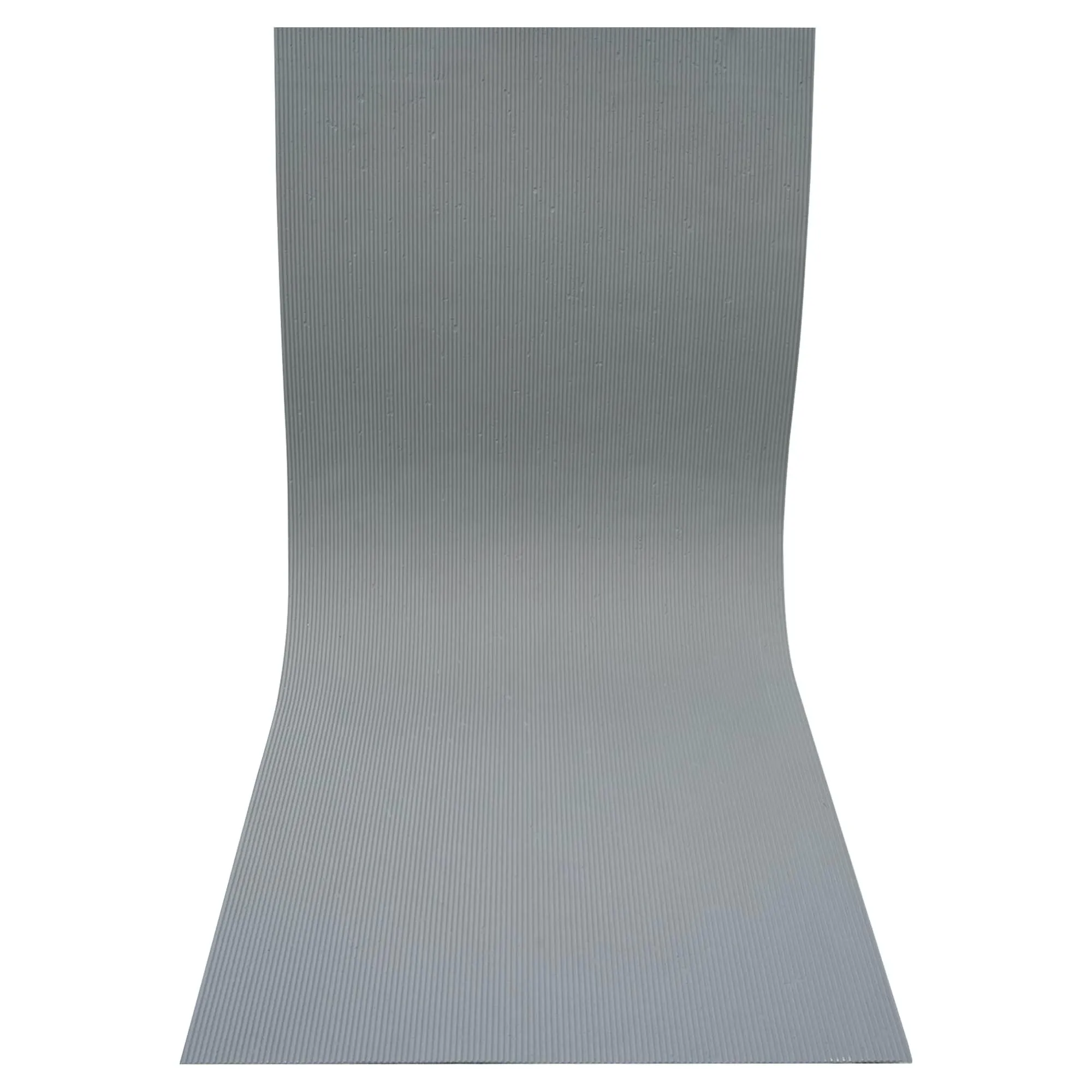
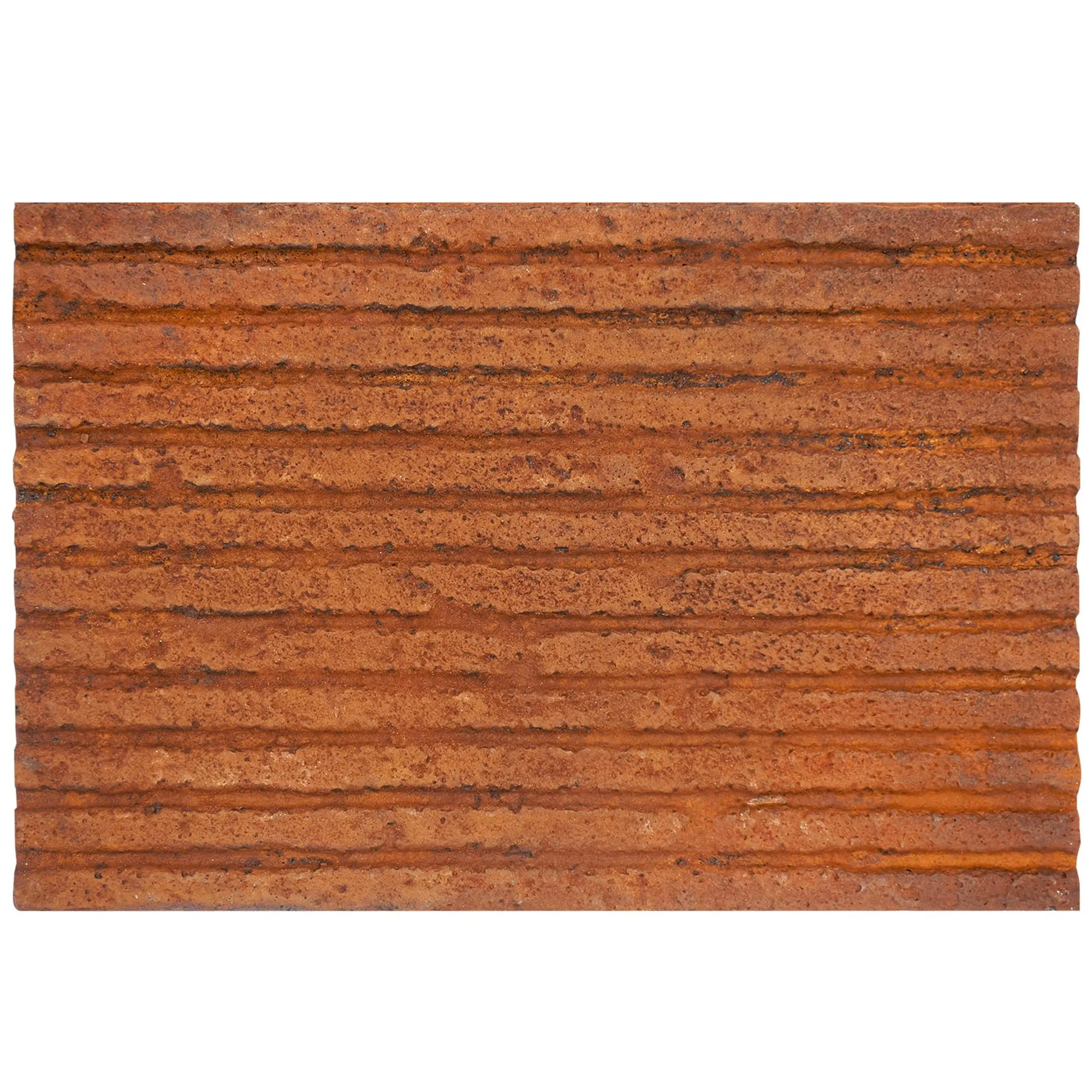
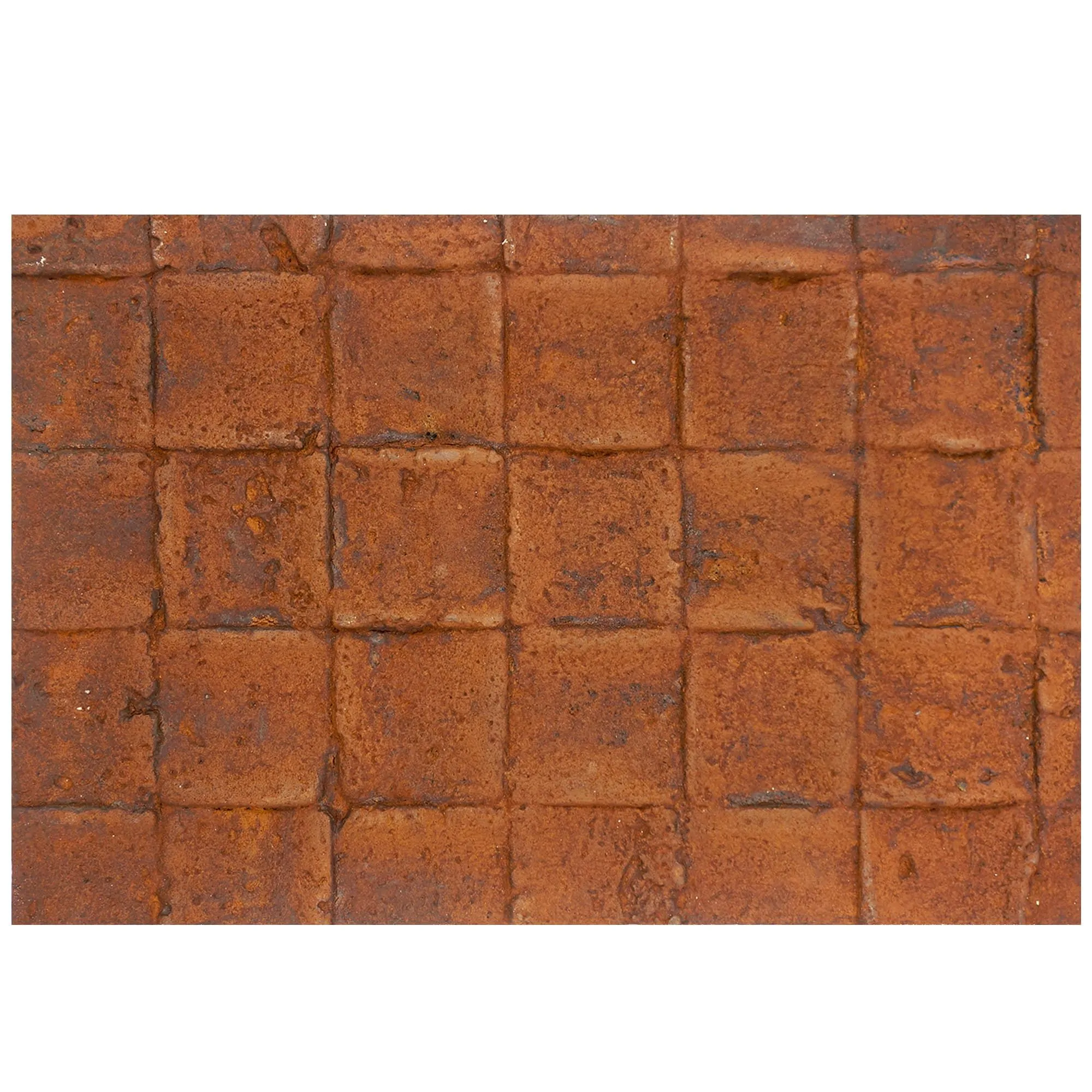
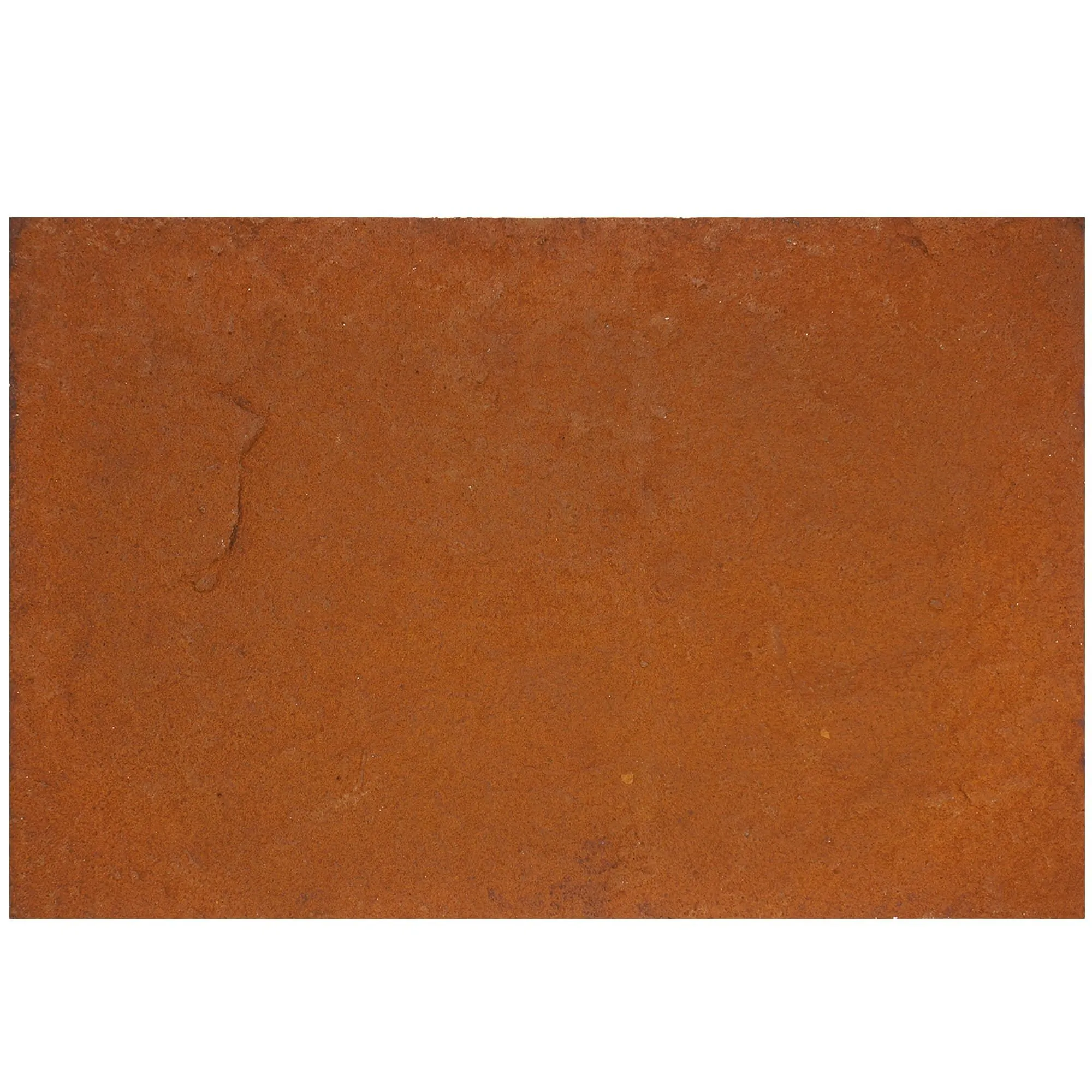
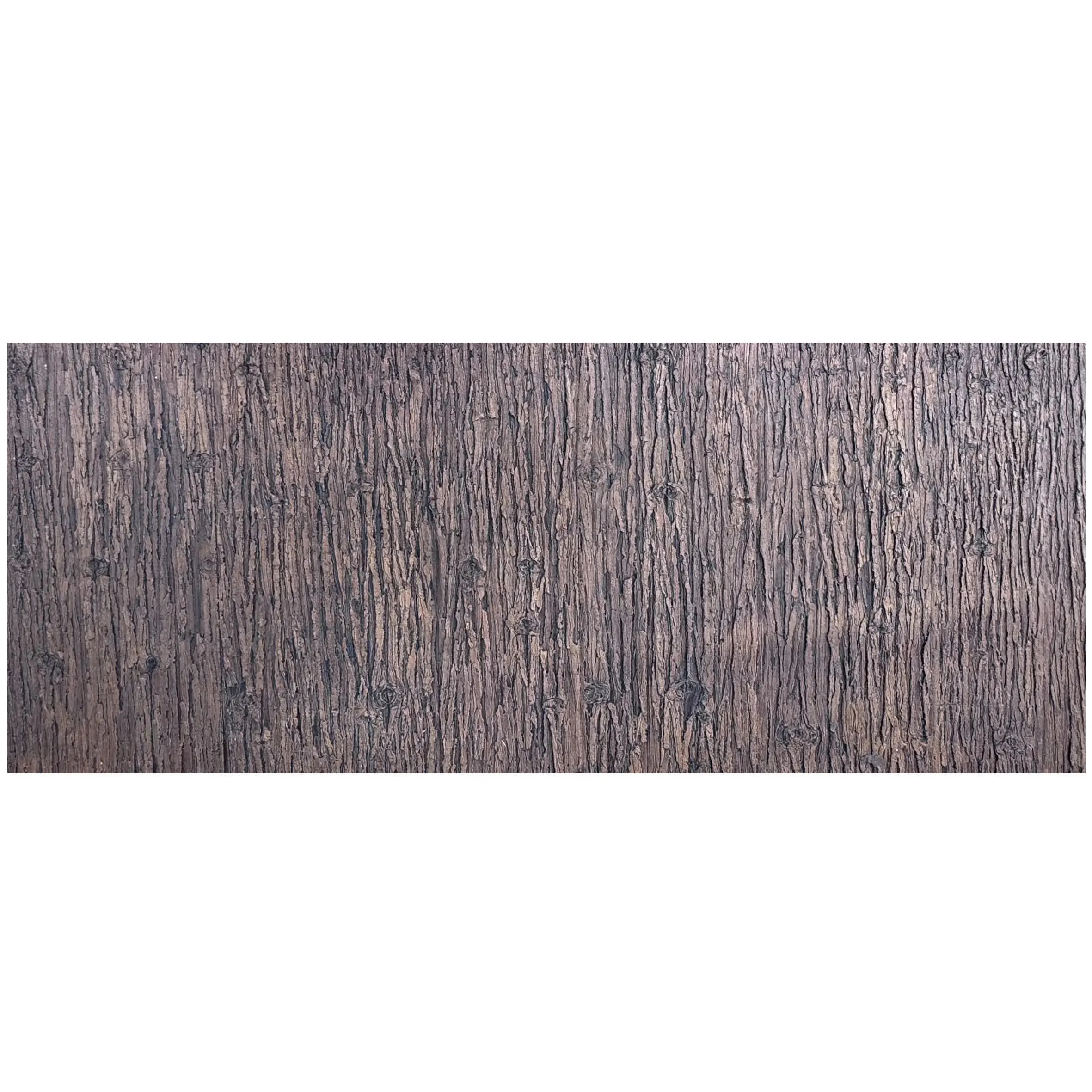
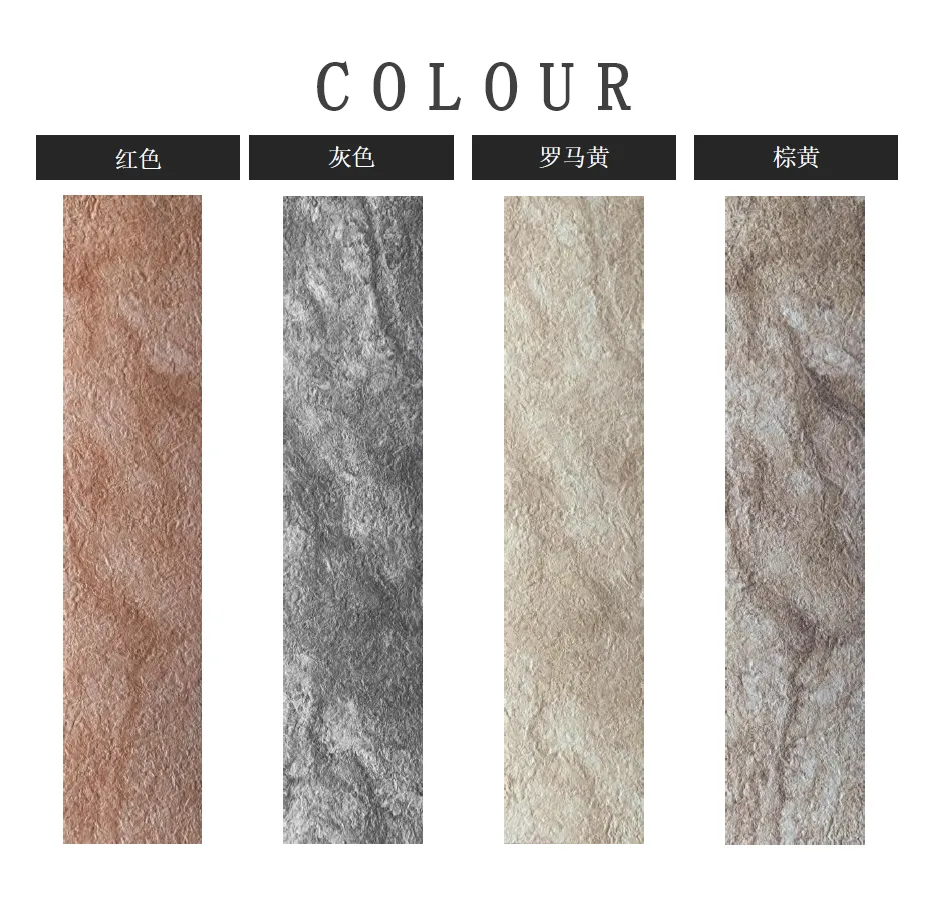
Take, for example, Rock Cut Dolomitic Stone in dark grey. Its surface is a mosaic of deep, moody tones, with flecks of silver and charcoal that catch the light like distant stars. Or the claybank variety, which leans into warm terracotta and sand hues, evoking a desert landscape at sunset. It's no wonder designers love it for both interior accent walls and exterior facades—it's versatile, timeless, and full of character. But here's the catch: that character is hard to capture in a tiny sample or a flat photo. A 4x4 inch swatch can't show you how the stone will look spanning an entire fireplace wall, or how its texture will interact with morning vs. afternoon light. That's where virtual design tools step in.
Let's be honest: traditional design methods are full of guesswork. You order a sample, hold it up to your wall, squint, and try to mentally scale it up. Maybe you tape swatches to the wall and take photos, but even then, you're limited by the room's current lighting, the size of the sample, and your own imagination. I once worked with a client who fell in love with a travertine sample (similar in texture to dolomitic stone) and ordered 200 square feet for their kitchen backsplash. When it arrived, they realized the sample had been photographed under studio lights—at home, with their warm incandescent bulbs, the stone looked orange instead of the soft beige they'd envisioned. The result? A costly return, weeks of delays, and a lot of frustration.
This isn't just a "client problem"—architects and contractors face it too. Imagine presenting a design to a commercial client for a hotel lobby. You describe the "rustic elegance" of Rock Cut Dolomitic Stone, but all they see is a 2D rendering on a screen. They nod politely, but you can tell they're not sold. Why? Because they can't feel the scale, can't walk through the space, can't adjust the lighting to see how the stone changes throughout the day. Virtual design tools eliminate that disconnect by letting everyone involved "walk" through the space, experiment with different stone types, and tweak details in real time. It's like giving your client a pair of X-ray glasses that let them see the future of their project.
So, what exactly are these virtual design tools, and how do they work? At their core, they're software platforms that use 3D modeling, augmented reality (AR), or virtual reality (VR) to create lifelike simulations of spaces using real-world materials. Think of them as supercharged design programs that don't just draw lines—they let you "paint" with actual stone textures, complete with depth, light, and shadow.
Let's break down the key features that make these tools indispensable for working with Rock Cut Dolomitic Stone:
The best part? These tools aren't just for tech wizards. Many are designed with user-friendly interfaces that let even DIY homeowners create stunning visualizations. I recently helped a friend design her kitchen using a free AR app—she uploaded a photo of her empty kitchen, selected Rock Cut Dolomitic Stone in claybank, and within minutes, she could see exactly how it would pair with her white cabinetry. "I never would have ordered it without seeing it first," she told me. "Now I'm obsessed."
Of course, even the best virtual tools are only as good as the materials they represent. That's where MCM shines. For years, the brand has focused on creating products that not only look stunning in real life but also translate seamlessly into digital models. Let's take a closer look at three lines that are particularly well-suited for virtual design:
MCM Flexible Stone is a game-changer for anyone working with non-flat surfaces—think curved walls, columns, or even furniture. Made from a lightweight, flexible composite material, it can bend and conform to almost any shape without cracking or losing its texture. But here's why it's perfect for virtual tools: its uniform thickness and consistent texture make it easy to model in 3D. When you select Flexible Stone in a virtual design program, you can trust that the digital version will behave just like the real thing—no surprises when it's time to install.
For example, imagine you're designing a boutique hotel with a curved lobby wall. You want to cover it in Rock Cut Dolomitic Stone, but traditional rigid slabs would be impossible to bend. Enter MCM Flexible Stone in dark grey. Using a virtual tool, you can model the curved wall, apply the Flexible Stone texture, and see exactly how the chiseled pattern will flow around the bend. You can even simulate how light will wrap around the curve, highlighting the stone's texture in all the right places. It's a level of precision that would have been unthinkable just a decade ago.
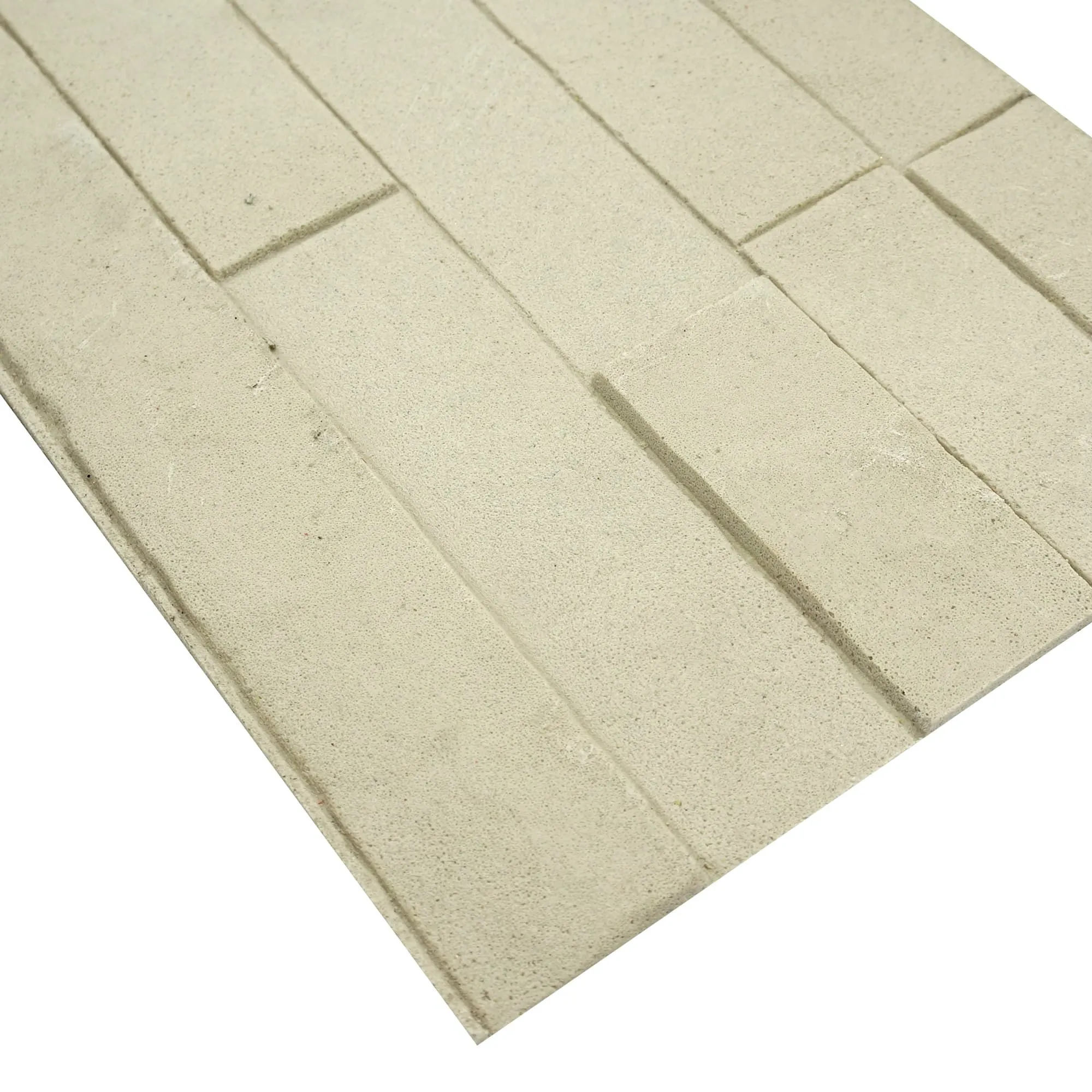
There's something undeniably impactful about large-format stone slabs. They create a seamless, uninterrupted look that small tiles just can't match. MCM's Big Slab Board Series takes this to the extreme, with slabs that can span up to 10 feet in length. But with great size comes great responsibility—how do you ensure those massive slabs won't overpower your space? Virtual design tools are the answer.
Let's say you're designing a commercial office with a reception area that needs to make a bold first impression. You're considering MCM Big Slab Board in Rock Cut Dolomitic Stone (claybank) for the feature wall. Using a 3D rendering tool, you can import the exact dimensions of the reception area, drop in the Big Slab Board, and adjust the lighting to see how it looks at different times of day. You might realize that the slab is too large for the space, so you switch to a slightly smaller size—or maybe you love the scale and decide to add recessed lighting to highlight its texture. Either way, you're making informed decisions, not guesses.
For projects that demand something truly unique, MCM's 3D Printing Series is a revelation. Using advanced 3D printing technology, the brand can create custom stone patterns, textures, and even sculptural elements that are limited only by your imagination. But with great customization comes great need for visualization—how do you know your custom 3D design will look as good in real life as it does in your head?
Virtual design tools let you collaborate with MCM's design team in real time. You can sketch a rough idea, import it into the tool, and see it rendered in 3D using the exact materials you'll use—like Rock Cut Dolomitic Stone combined with 3D-printed geometric patterns. You can rotate the design, zoom in on details, and even make changes on the spot. One architect I worked with used this process to create a custom 3D-printed feature wall for a restaurant, incorporating Rock Cut Dolomitic Stone and MCM's Bamboo Mat Board for a natural-meets-modern vibe. "The client signed off immediately because they could see exactly what they were getting," he said. "No more 'trust me'—now it's 'look for yourself.'"
Ready to try virtual design tools for yourself? Here's a simple, actionable guide to get started:
Pro tip: Don't rush this process. The beauty of virtual tools is that they let you iterate quickly—so try 5 different layouts, 3 color combinations, and 2 lighting scenarios. The more you experiment, the more confident you'll be in your final choice.
Still not convinced? Let's look at a few real examples of how virtual design tools have transformed projects using Rock Cut Dolomitic Stone and MCM products:
A small café in Portland wanted to update its interior with a warm, rustic vibe. The owner fell in love with Rock Cut Dolomitic Stone (claybank) but was worried it would make the space feel too dark. Using an AR tool, they uploaded photos of their empty café, applied the stone to the back wall, and experimented with lighting. They realized that adding pendant lights above the stone would highlight its texture and keep the space bright. They also decided to pair it with MCM's Bamboo Mat Board for the ceiling, creating a cohesive natural look. The result? A café that feels like a mountain cabin, with lines out the door. "We saved at least $5,000 by not ordering the wrong stone," the owner said.
A tech company in San Francisco wanted to impress clients with a modern, sophisticated lobby. They chose MCM's Big Slab Board Series in Rock Cut Dolomitic Stone (dark grey) for the feature wall, paired with Foamed Aluminium Alloy Board (vintage silver) for accents. Using 3D rendering software, their architect created a virtual model of the lobby, complete with furniture and lighting. They shared the model with the client, who requested a slight (adjustment): making the stone slab 2 feet taller to fill more of the wall. The architect made the change in 5 minutes, and the client signed off immediately. "Without the virtual model, we would have spent weeks going back and forth on samples," the architect noted.
With so many tools available, it can be hard to choose. To help, here's a quick comparison of popular options, focusing on features that matter most for stone visualization:
| Tool | Best For | MCM Material Library | AR Preview | Price |
|---|---|---|---|---|
| Houzz AR Visualizer | Homeowners, simple projects | Yes (select lines) | Yes | Free |
| SketchUp Free | DIY designers, 3D modeling | Yes (via MCM plugin) | No (but 3D rendering) | Free (premium version available) |
| Chief Architect Home Designer | Professional designers, detailed projects | Yes (full library) | Yes | $199 (one-time purchase) |
| MCM Virtual Designer (Proprietary) | MCM product users, custom projects | Yes (all products) | Yes | Free for MCM clients |
Remember, the best tool depends on your needs. If you're a homeowner tackling a small project, Houzz or SketchUp Free will likely be enough. If you're a professional designer working with MCM products, their proprietary tool is worth exploring for its detailed material library and customization options.
As technology evolves, virtual design tools for stone are only going to get better. Here are a few trends to watch:
At the end of the day, virtual design tools aren't just about technology—they're about confidence. They give you the freedom to dream big, experiment fearlessly, and trust that the Rock Cut Dolomitic Stone you fall in love with on screen will be just as stunning in real life. Whether you're a seasoned designer or a first-time homeowner, these tools level the playing field, ensuring that everyone can create spaces that feel personal, intentional, and uniquely theirs.
And when you pair these tools with MCM's innovative products—Flexible Stone that bends to your vision, Big Slab Boards that make a statement, 3D Printing Series that lets you customize down to the smallest detail—you're not just designing a space. You're crafting an experience. One that starts with a virtual idea and ends with a room that makes you think, "Wow, it's even better than I imagined."
So what are you waiting for? Grab your measuring tape, download a tool, and start visualizing. Your Rock Cut Dolomitic Stone masterpiece is just a few clicks away.
Recommend Products